


Individuals
Anyone who wants to protect personal notes, messages, private records, or sensitive text can use this tool for quick and secure browser-based encryption.
Encrypt text online free with AES-256 and Implay-256.
Text encrypted here can only be decrypted on this site.
Encrypt text and decrypt text online using AES-256 directly in your browser.
This private online text encryption tool helps you protect personal notes, confidential messages, passwords, and sensitive business text without uploads, storage, or server-side processing. Your data stays on your device from start to finish, so you can encrypt text securely in seconds without creating an account or installing anything.
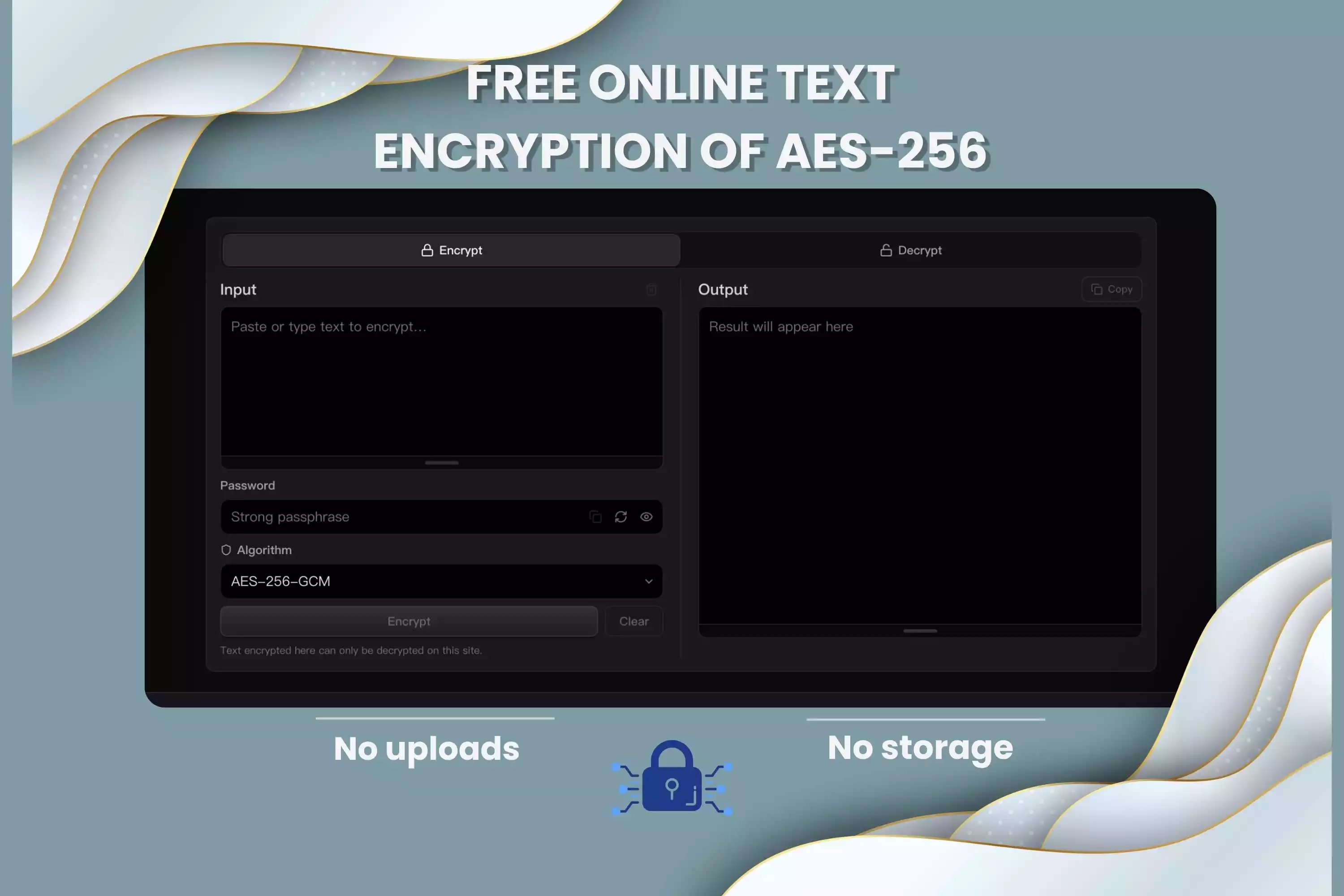
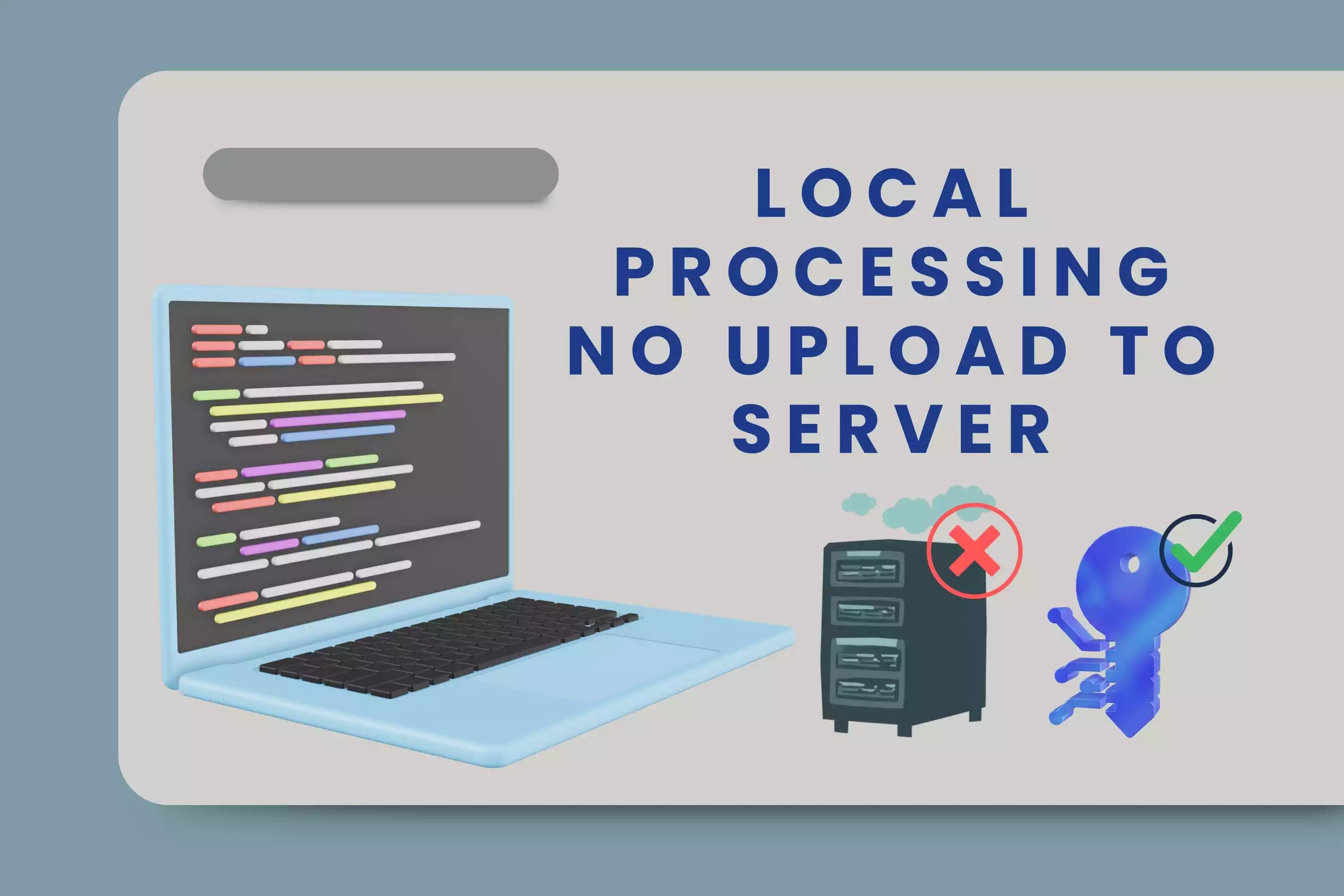
This browser-based text encryption tool is designed to keep your content private from start to finish. Instead of sending text to a remote server for processing, it encrypts text directly on your device. That means your personal notes, confidential messages, passwords, and sensitive business text can be protected with less exposure risk and more control over your data.
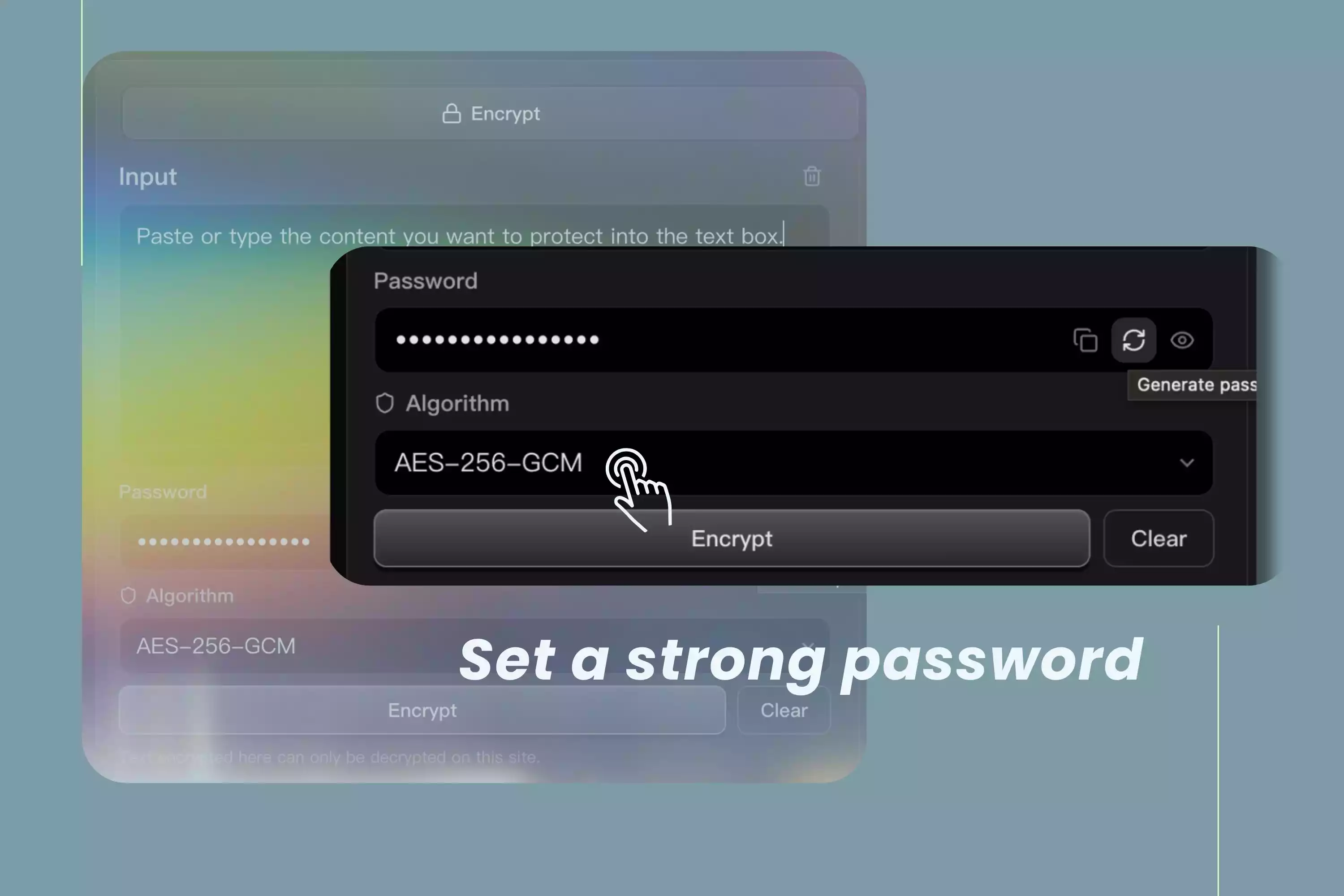
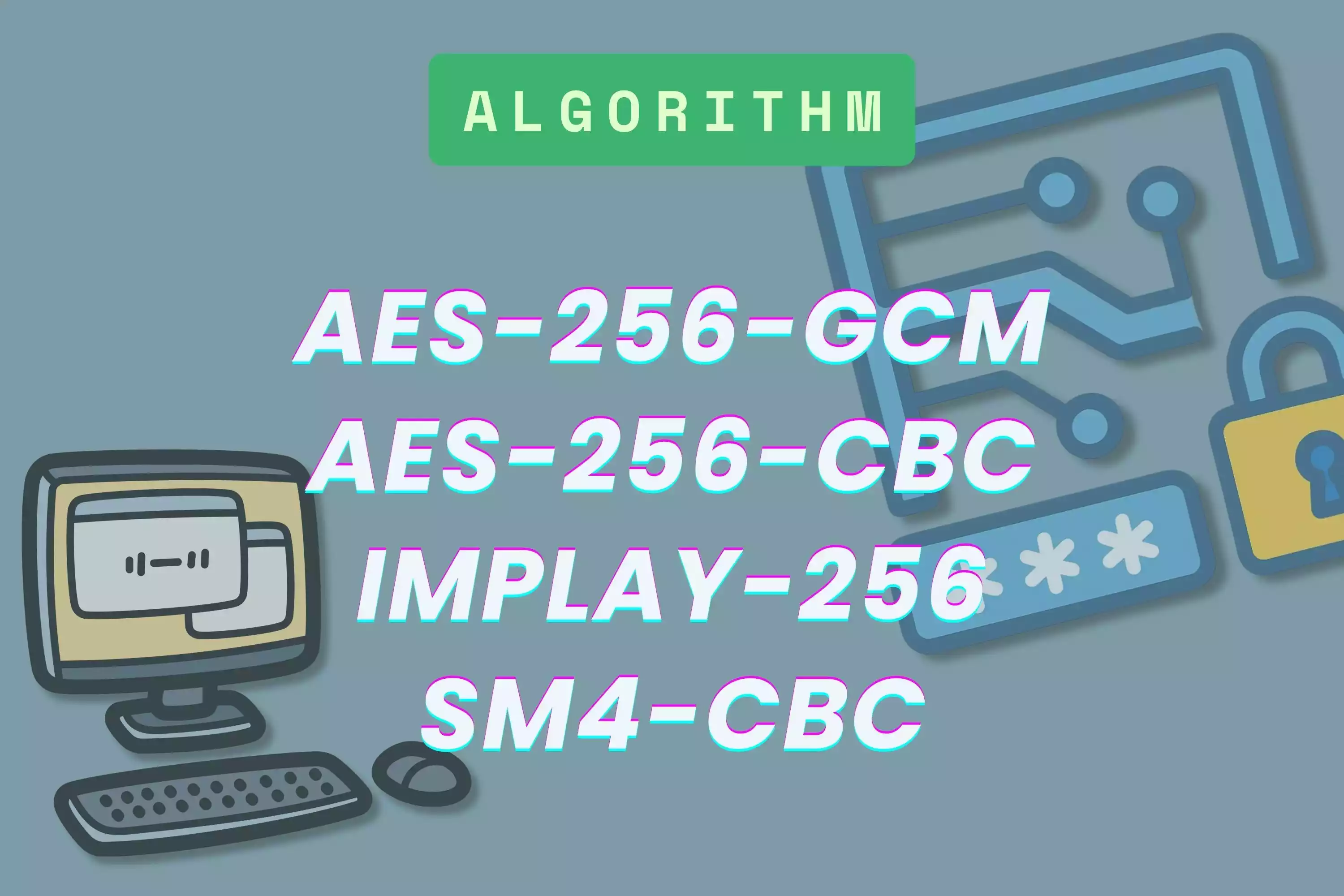
Different users may need different encryption methods depending on their security requirements, compatibility needs, or workflow preferences. AES-256-GCM is a modern option for strong, efficient protection, while AES-256-CBC may offer broader compatibility in some environments. SM4-CBC can support region-specific standards, and Implay-256 adds another flexible option within the platform.
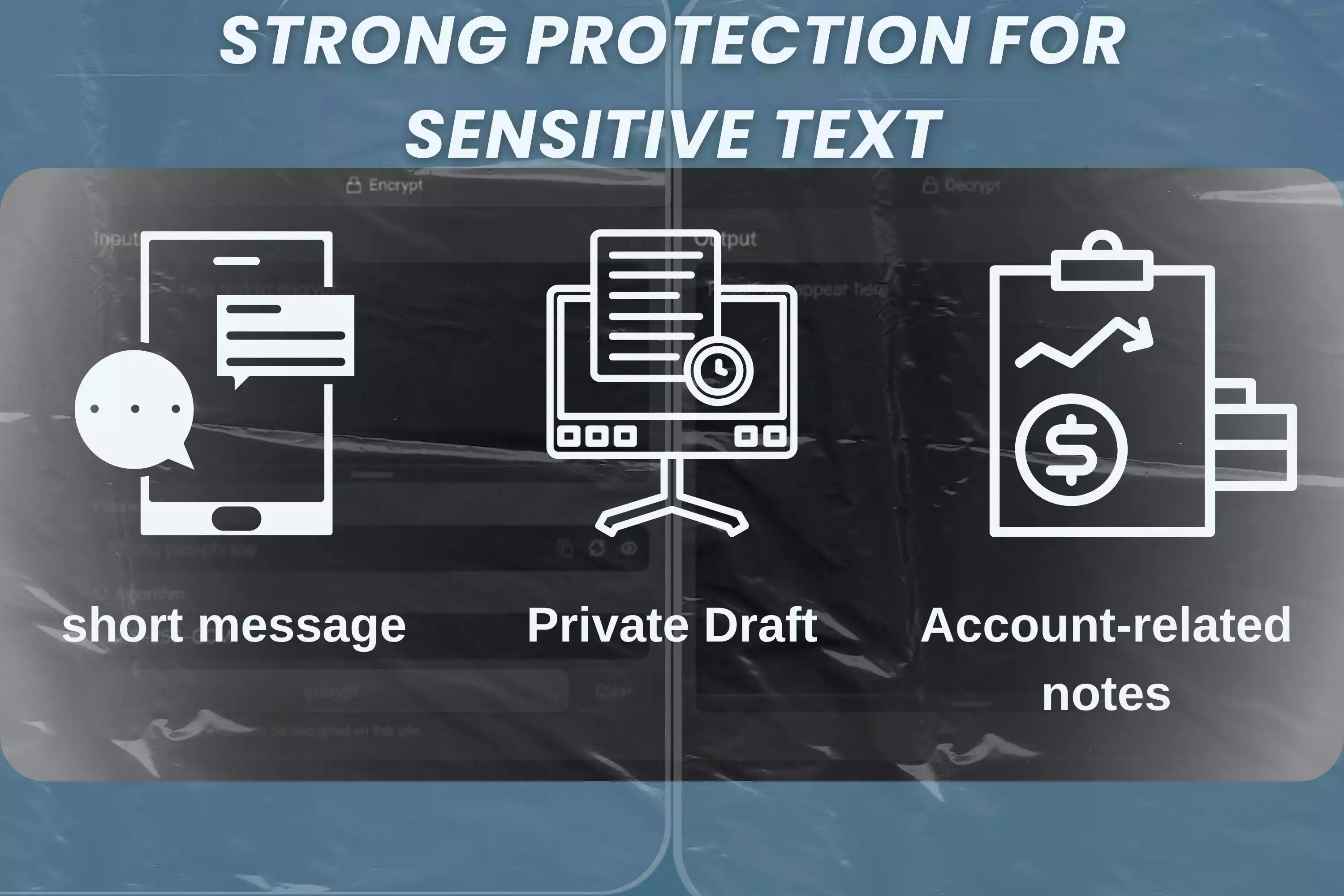
Sensitive information is not always stored in files or databases. Sometimes it exists as a short message, a private draft, an account-related note, or internal business content. Text encryption helps protect this type of content by turning readable text into ciphertext before it is shared, copied, or stored.
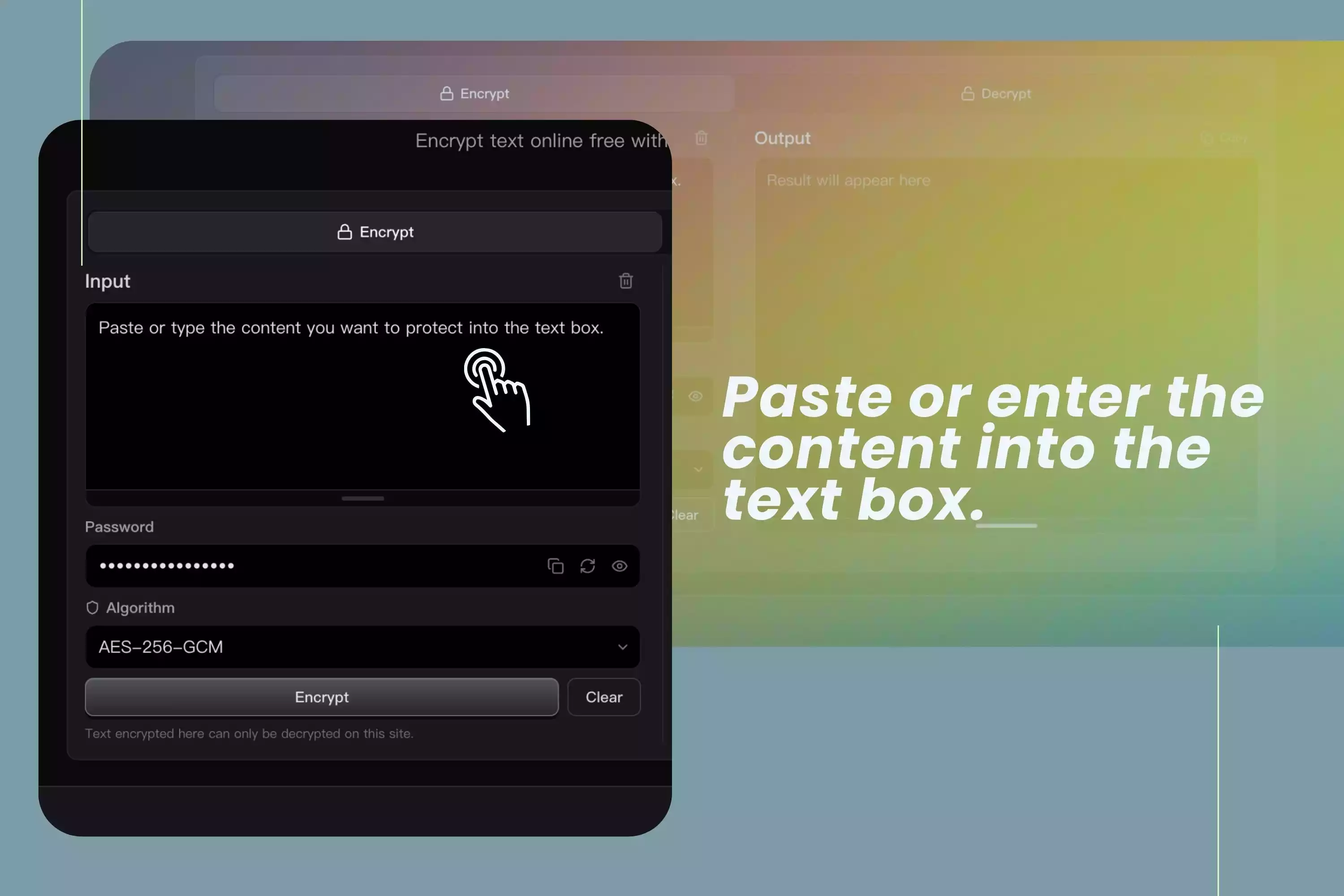

This tool is built for private text encryption. Your content stays on your device and is never sent to a server.
Because there is no upload or external storage, there are fewer opportunities for sensitive information to be collected, logged, or leaked.
AES-256 is a widely recognized encryption standard used to protect important data in many professional and technical environments.
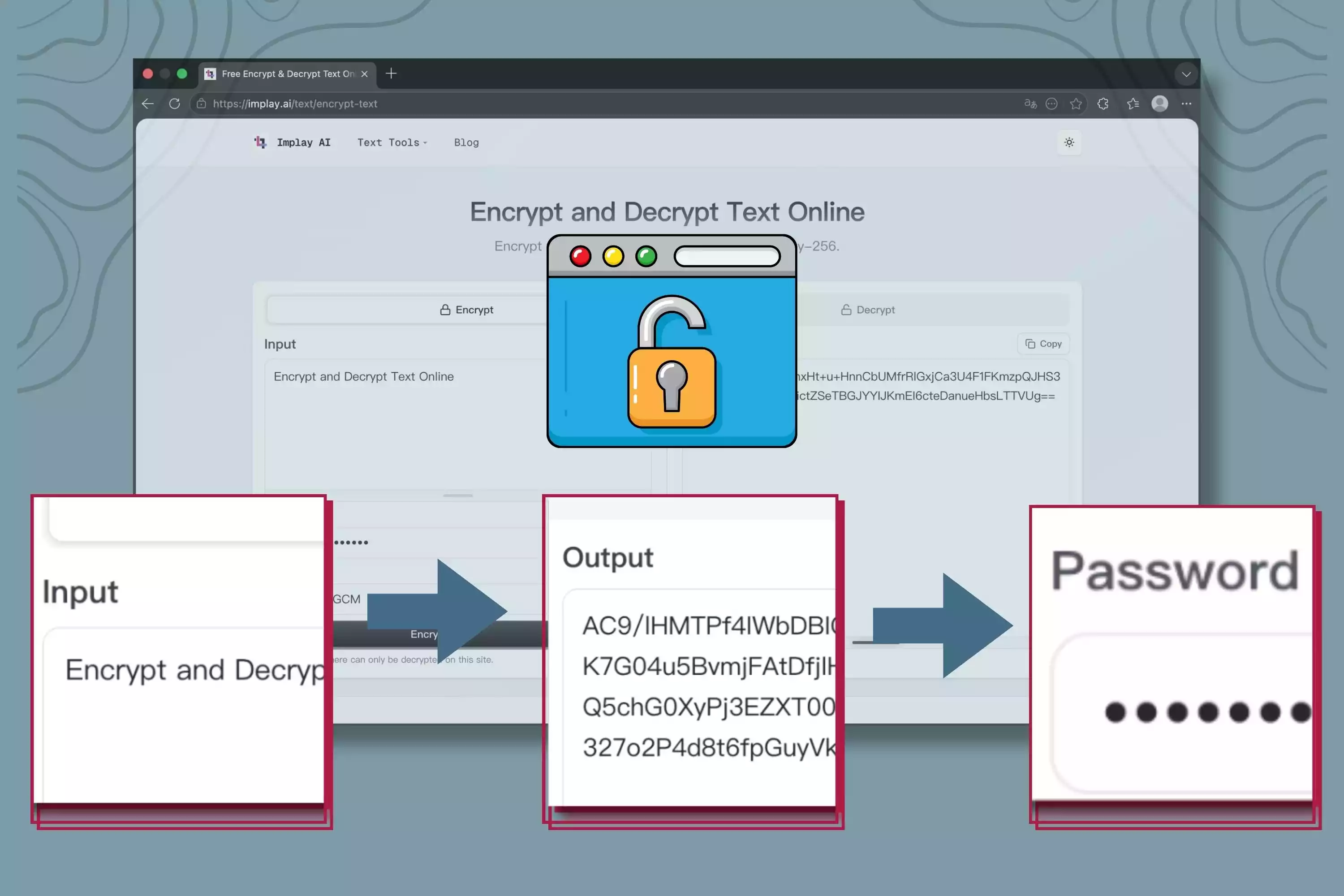
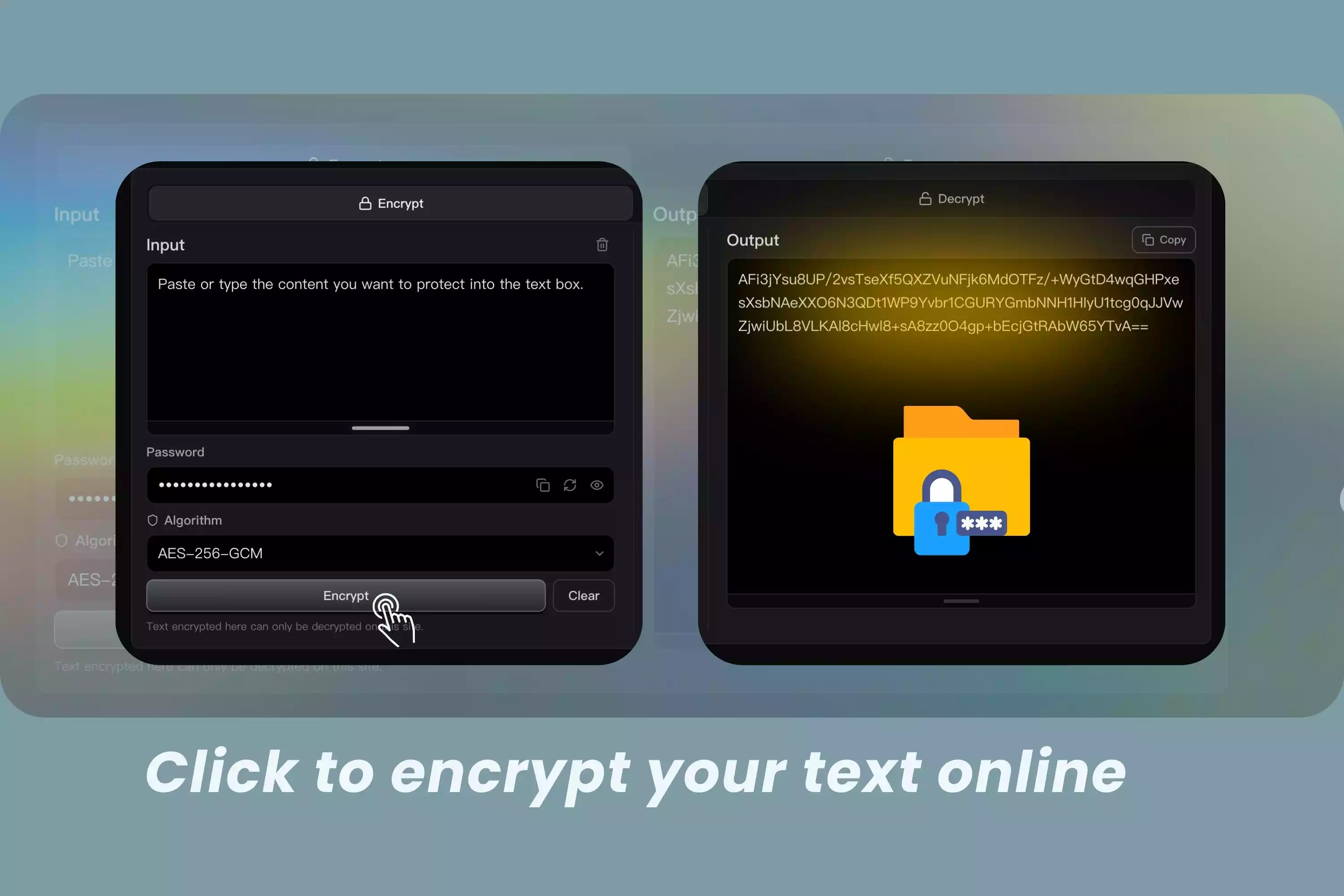
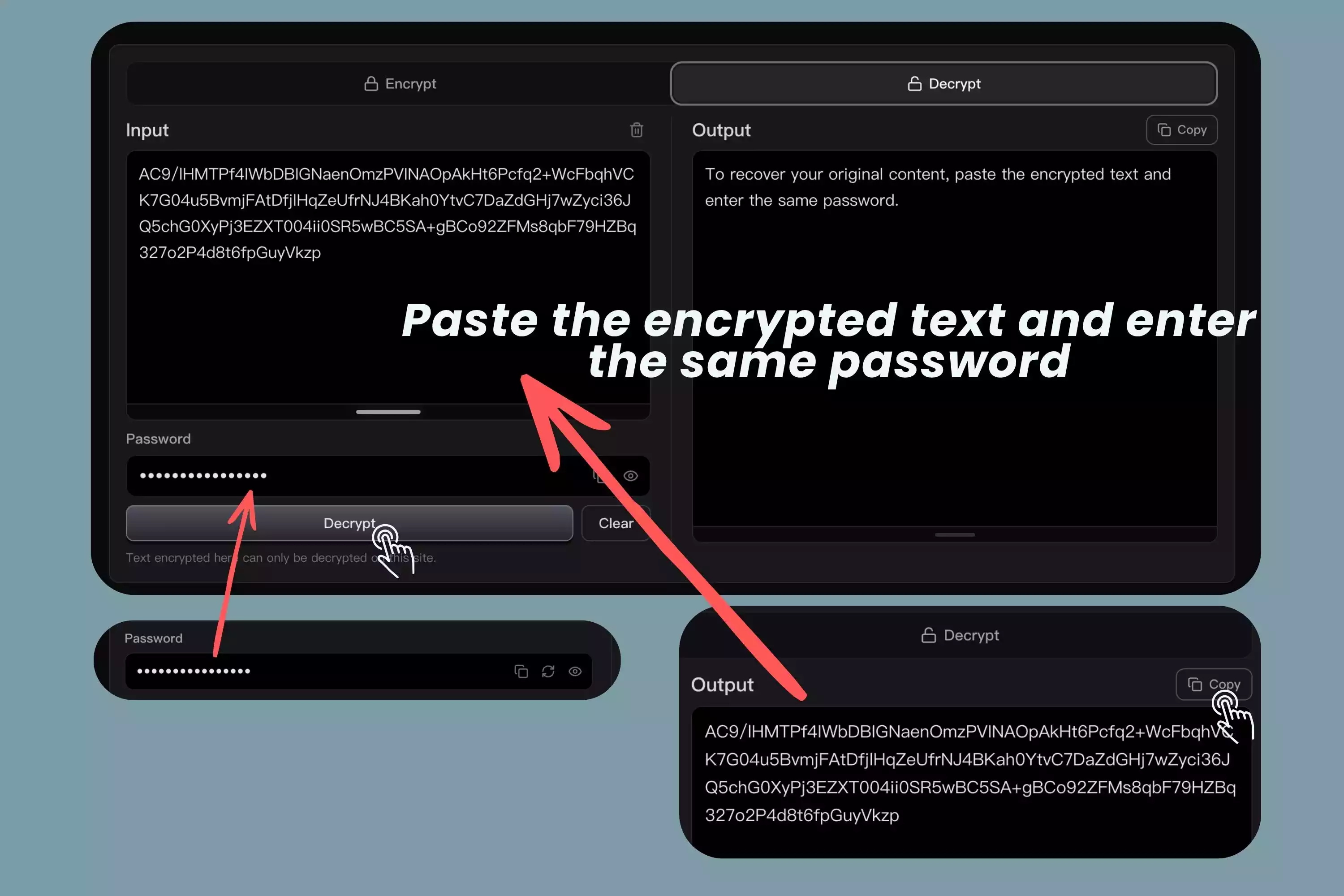
Text encryption turns readable content into protected output using a mathematical process and a password or key. Once text is encrypted, the original message becomes ciphertext, which appears unreadable unless the correct password is used to decrypt it. In a browser-based encryption tool like this one, the process happens directly on your device.
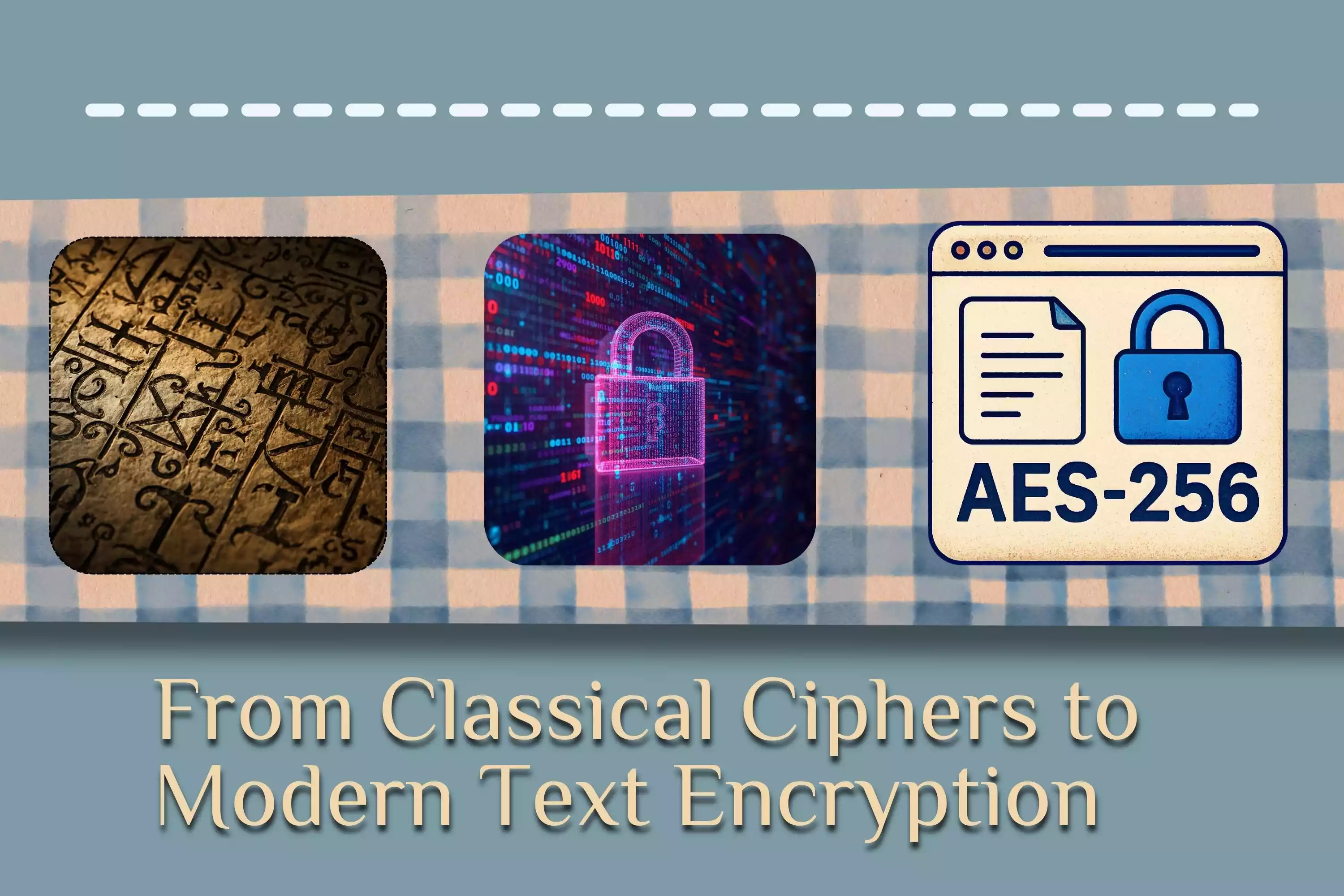
Text encryption has evolved from simple classical ciphers to advanced modern cryptography. Early methods such as substitution and transposition ciphers were important in history, but modern encryption uses much more complex mathematical algorithms designed for digital security, speed, and resistance to attack.
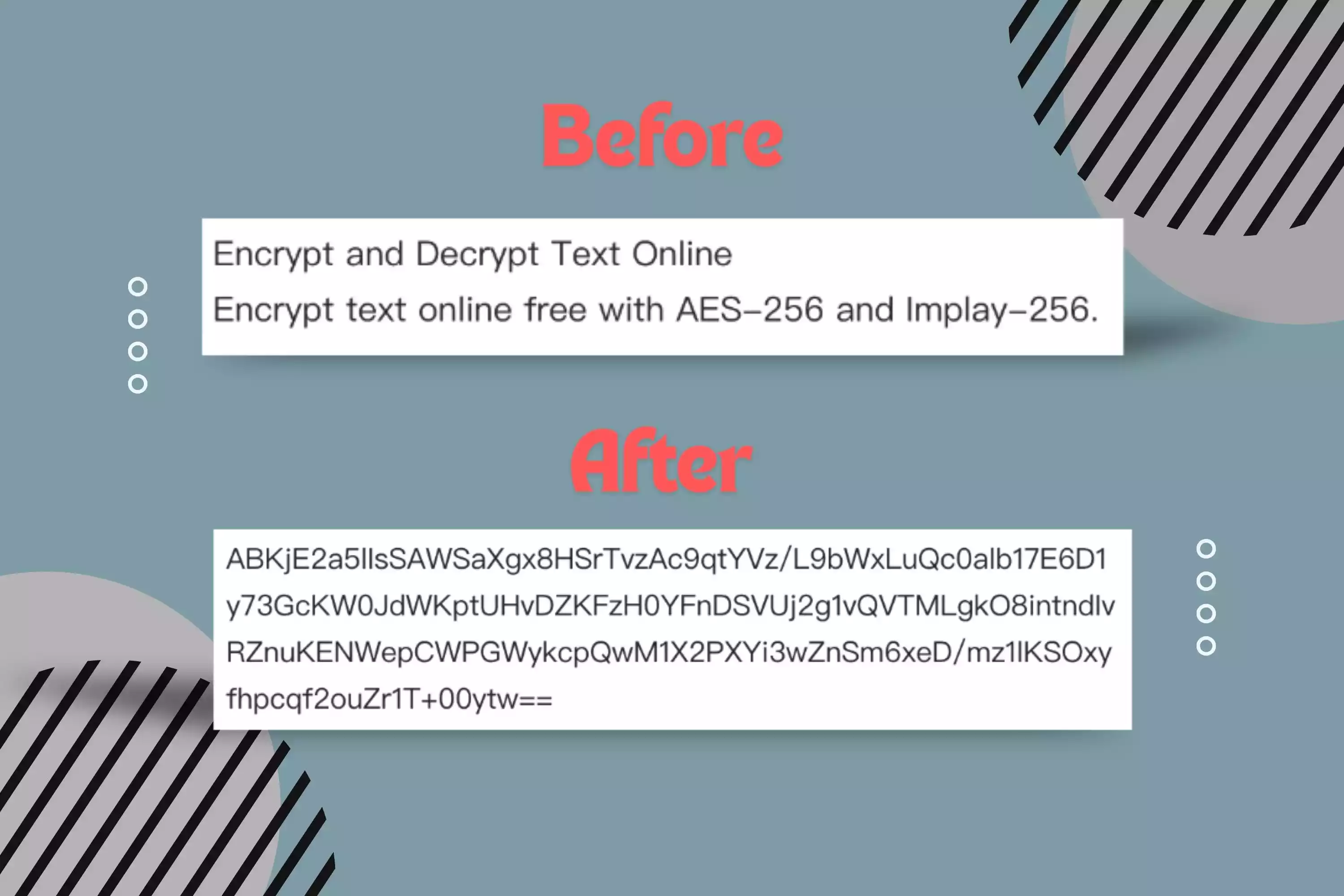
Encrypted text does not look like the original message. After encryption, readable content is transformed into ciphertext, which often appears as a random-looking string of letters, numbers, and symbols. This visible change helps protect the meaning of private messages, confidential drafts, and sensitive information.
Anyone who wants to protect personal notes, messages, private records, or sensitive text can use this tool for quick and secure browser-based encryption.
Developers can use online text encryption to protect tokens, keys, configuration values, and other technical information before sharing or storing it.
Teams can encrypt confidential text, internal communication, draft content, or business information without relying on third-party storage.
"I needed to encrypt text for a collaborator. The fact that I could do it in the browser was the whole point."
"No account, no ceremony. I tried it with a throwaway note first, then kept it bookmarked."
"I use it for the occasional private detail, not as a whole file system. For a quick message, it does the job."
"Handy when I need to pass a sensitive snippet without dropping it into yet another service. I still send the password separately."
"The flow is simple enough that I didn't have to explain it twice. I like that."
Yes. A text message can be encrypted before it is shared or stored.
Encryption turns readable text into protected ciphertext that cannot be understood without the correct password or key.
Use online text encryption with AES-256 directly in your browser. No storage, no server processing, and no unnecessary exposure.