
Upload a blurry image
Choose a screenshot, document scan, photo, or other supported image file with text that is difficult to read.
Output quality
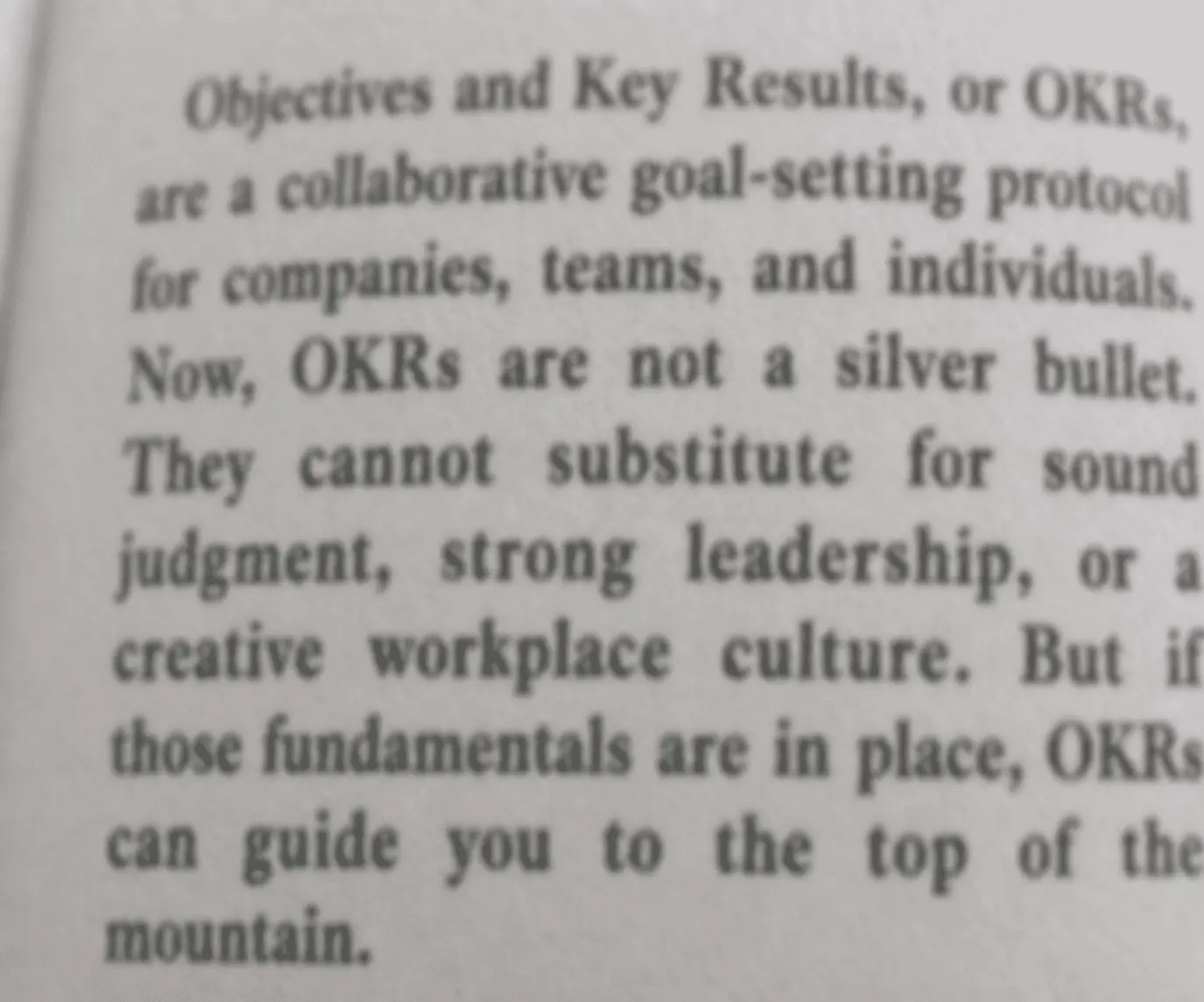
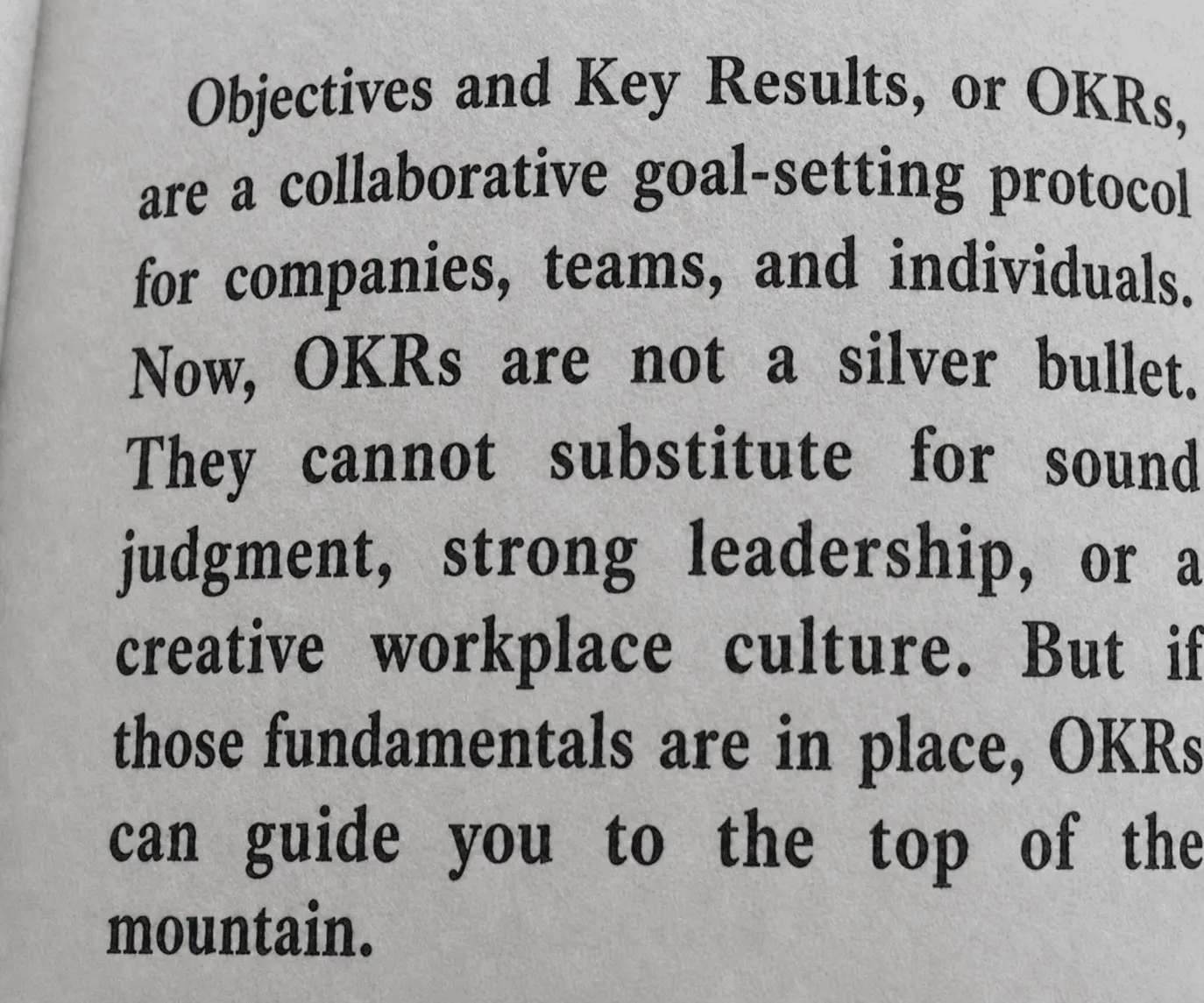
Continue with a tool that matches the next step in your image workflow.
Use AI to make text easier to read in screenshots, scanned documents, photos, signs, and labels. The side-by-side preview keeps the change easy to inspect.
When a word is hard to make out, start with the image you already have and restore clarity without a complicated editing workflow.
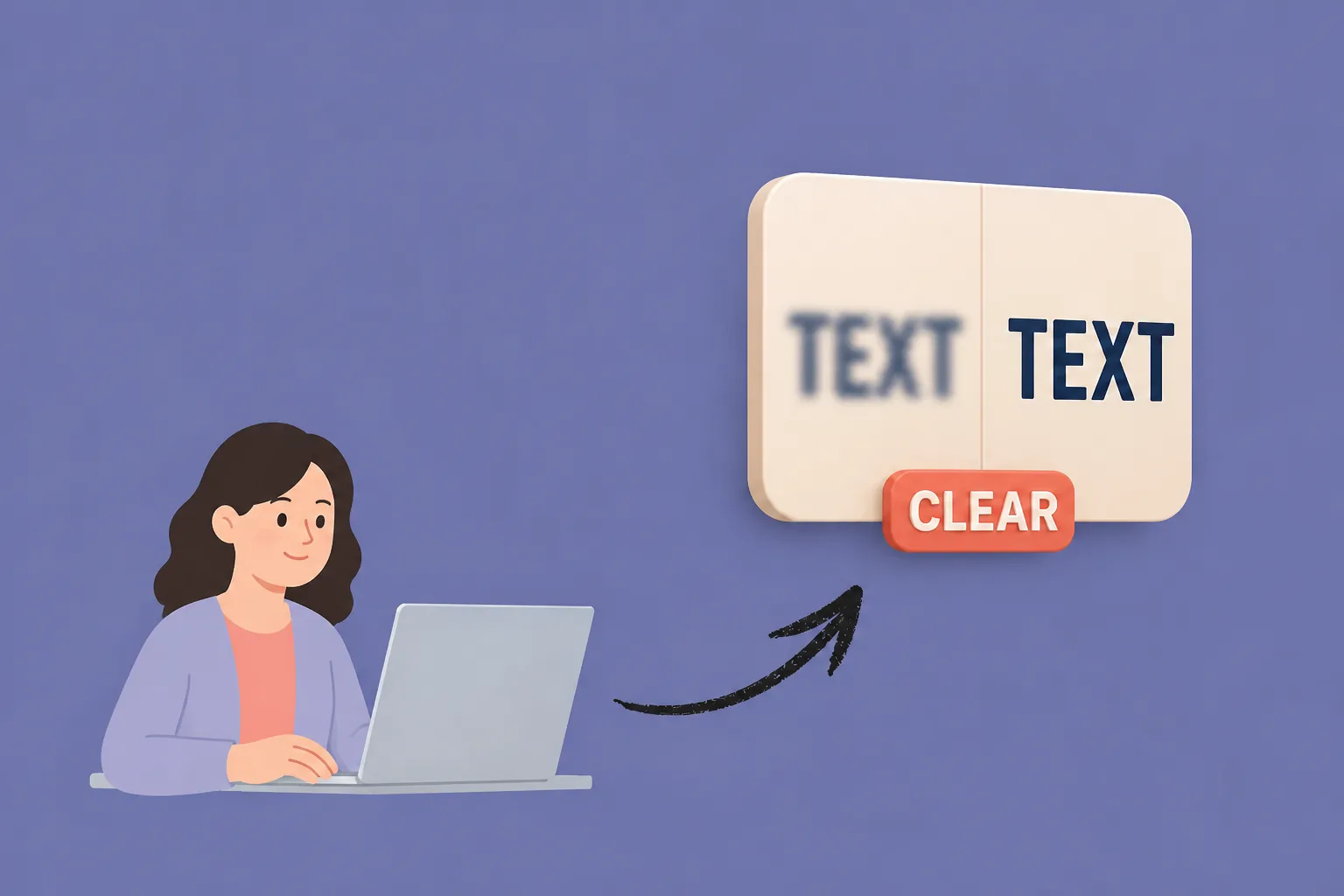
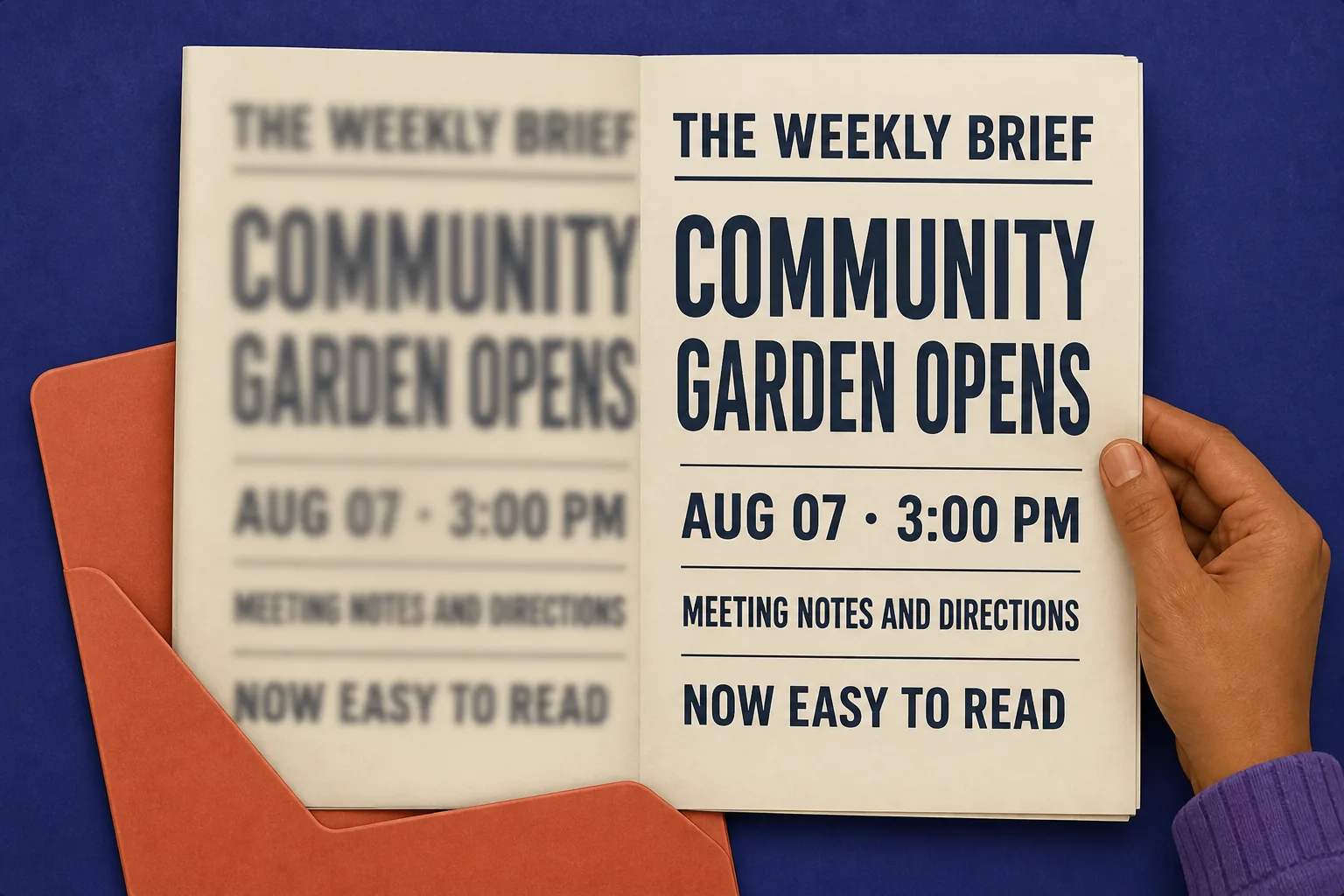
Bring blurred text into focus for meeting screenshots, receipt scans, and lecture notes, so the information you need is easier to read without repeated zooming or retaking the image.
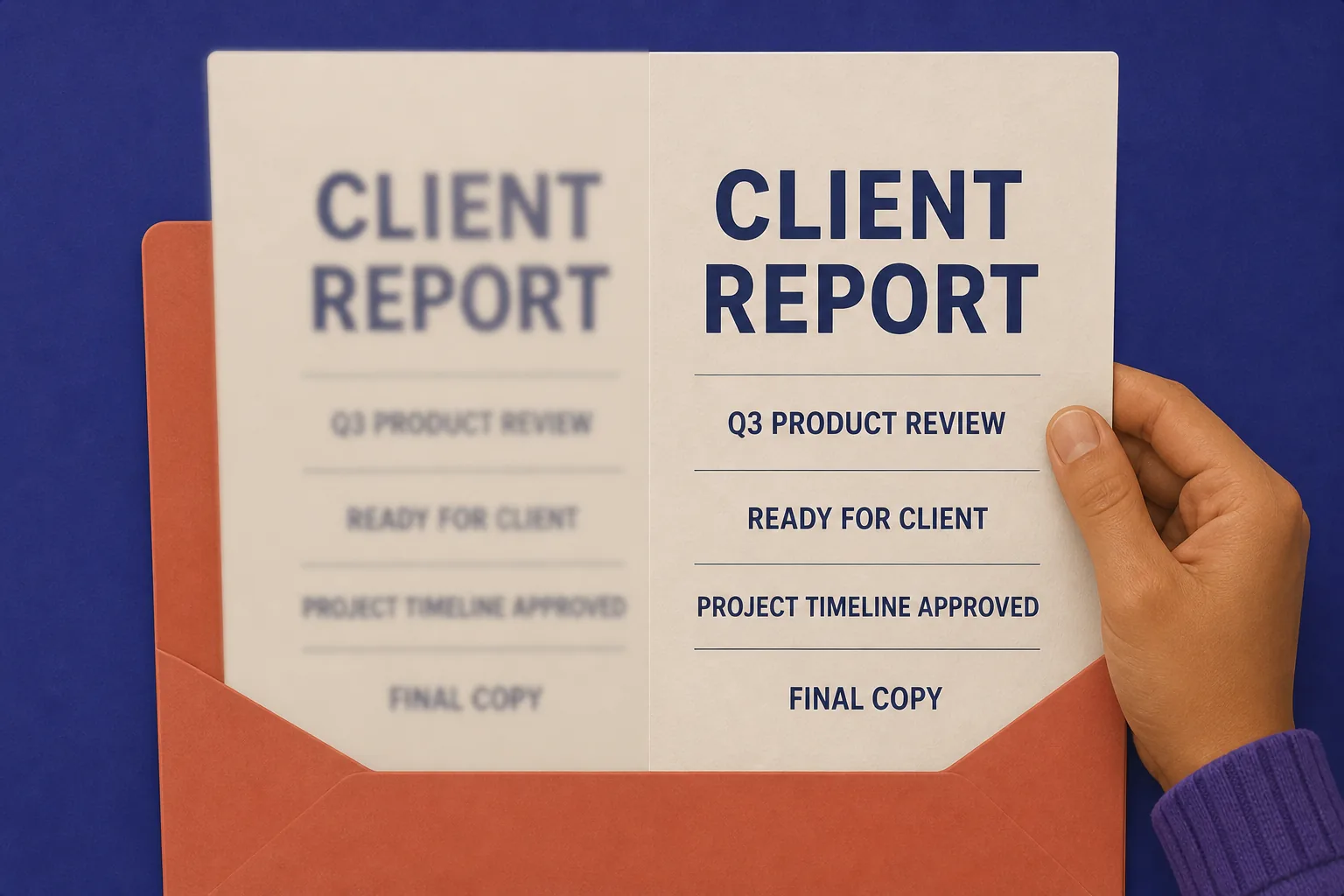
Use clearer document images in reports, client deliverables, and presentations when readable details shape the first impression. Clean text helps the work feel considered and ready to share.
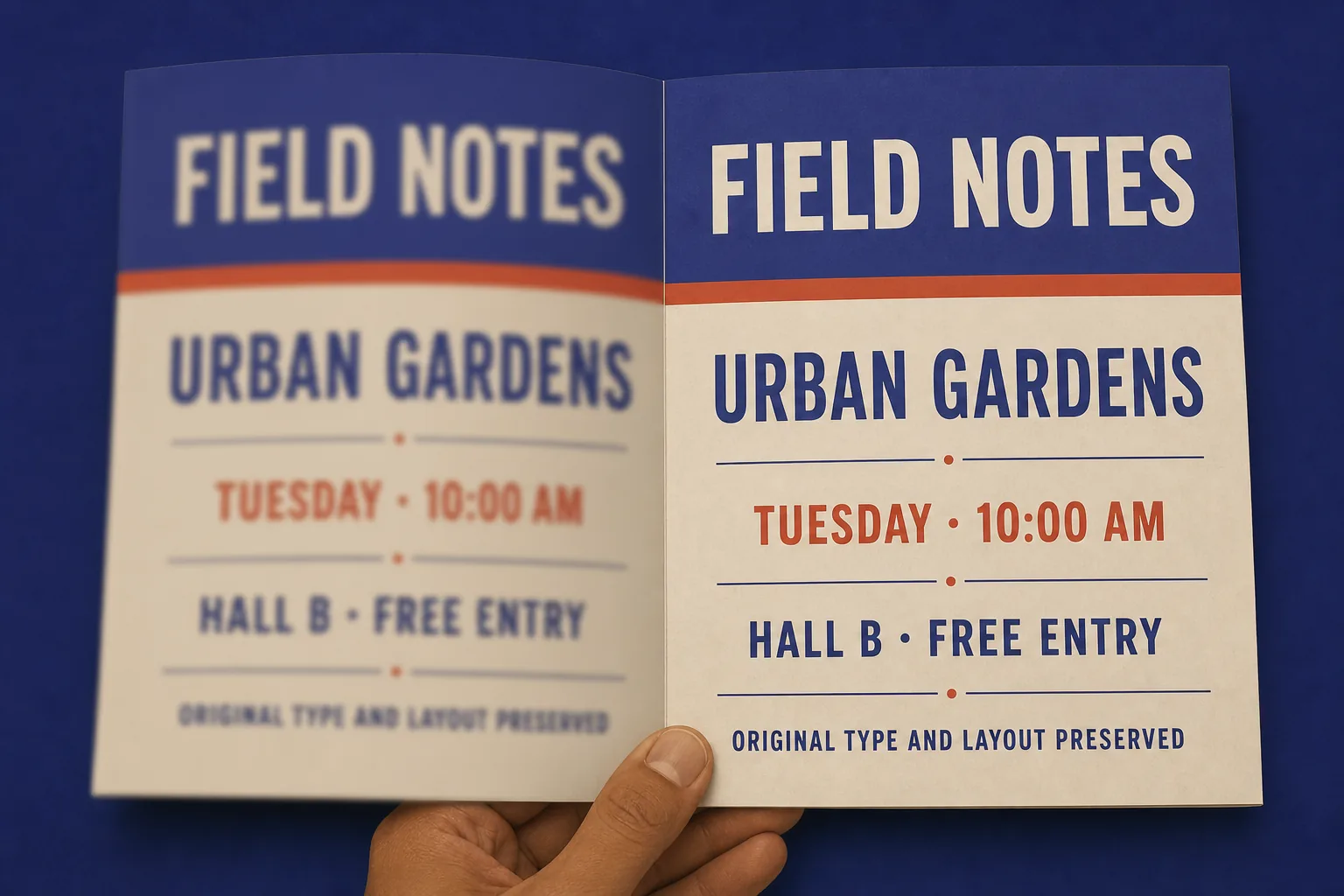
Text-focused enhancement is designed to improve legibility while keeping the image's visual structure in place, so fonts, spacing, and layouts stay recognizably close to the original.
Choose a screenshot, document scan, photo, or other supported image file with text that is difficult to read.
Select the result quality that fits your image, then let the tool focus on making the visible text more legible.
Compare the restored image with the original, check the words you need, and download when the result looks right.
The AI unblur text tool identifies visible text in screenshots, scans, signs, product labels, and interface mockups, then concentrates the enhancement where readability matters most.
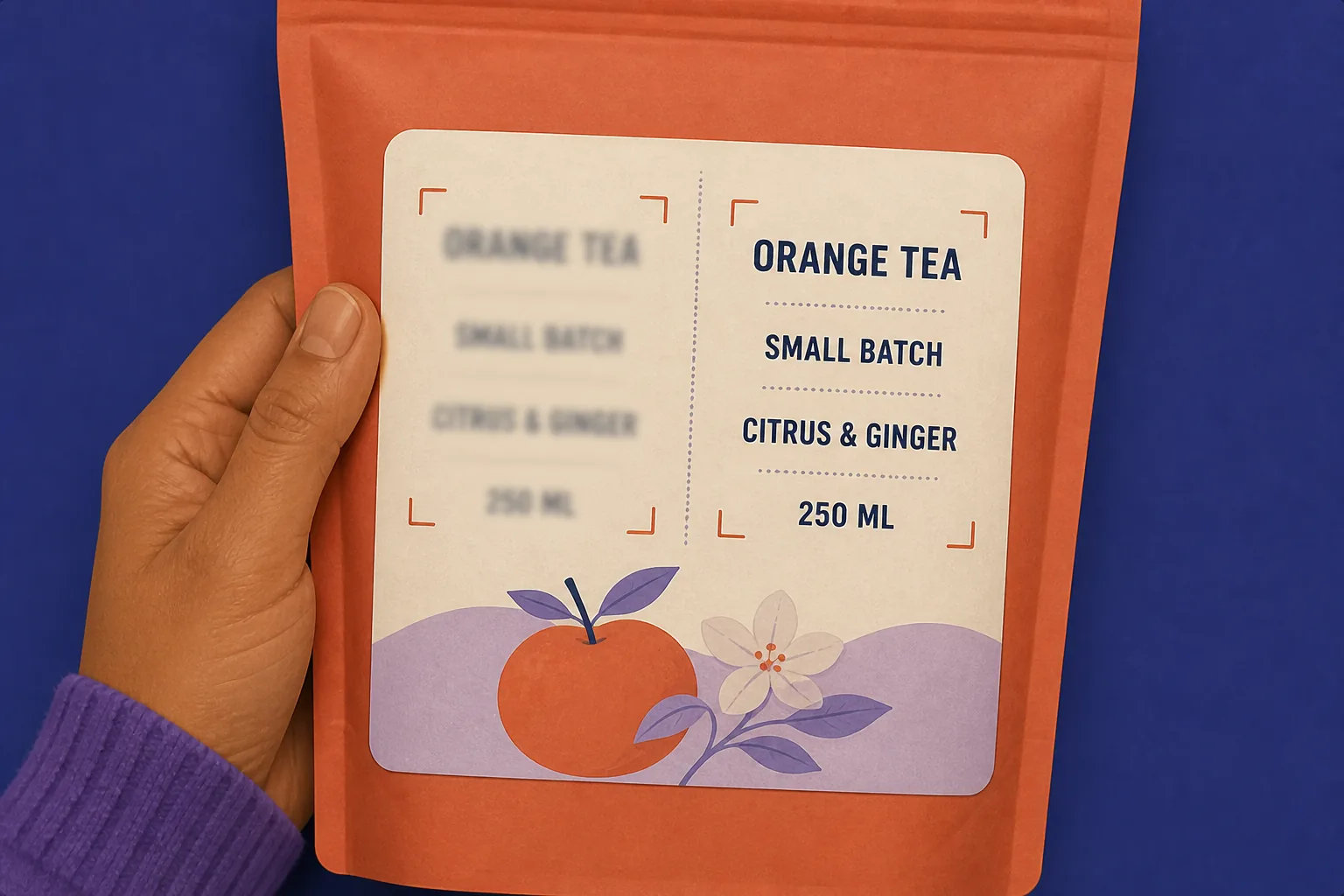
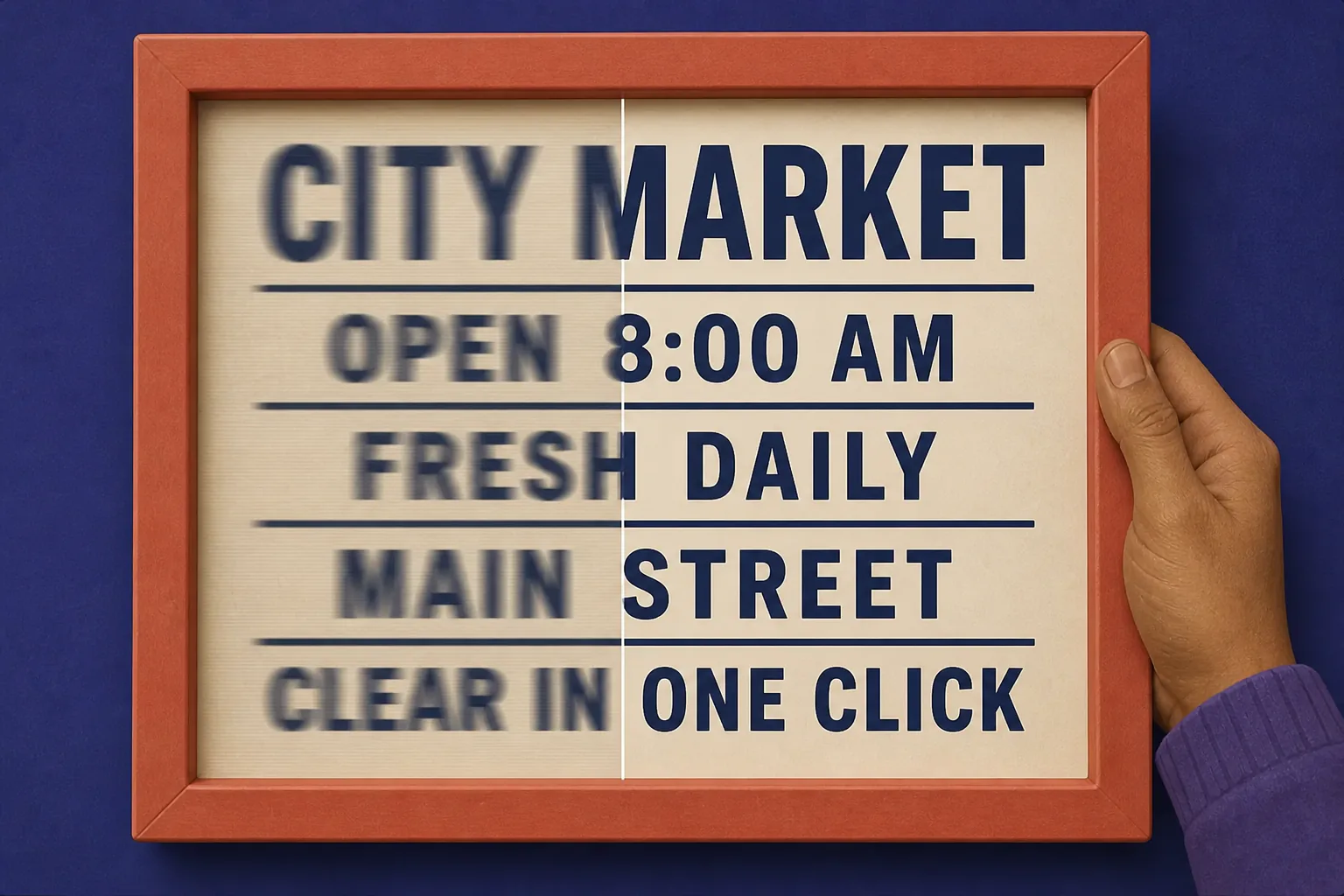
Improve the readability of text affected by camera shake, motion blur, low light, poor focus, scanning noise, or JPEG compression. Start with the image you have and review the result before saving it.
Use a workflow centred on restoring readable words in real-world images, from small labels to dense documents.
Work with the screenshots, scans, photos, signs, and product details that already contain the information you need.
Review the difference between the original and restored image before deciding whether the result is ready to use.
"I keep getting expense receipts taken in bad lighting. I can usually read the totals after one pass instead of going back and forth asking for a clearer photo. I still double-check the very faint line items."
"I had lecture slides photographed from the back of the room, and the small definitions were what I needed most. Seeing them beside the original made it easy to decide which pages I could use."
"When a screenshot ends up in a deck, fuzzy labels make the whole thing feel unfinished. This gives me a usable version before I start rebuilding the slide, though I still review tiny labels closely."
"The stockroom sends photos of package labels more often than I'd like. It helps me make out the basics, though I still check product codes that are smudged in the original."
"For a busy meeting, I take a screenshot while the action items are on screen. It helped me read names and due dates afterward without needing a second message."
"I was sorting old workshop scans and only needed a few terms to be legible. The comparison view is useful because I can keep the wording that matters and still flag handwritten abbreviations for a manual check."
An AI unblur text tool detects visible blurry text in an image and improves its clarity, so you can make words easier to read without manually editing each area.
Upload an image, preview the restored text, and keep working with the detail you can now see.