
Artists and Illustrators
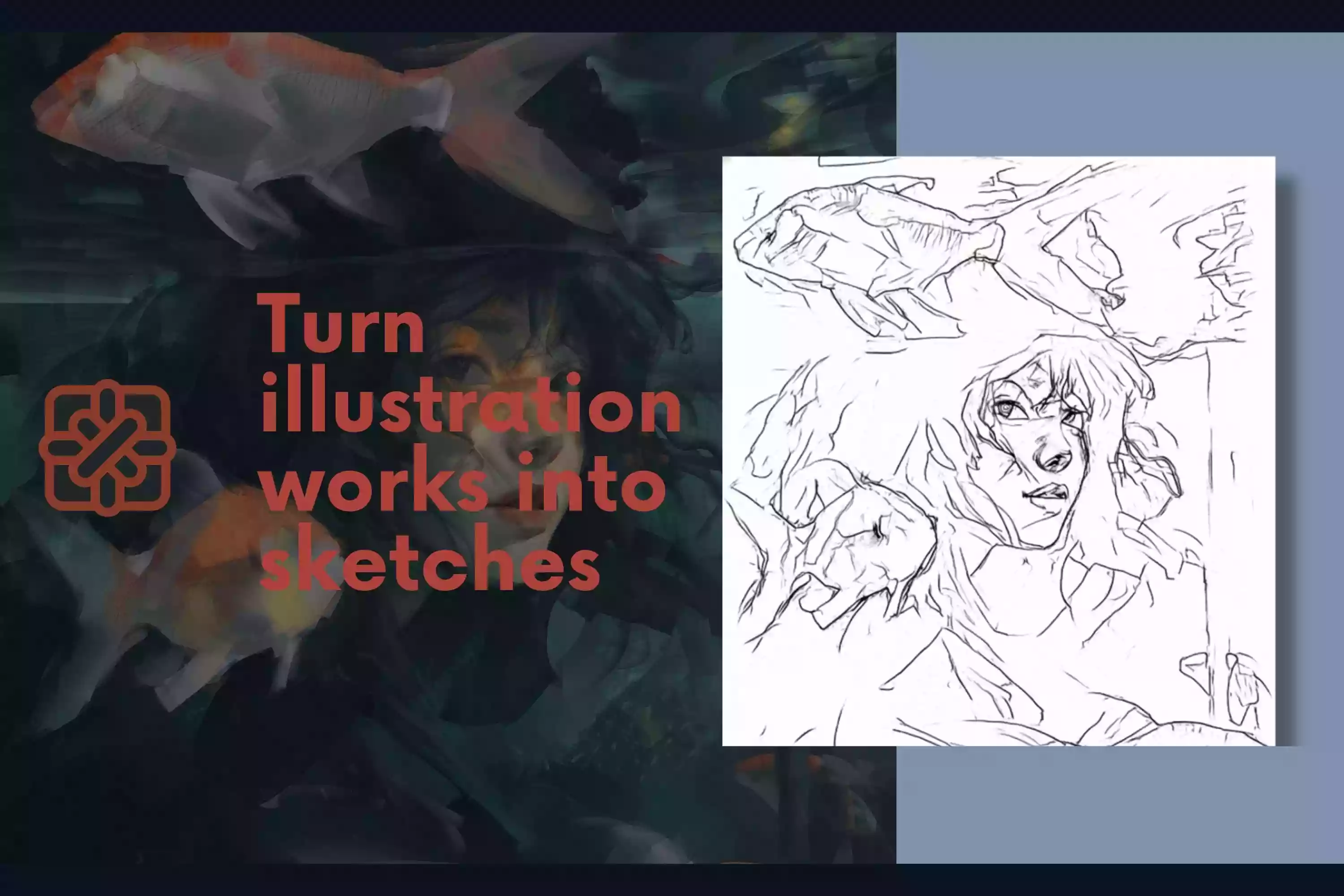
Turn reference photos into clear outlines for sketching, tracing, composition planning, or developing original artwork.
... free image generation left before sign in
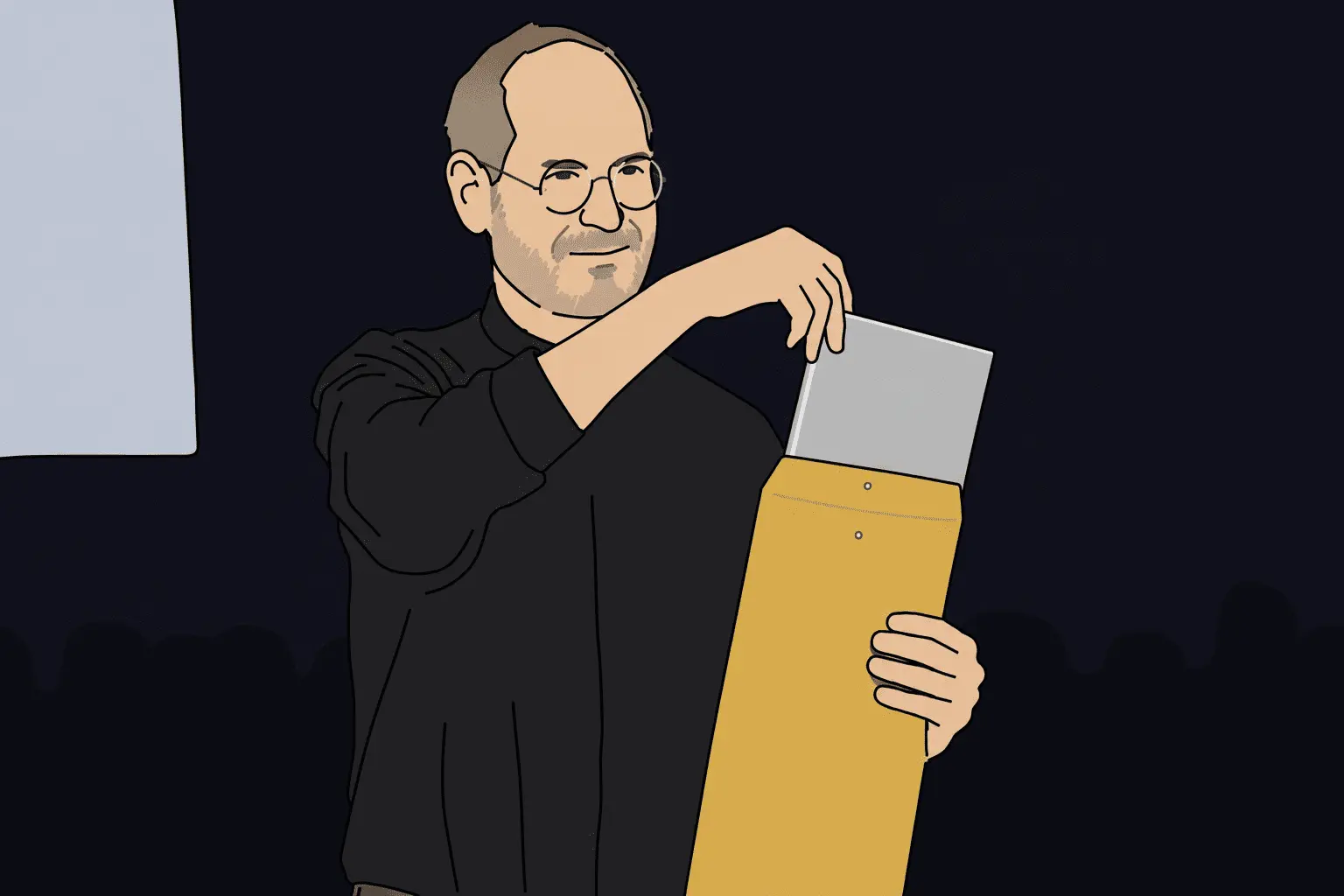

Upload a photo and turn it into a clean black-and-white outline in seconds.
Free to try — no sign-up needed for your first conversion. Use this image to line drawing tool to create simple sketches, printable coloring pages, tattoo stencil references, minimalist line art, and crisp contour drawings without tracing by hand.
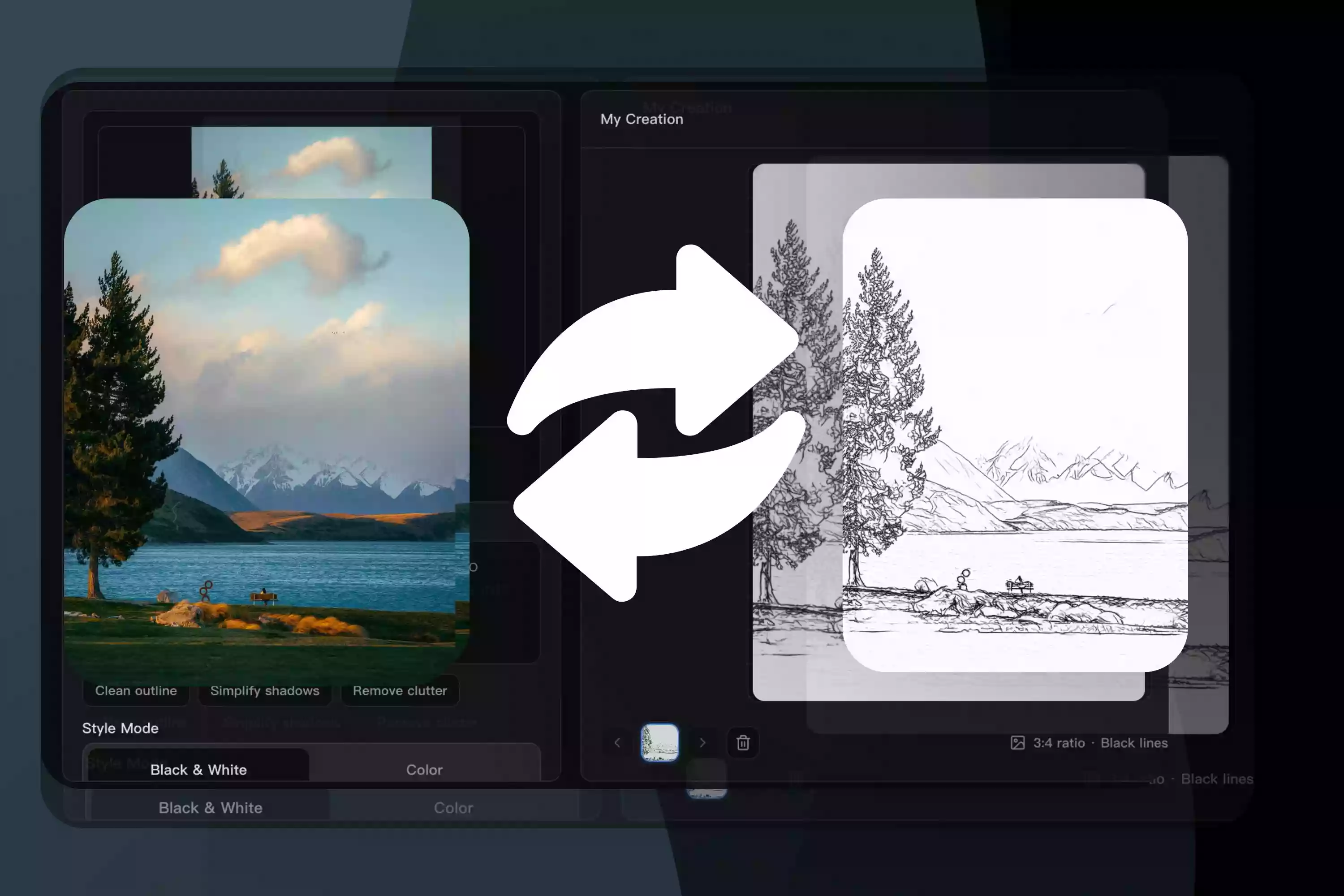
Related image tools you can pair with image to line drawing workflows.
Transform a photo into a line drawing that captures its main contours, recognizable features, and visual structure without manual tracing.
Select a style that complements your subject, from simple outlines to sketch-like lines and more detailed artwork.
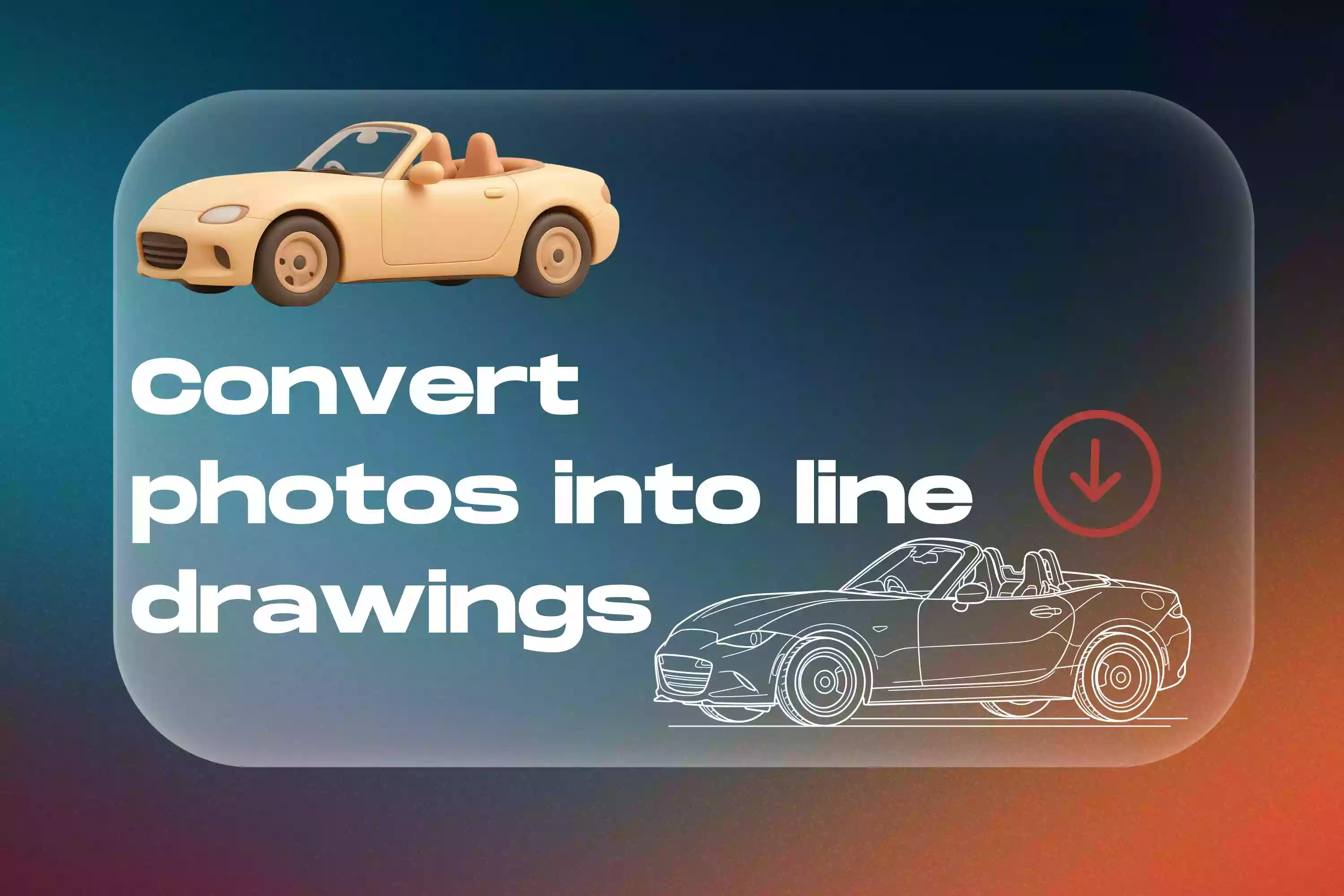
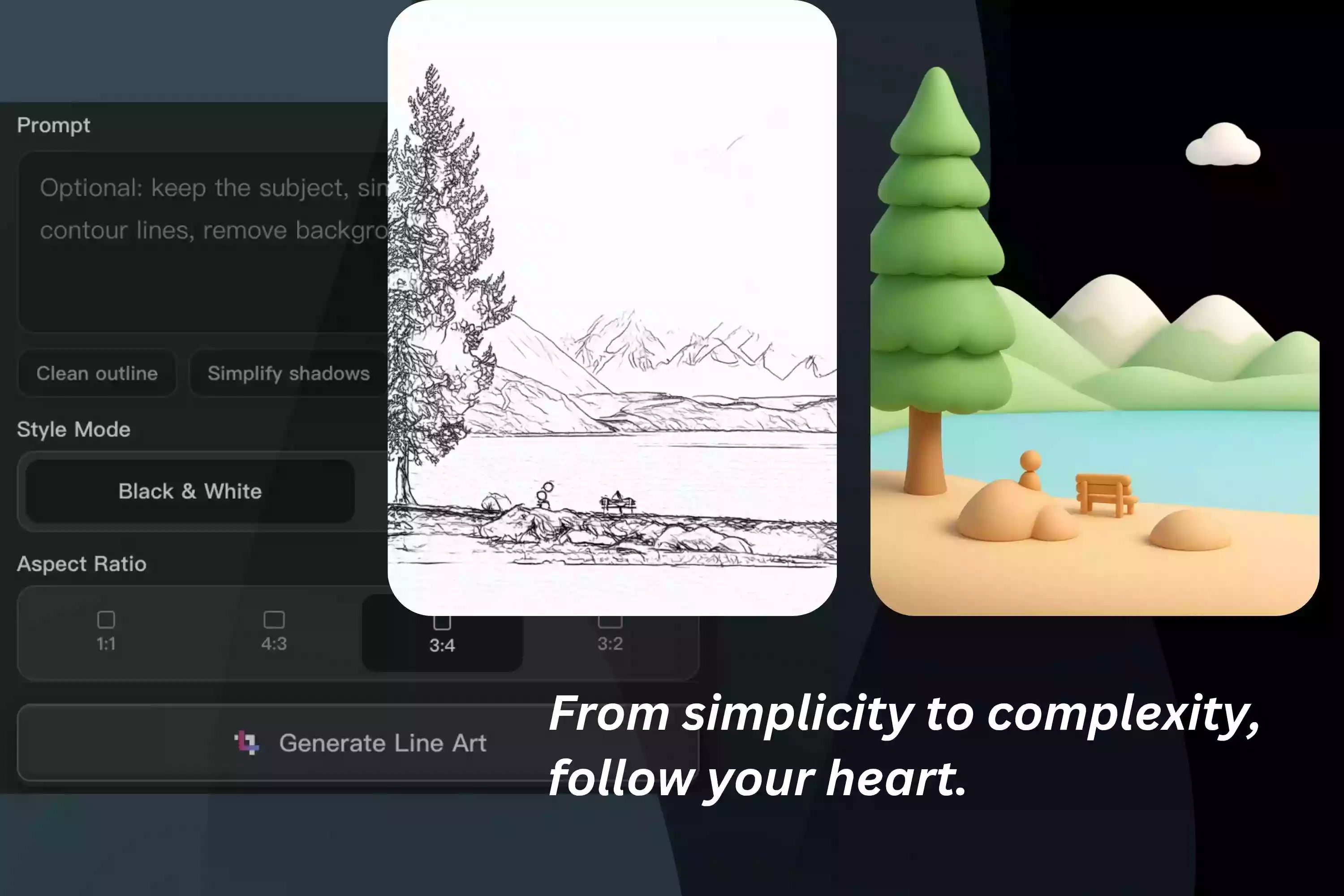
Convert an image to line art for coloring pages, tattoo references, portraits, craft projects, design concepts, and minimalist artwork.
Simplify distracting colors and textures while keeping the important features that make the original subject recognizable.
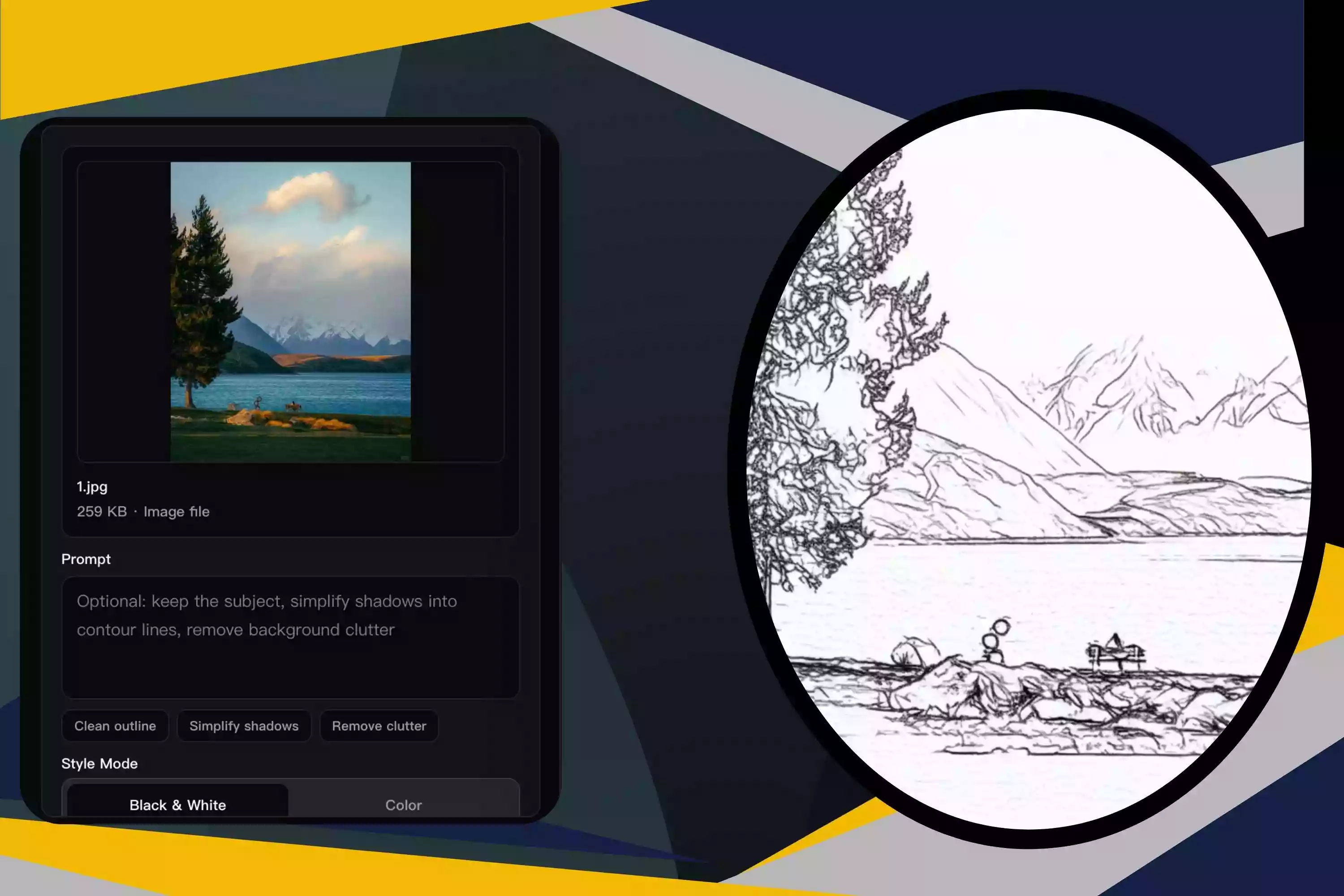
Turn reference photos into clear outlines for sketching, tracing, composition planning, or developing original artwork.
Convert images to line art for posters, social media graphics, presentations, branding concepts, and other visual projects.
Transform photos into simplified line references for exploring tattoo concepts, stencil layouts, and placement ideas.
Convert an image to a line drawing for coloring activities, classroom materials, and creative learning projects.
Create clean outlines for embroidery patterns, paper crafts, engraving references, decorations, and handmade gifts.
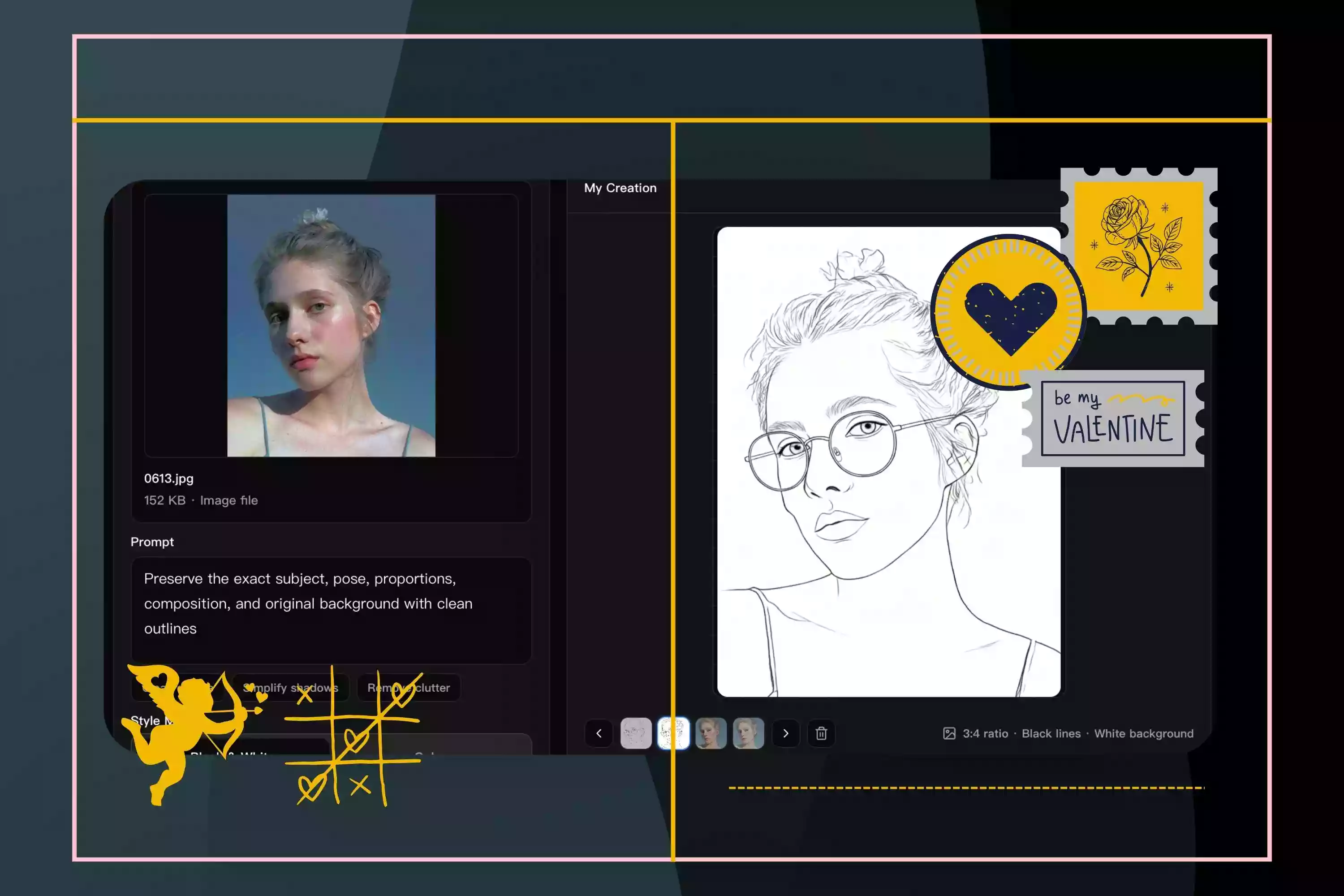
Upload portraits, pets, flowers, or simple objects and turn them into clean outlines for coloring pages. This works especially well when the image has a clear subject and strong visual edges.
Convert image to line art references that make shapes easier to review before refining the final design. Use the result as a starting point for paper crafts, engraving ideas, printable projects, or simple outline studies.
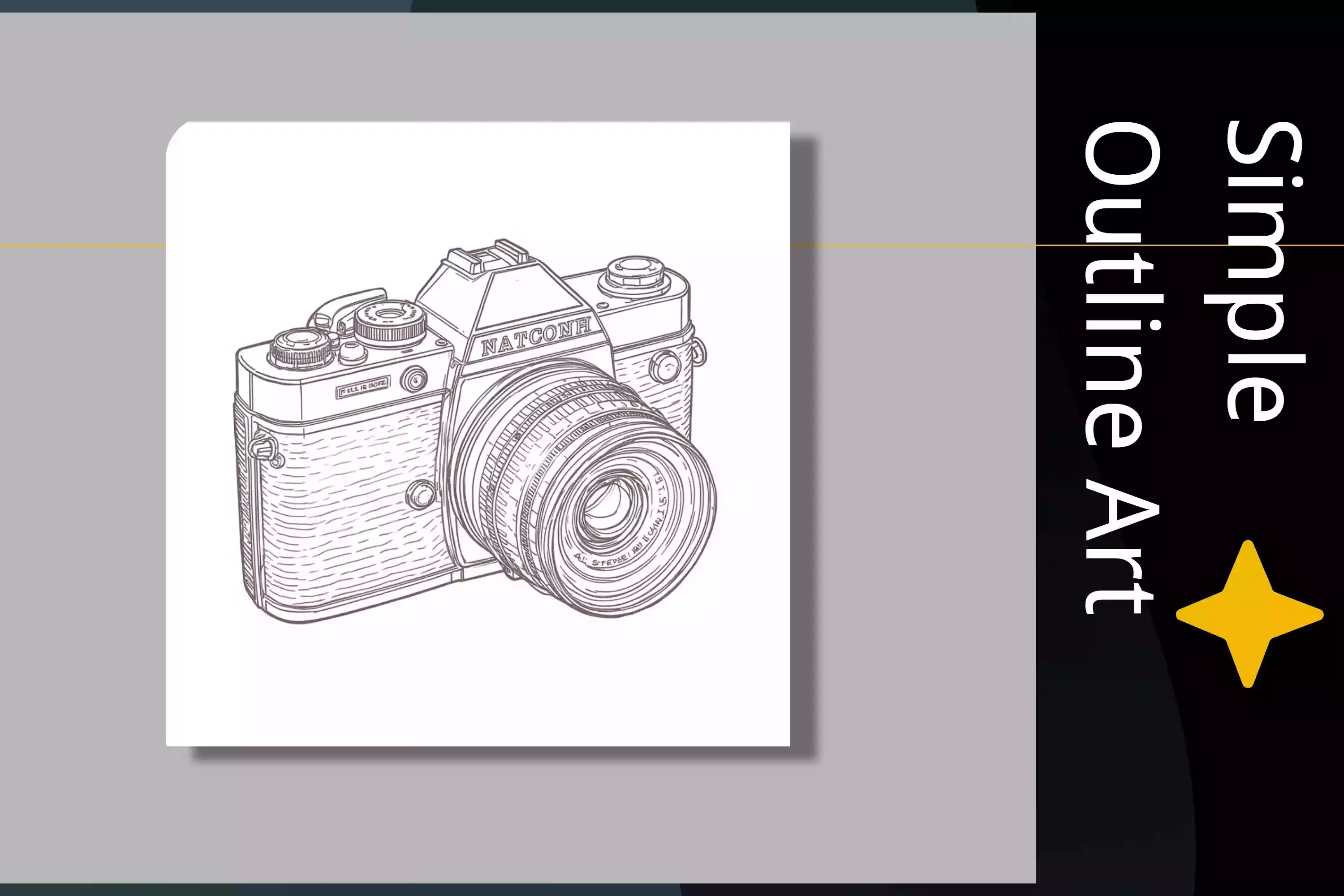
Simplify product images into clean line art for labels, packaging concepts, presentation graphics, or visual notes. The tool keeps the core shape while reducing distracting color and texture.
Use image to line art conversion to create a starting outline before adding your own style, shading, or color. It helps artists move faster from reference image to editable creative direction.
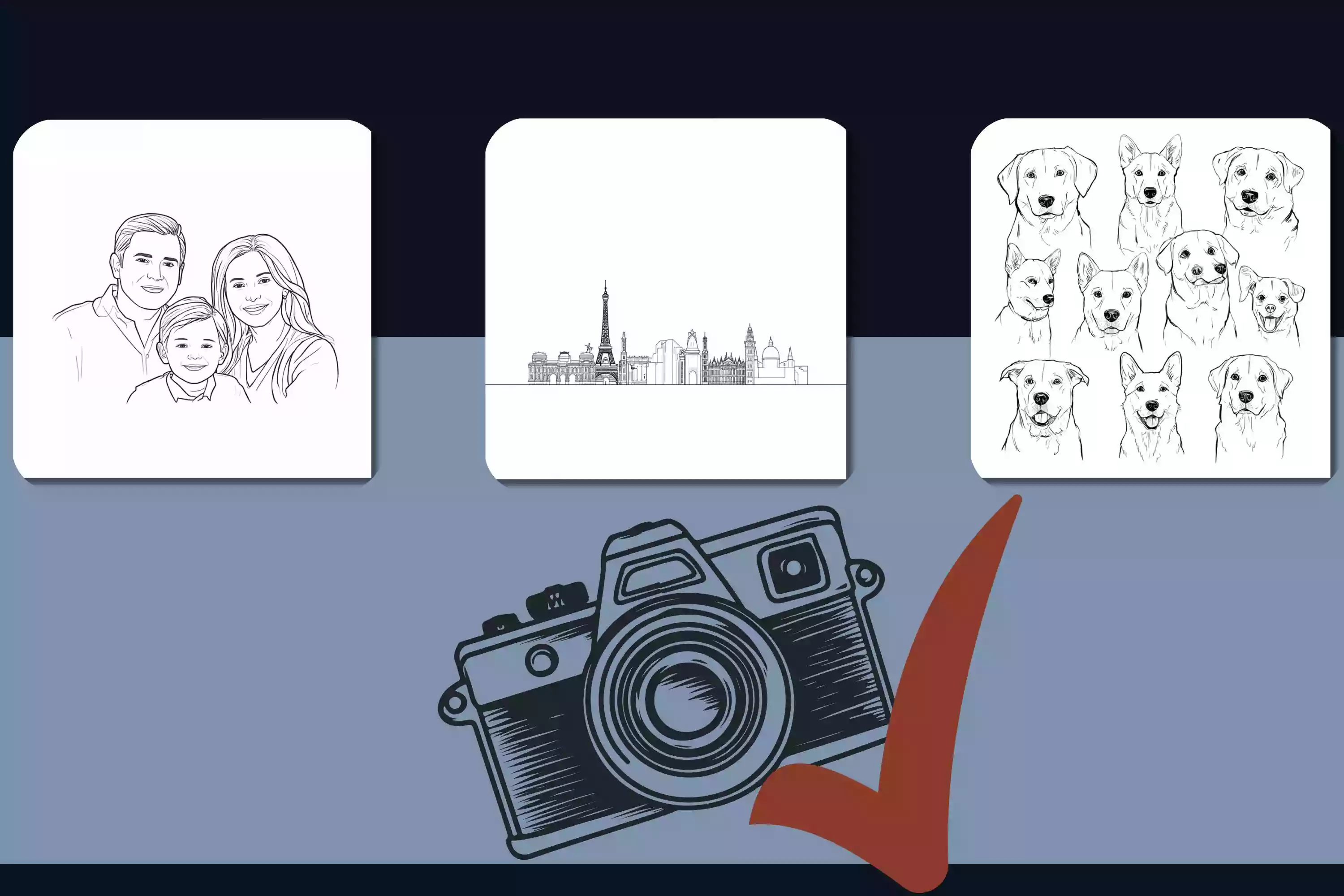
Turn meaningful photos into simple black-and-white artwork for prints, cards, memory projects, or personal designs. The result keeps the subject recognizable while giving the image a cleaner, more minimal look.
The tool examines the subject, edges, contrast, and important visual details to understand which elements should remain recognizable.
Colors, textures, shadows, and background distractions are reduced while the main contours and defining features are preserved.
The extracted details are transformed into a balanced black-and-white result, allowing you to convert an image to line art without tracing it manually.
Upload an image directly and transform it into line art without writing prompts or describing your intended result.
Convert an image to a line drawing without tracing every contour and detail by hand.
Reduce distracting colors and textures while retaining the shapes and features that define the original subject.
Create anything from simple outlines to more detailed, sketch-like results that complement your image.
Transform portraits, objects, pets, buildings, nature photos, and other subjects into clean line artwork.
Use your results for illustrations, coloring activities, tattoo references, crafts, design concepts, and minimalist artwork.
"I dropped in a photo I wanted to sketch from and had a usable line drawing straight away. The busy bits still need a hand."
"I use it when a screenshot needs to become a simple reference. Nothing fancy—just less tracing on my end."
"The kids liked coloring the page more than I expected. I picked a simple photo and it came out nicely."
"For tattoo references, it gives me a cleaner place to start. I still adjust the weight for skin, obviously."
"Works best on one clear object. That's enough for the little craft patterns I make."
"I needed a quiet black-and-white image for a slide. This got me there without opening another app."
It turns an uploaded photo or picture into a clean outline-style drawing.
The tool reduces color, texture, and visual noise while keeping the main shapes, edges, and recognizable details.
Try it free — no sign-up required for your first image. Sign up to get free credits and continue creating line drawings for coloring pages, tattoo stencils, crafts, and design projects.