


Online Sellers & Store Owners
List products faster without sacrificing quality. Upload photos, add specs, and get polished descriptions ready for your store—whether you have 10 items or 1,000.
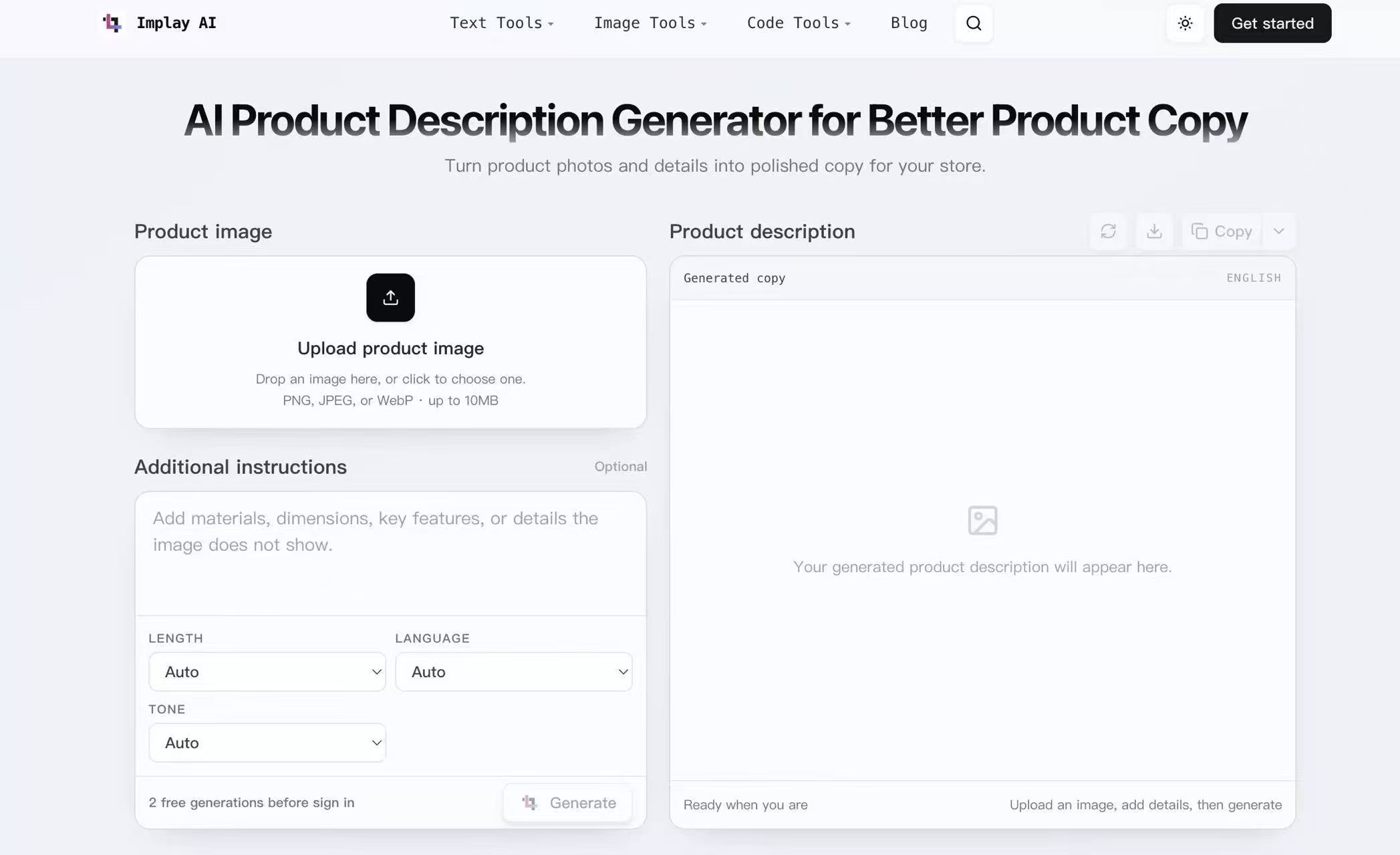
Turn product photos and details into polished copy for your store.
Your generated product description will appear here.
Upload a product photo and let the AI craft a description based on what it sees. Add optional details like specs or use cases, then pick your preferred length, language, and tone. The result is a polished draft that saves you from starting from scratch. Try it free for two generations before signing in.
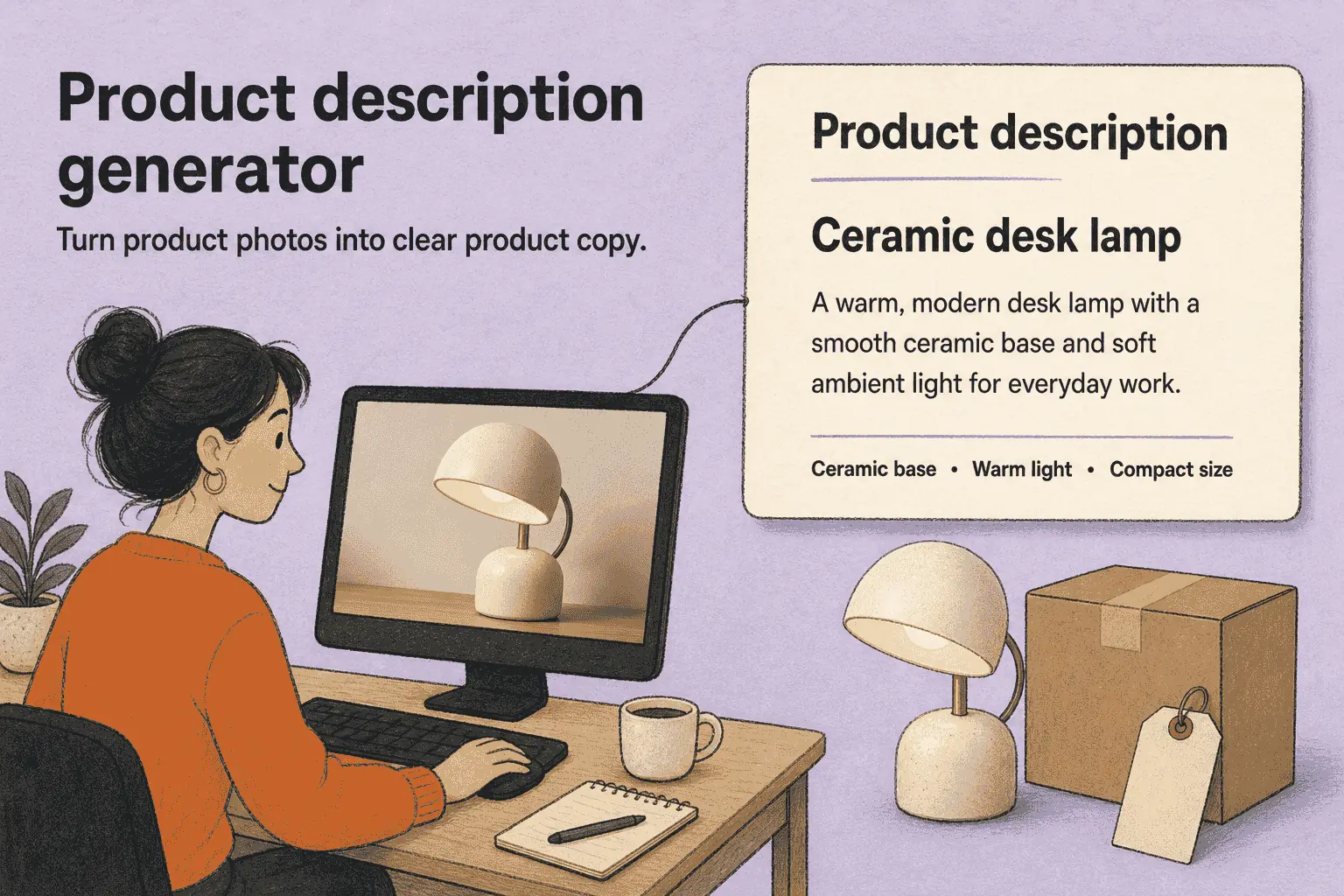
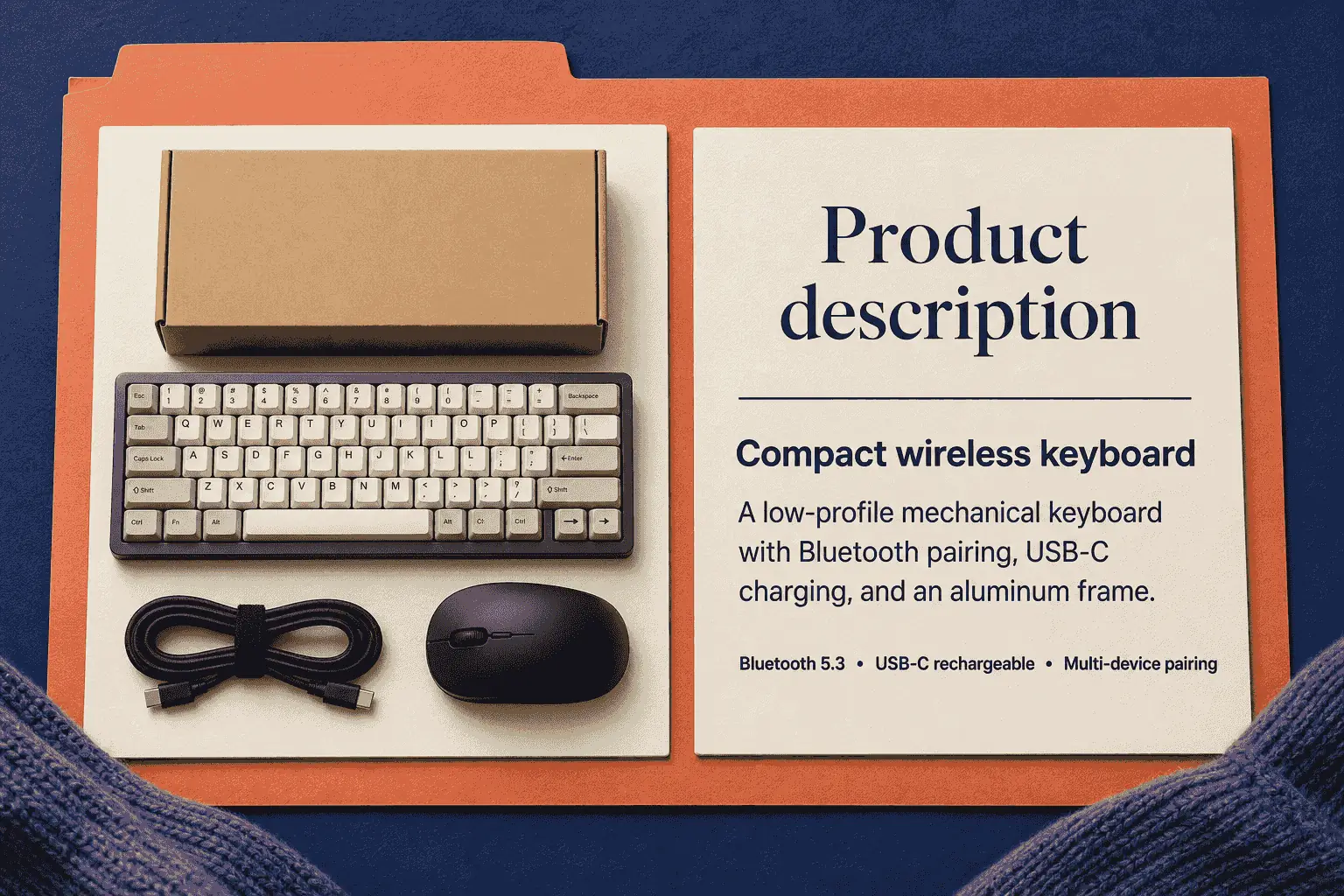
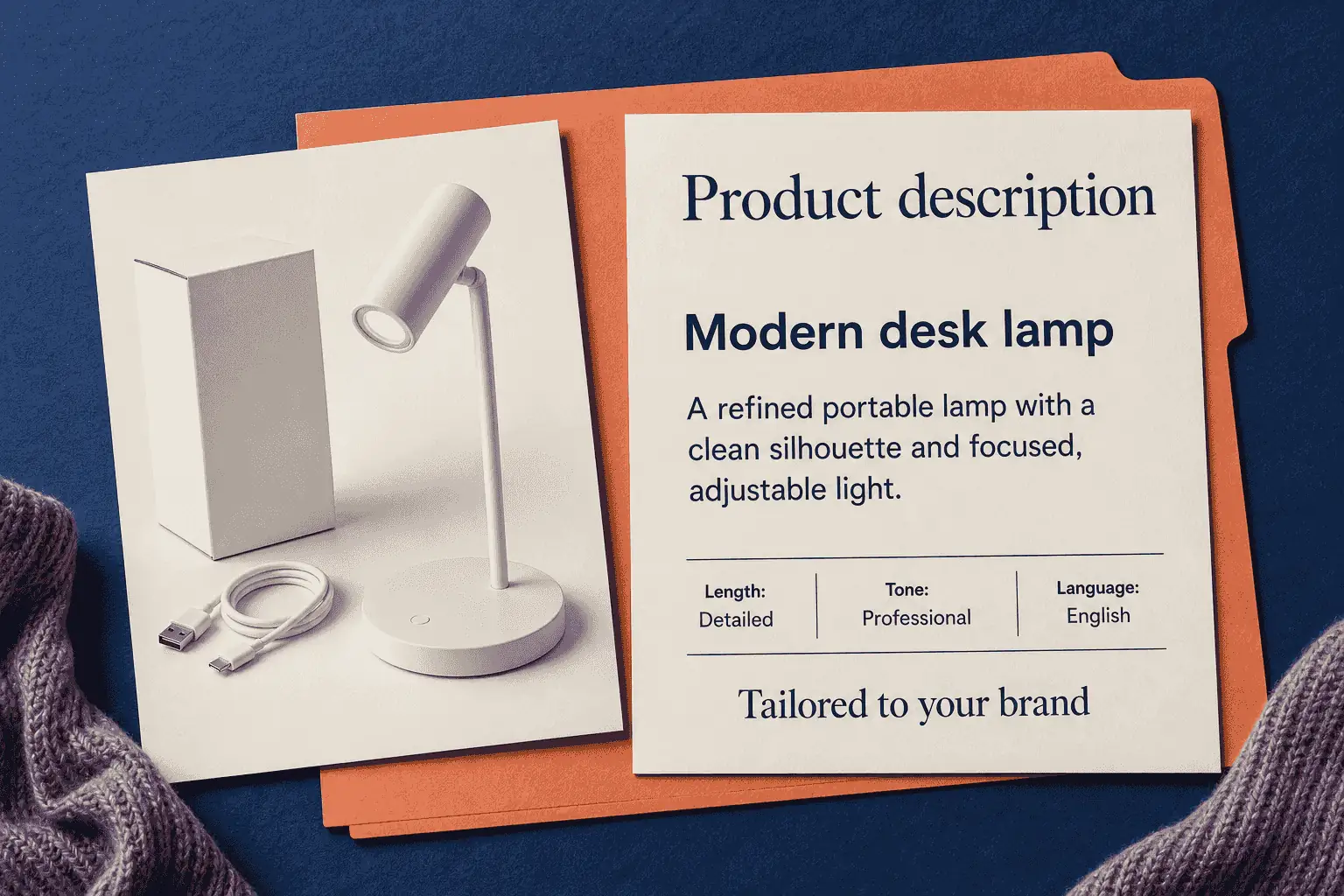
Upload one product image and let the Product Description Generator use its visible details as the basis for the draft. The upload area accepts PNG, JPEG, and WebP files up to 10MB, giving you a clear starting point without requiring a long written brief.
Use the optional Additional Instructions field to supply materials, dimensions, key features, or other facts that are not visible in the photo. This extra context helps the AI product description generator work with the information shoppers need, not just what can be seen.
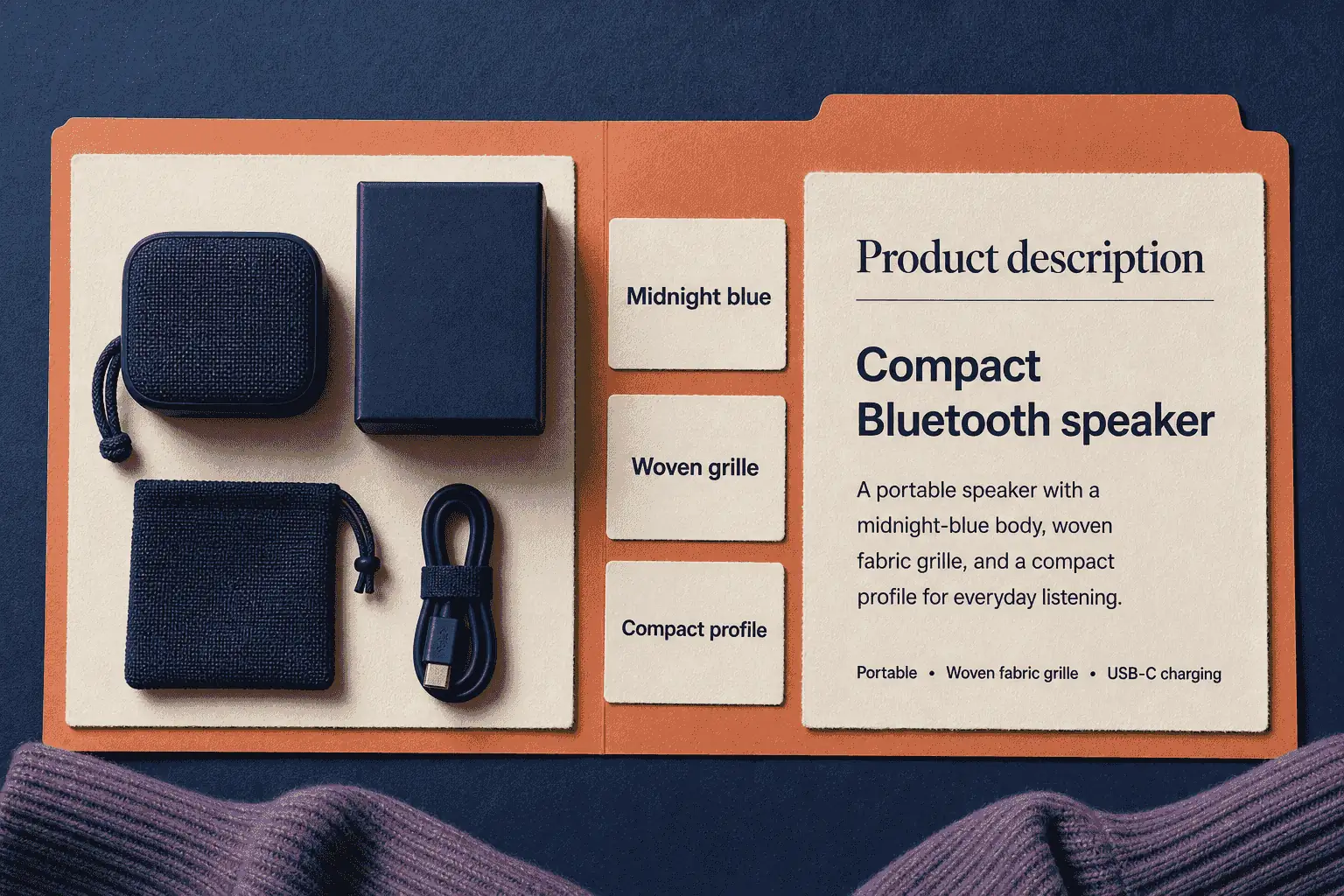
A picture is worth a thousand words—but finding the right ones isn't always easy. Upload a product photo, and the AI reads what it sees: colors, shape, style, and story. Then it turns those visual cues into copy that captures not just what the product is, but what it means to the person holding it.
List products faster without sacrificing quality. Upload photos, add specs, and get polished descriptions ready for your store—whether you have 10 items or 1,000.
Maintain consistent tone and quality across your entire product catalog. Generate descriptions in multiple languages for international markets—all from one simple workflow.
Test different tones and lengths to see what resonates with your audience. Quickly create product copy for email campaigns, social media, and ad landing pages.
Beat writer's block and speed up your workflow. Use the AI as a starting point—then add your personal touch to deliver polished, client-ready copy faster.
Pick the length (Auto, Short, Medium, or Detailed), tone (Clear, Professional, Playful, or Luxurious), and language from 17 options including English, Spanish, Japanese, and Simplified Chinese. The AI adapts to your choices—so every description sounds like you, not a template.
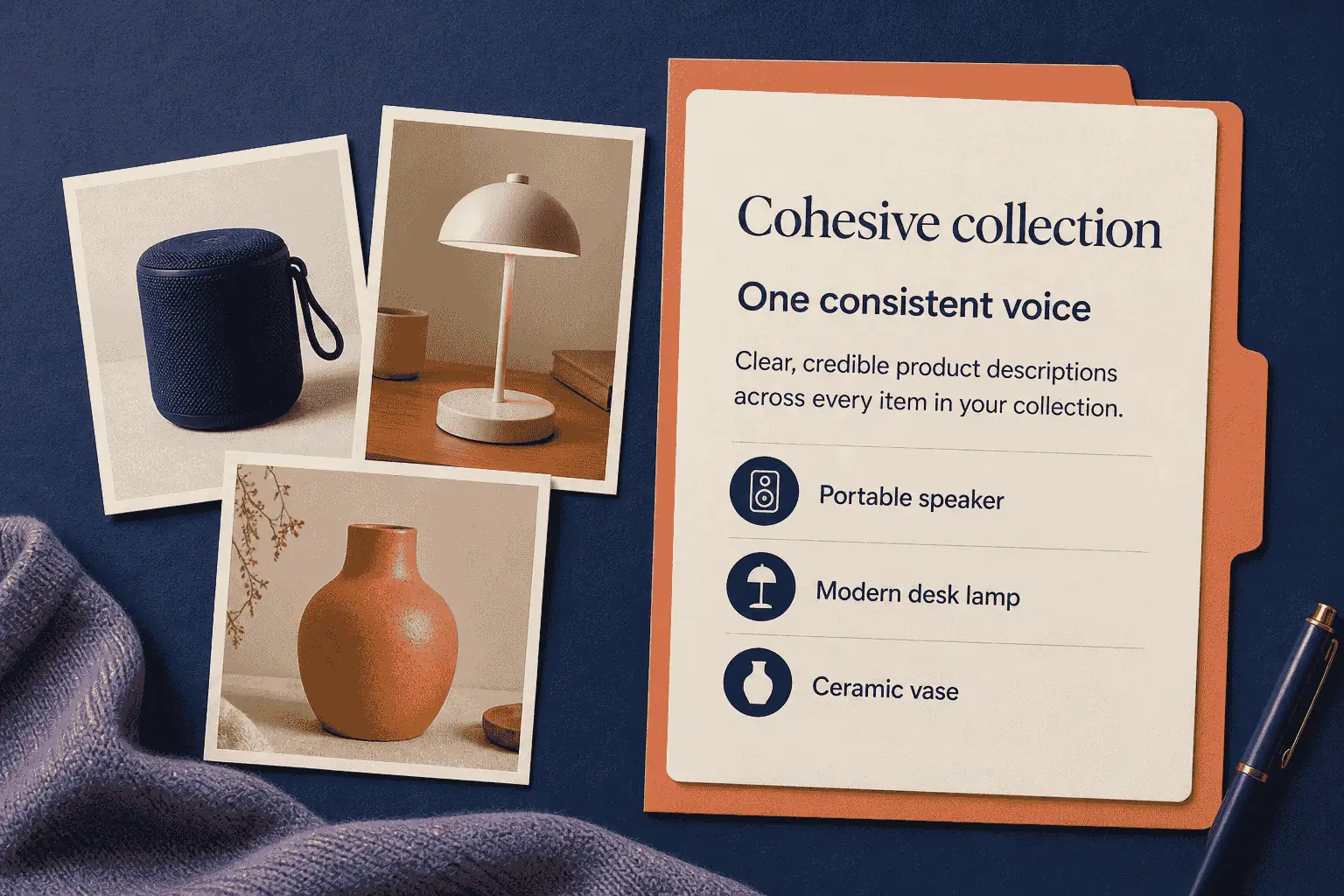
Whether you have ten products or a thousand, every description carries the same care and quality. Your store feels curated, consistent, and credible—because every item gets the attention it deserves.
Upload a Product Image
Drop an image into the upload area or click to choose a PNG, JPEG, or WebP file up to 10MB.
Add Optional Instructions
Enter materials, dimensions, key features, or other details the photo does not show.
Choose the Length
Select Auto, Short, Medium, or Detailed to match where the description will appear.
Choose the Language and Tone
Leave either setting on Auto or select a supported language and one of the available tones.
Generate and Review
Read the complete result, compare it with the image and your product data, and correct anything inaccurate or incomplete.
Regenerate, Download, or Copy
Generate another version, download it, copy it as rich text, or choose from the available copy-format options.
"I start with product photos, then add the metal, measurements, and anything the camera misses. The first draft gives me a clean listing description to edit instead of a blank field."
"For a catalog, I use Short for marketplace listings and Detailed for collection pages. The controls make that distinction easy, although I still need to check the draft against the product specs before it goes live."
"The pack shot gives it a useful starting point, but it cannot know the ingredients or size without my notes. Once I add them, the draft is relevant for a skincare collection rather than just describing the bottle."
"It notices the visual character of an item quickly. I still add the condition notes myself and review the wording against the listing details, but that is a better starting point than writing every description from zero."
"For new arrivals, we can send in the image with the product notes and get a draft that the team can review together. Choosing the tone up front helps keep the product pages from sounding like six different people wrote them."
"I use it to get past the first-draft stage. A photo plus the client’s notes gives me something concrete to shape, though I still spend time aligning the final edit with the client’s voice."
Upload a clear product image, then add any facts the photo cannot show, such as materials, dimensions, ingredients, or condition notes. Choose your preferred length, language, and tone, then generate a draft to review against your product information.
Turn what you see into what they'll remember. Upload a photo, pick your voice, and let AI tell your product's story—free to start.