

From rough idea to working prompt fast
Paste the rough idea in your head and get a structured prompt ready for another model. The AI prompt generator helps you avoid repeated trial-and-error setup.
Use this AI prompt generator to turn rough ideas into complete Markdown, JSON, or plain text prompts for any AI model.
The AI prompt generator turns a one-line idea into a structured prompt with role, context, constraints, and output format already shaped for the target you choose.
Pick text, image, or video. Format the result as Markdown, JSON, or plain text. Then copy a clearer prompt into the AI model you already use.
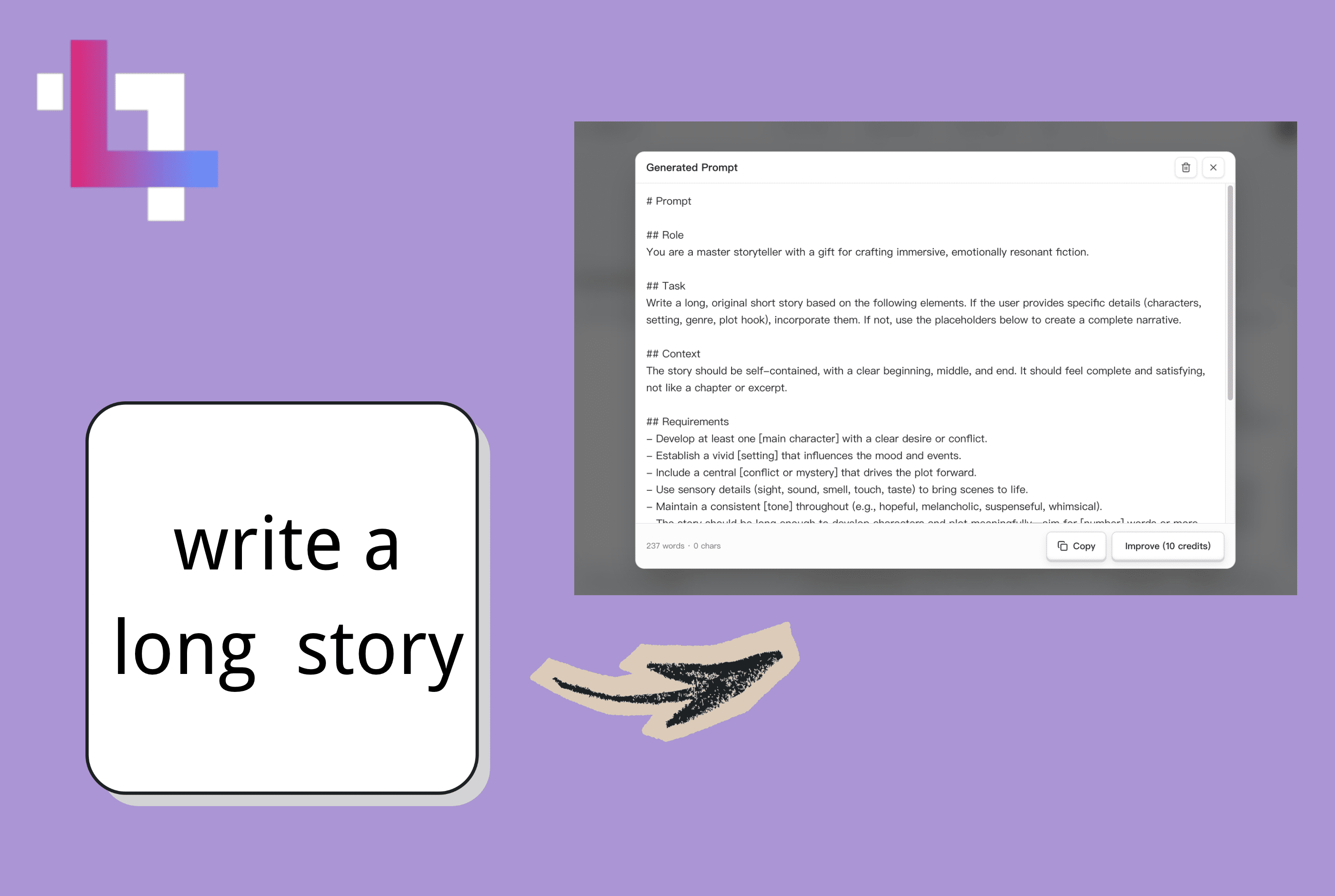
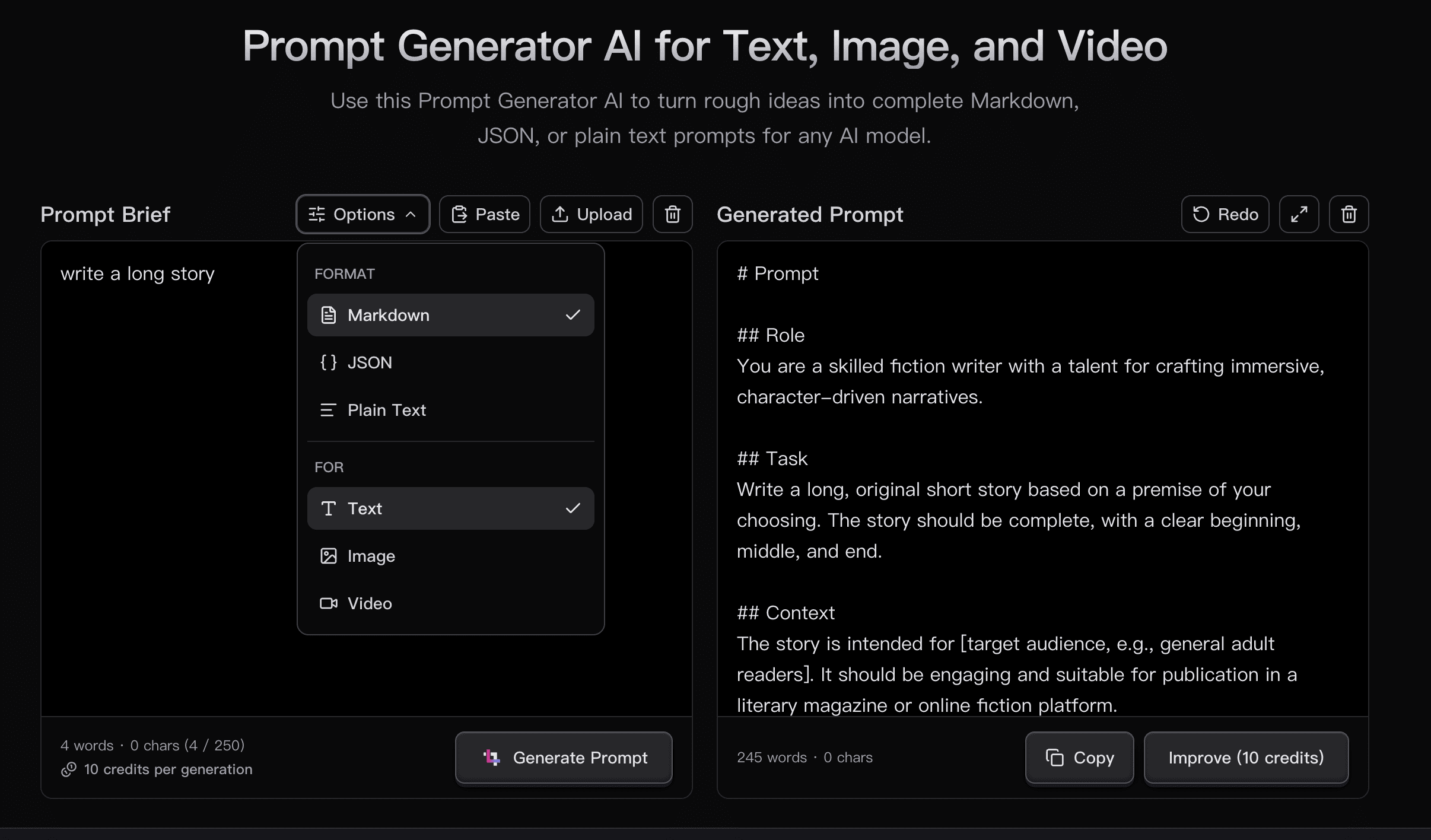
Most writers lose the first hour staring at white space. Paste your premise into the AI prompt generator and get a structured writing prompt with role, constraints, tone, and output expectations already in place. You start editing, not inventing the brief from zero.
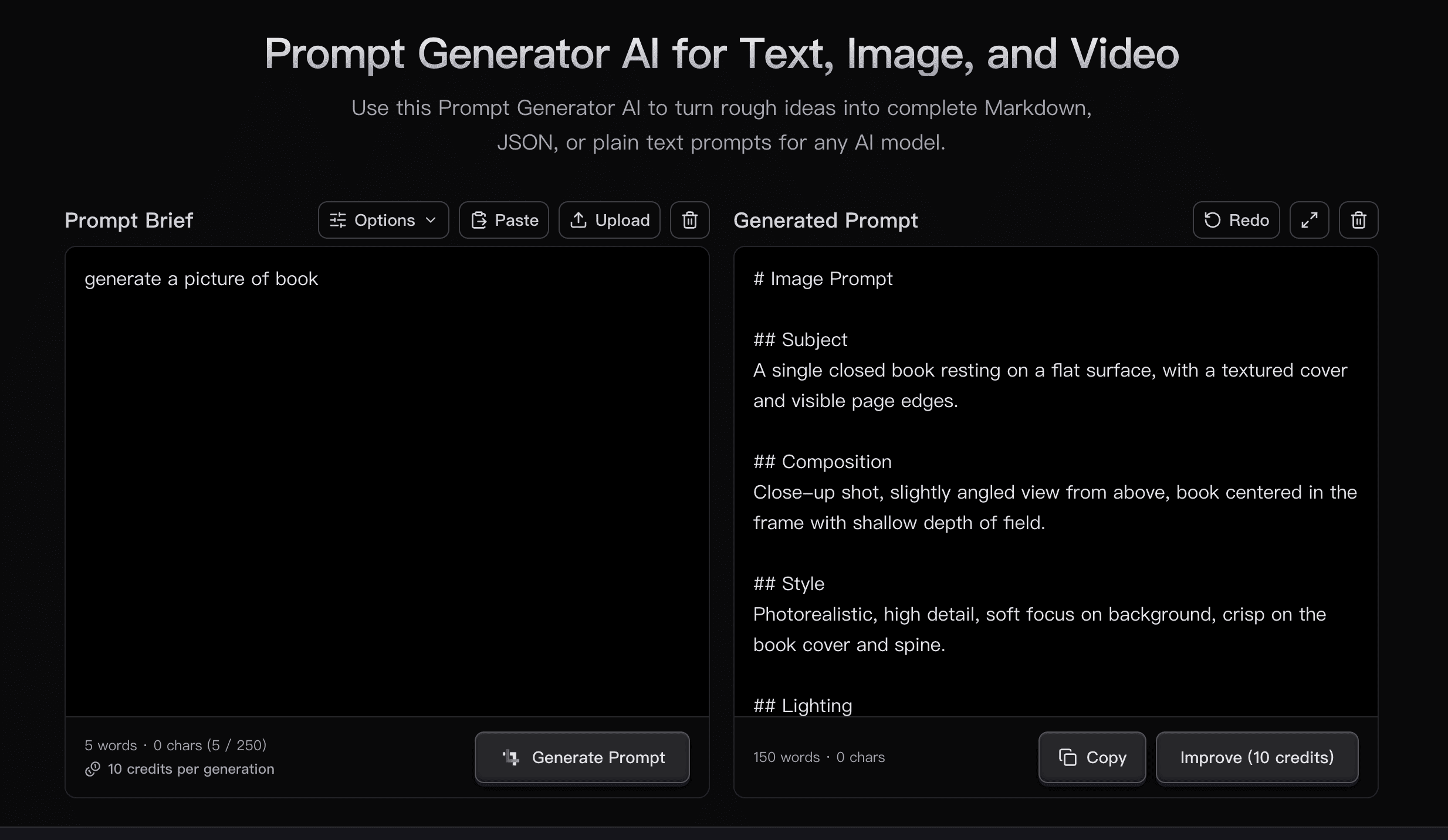
A rough image concept becomes a complete prompt with subject, composition, style, lighting, mood, details to include, and details to avoid. The AI prompt generator helps you write in the shape image models expect, without guessing which prompt details matter.
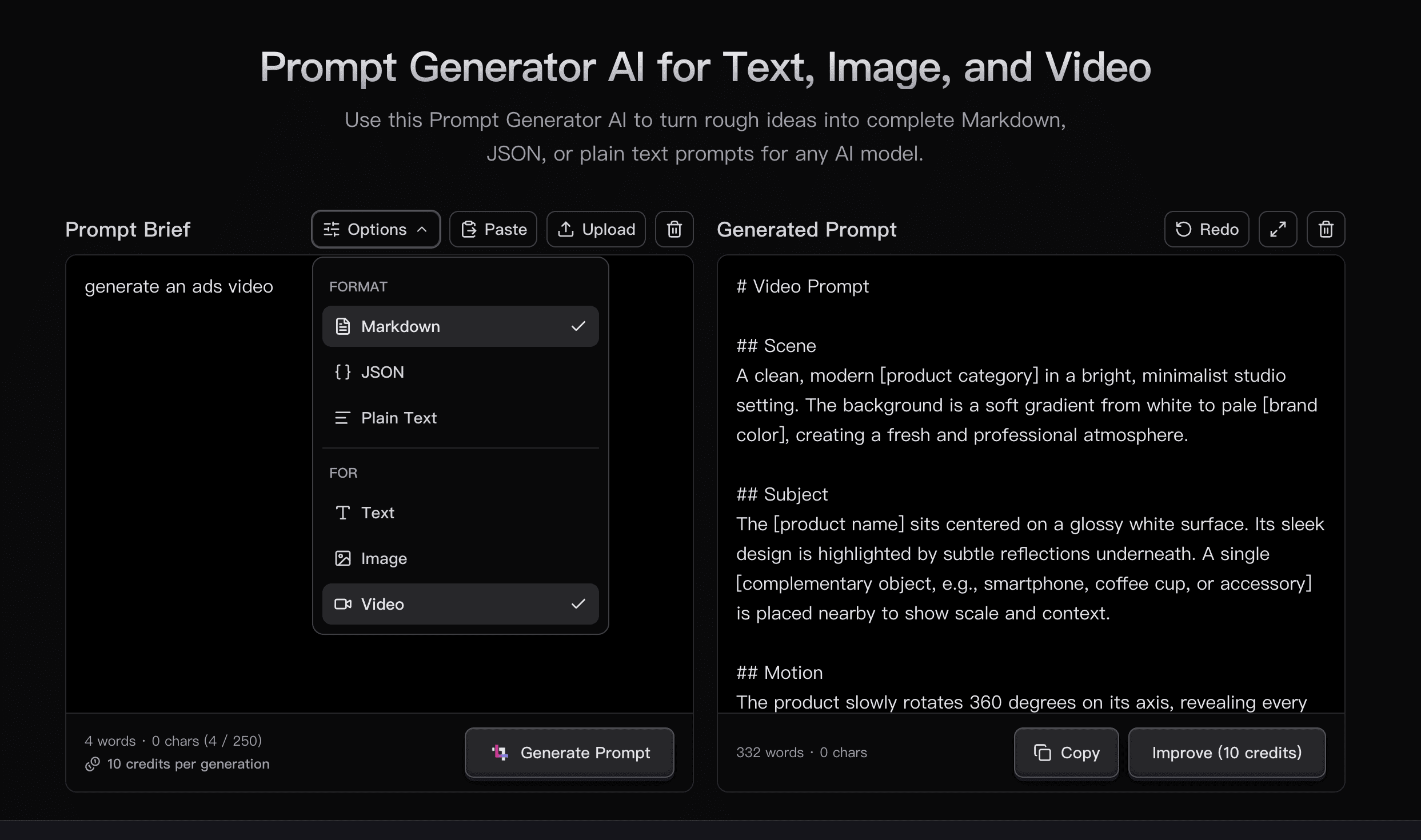
Turn a video premise into a prompt that covers scene, subject, motion, camera movement, timing, visual style, lighting, atmosphere, and negative constraints. It gives you a cleaner starting point for scripts, storyboards, and short-form video concepts.
Paste the rough idea in your head and get a structured prompt ready for another model. The AI prompt generator helps you avoid repeated trial-and-error setup.
Switch the target type instead of rewriting the whole prompt yourself. Each target emphasizes the details that matter for that kind of AI output.
Match the prompt format to your workflow. Use Markdown for readability, JSON for structured reuse, and plain text for quick copy-paste use.
The output appears in an editable prompt box, so you can adjust wording, constraints, or format details before copying the final version.
The tool is focused on generating, editing, and copying prompts. It does not add a public prompt library or team sharing layer around your draft.
A structured prompt is easier for teammates to review, reuse, and adapt than a loose one-line request with missing context.
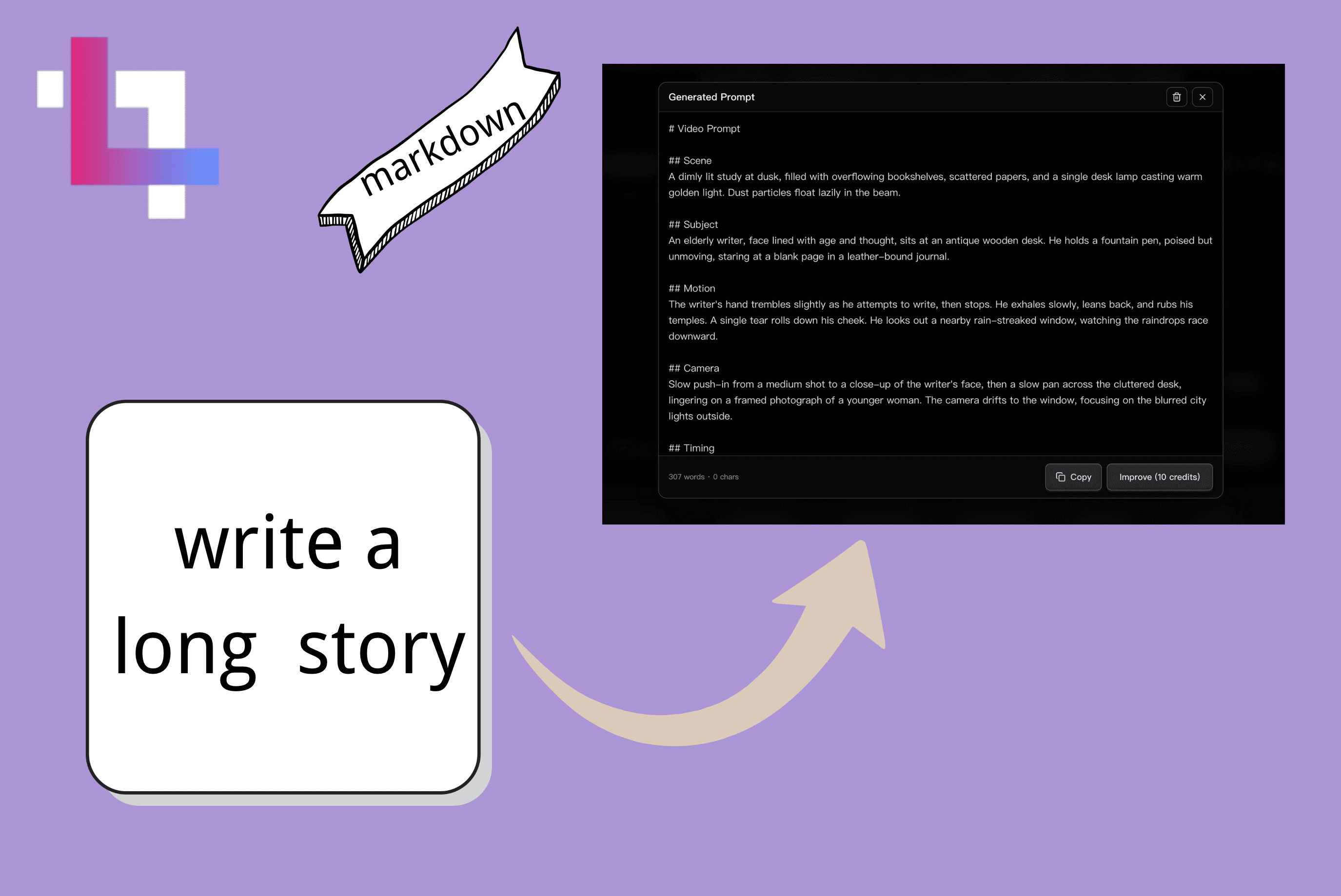
Use Markdown when you want headings, lists, and sections that stay readable in Notion, Obsidian, GitHub issues, Slack, or another editor that renders structured text.
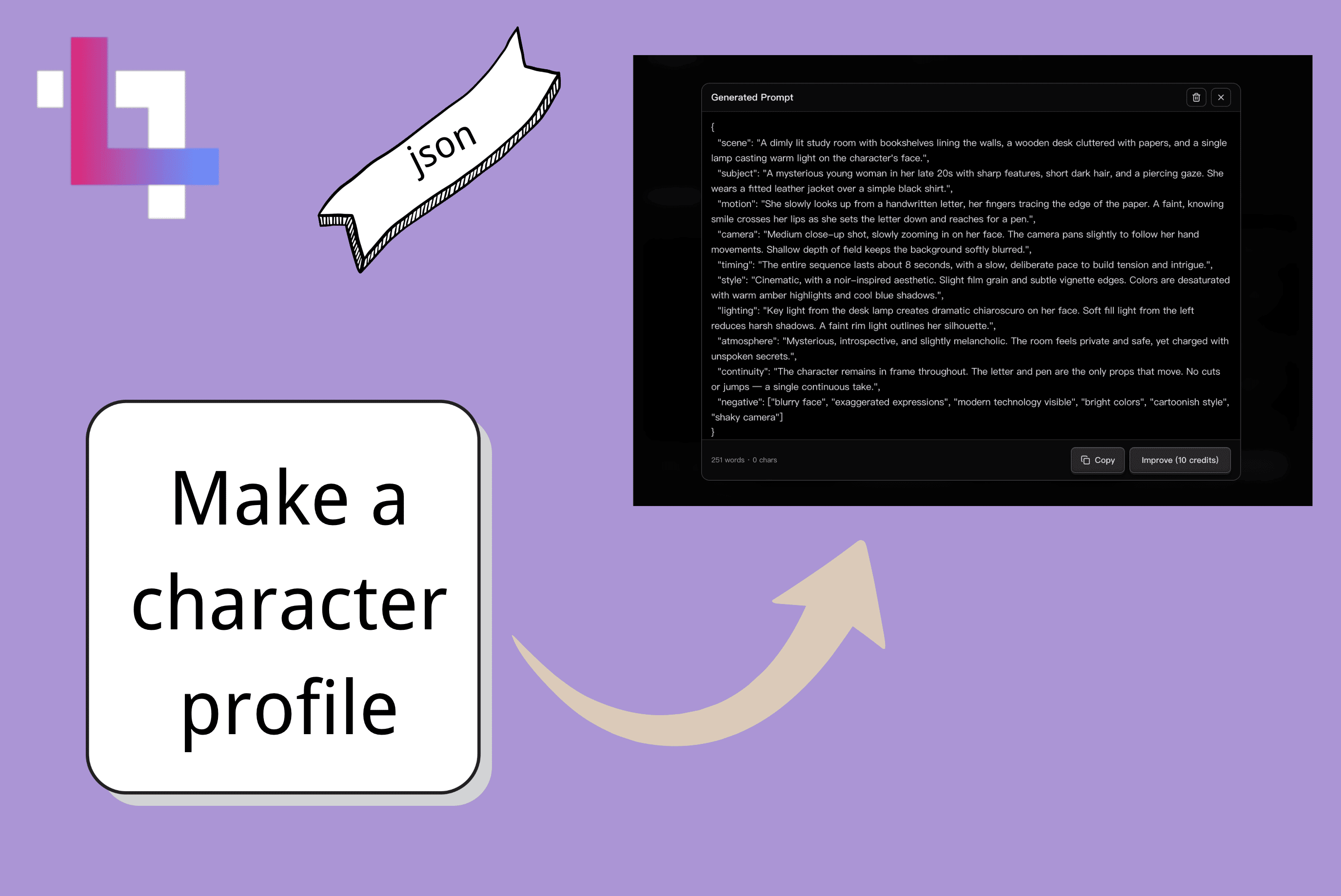
Choose JSON when each part of the prompt needs to become a typed field. It is easier to copy into scripts, agent loops, configs, and version-controlled workflows.
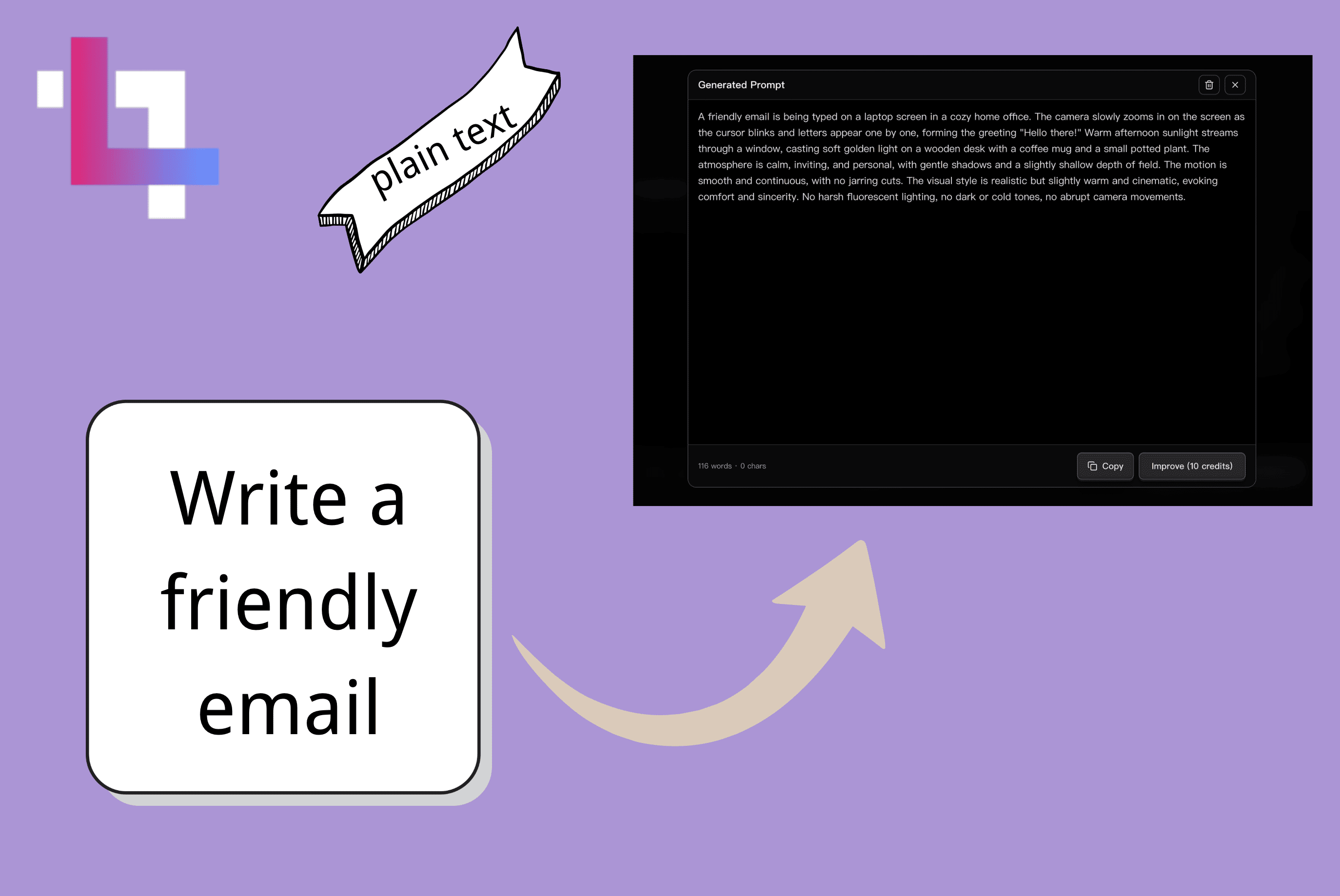
Pick plain text when Markdown syntax or JSON brackets would get in the way. The result is a clean prompt body ready for email, documents, or any surface that prefers simple text.
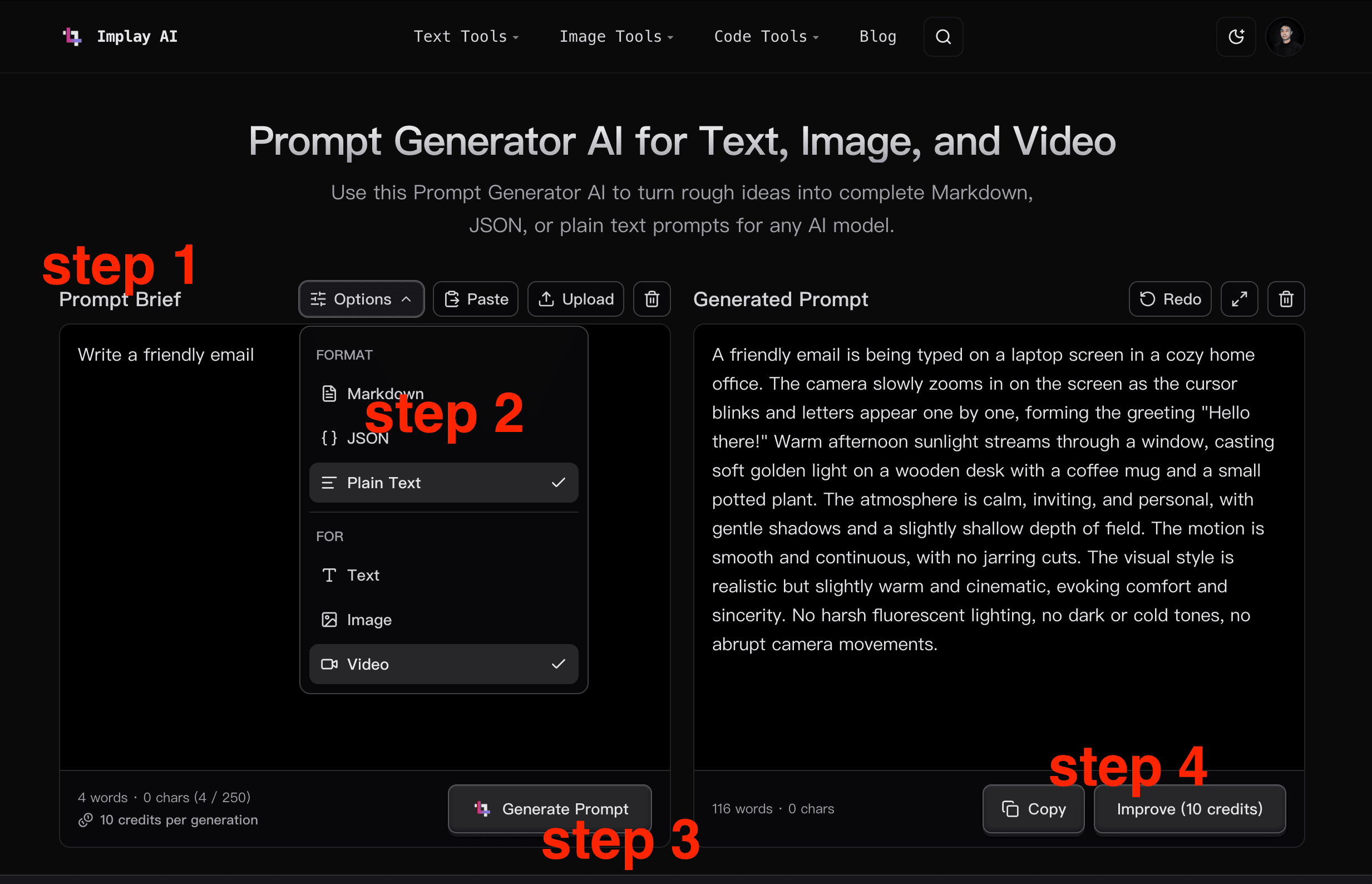
A single sentence is enough. The AI prompt generator works from intent, not a completed template.
Choose Text, Image, or Video, then format the output as Markdown, JSON, or plain text.
The tool returns a structured prompt that is ready to copy into the AI model you use.
Edit the generated prompt directly, copy it, or sign in to improve an existing prompt with credits.
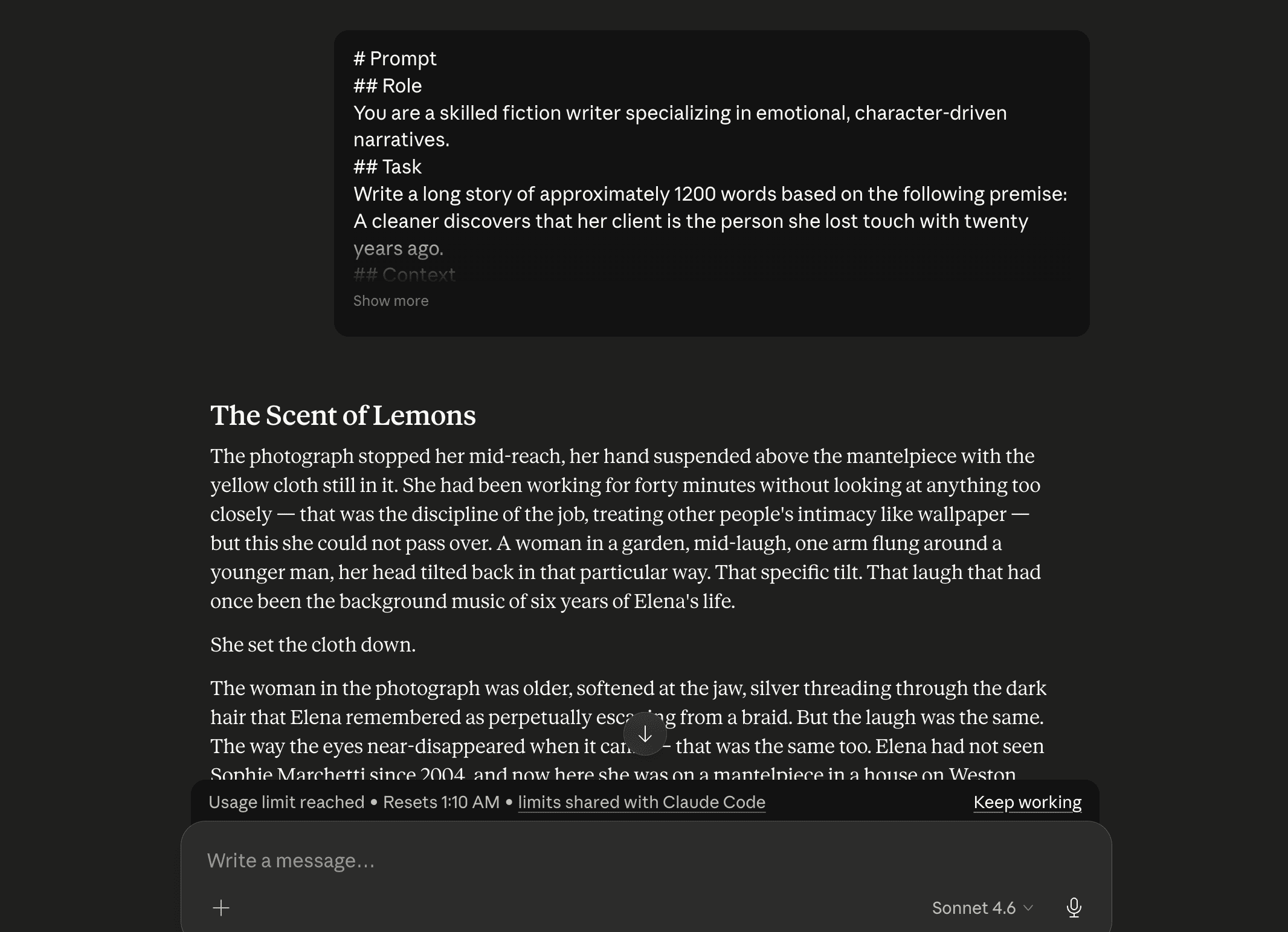
A cleaner discovers her client is the person she lost touch with twenty years ago. The AI prompt generator turns that premise into role, scene, voice, pacing constraints, and output requirements before the writing model starts.
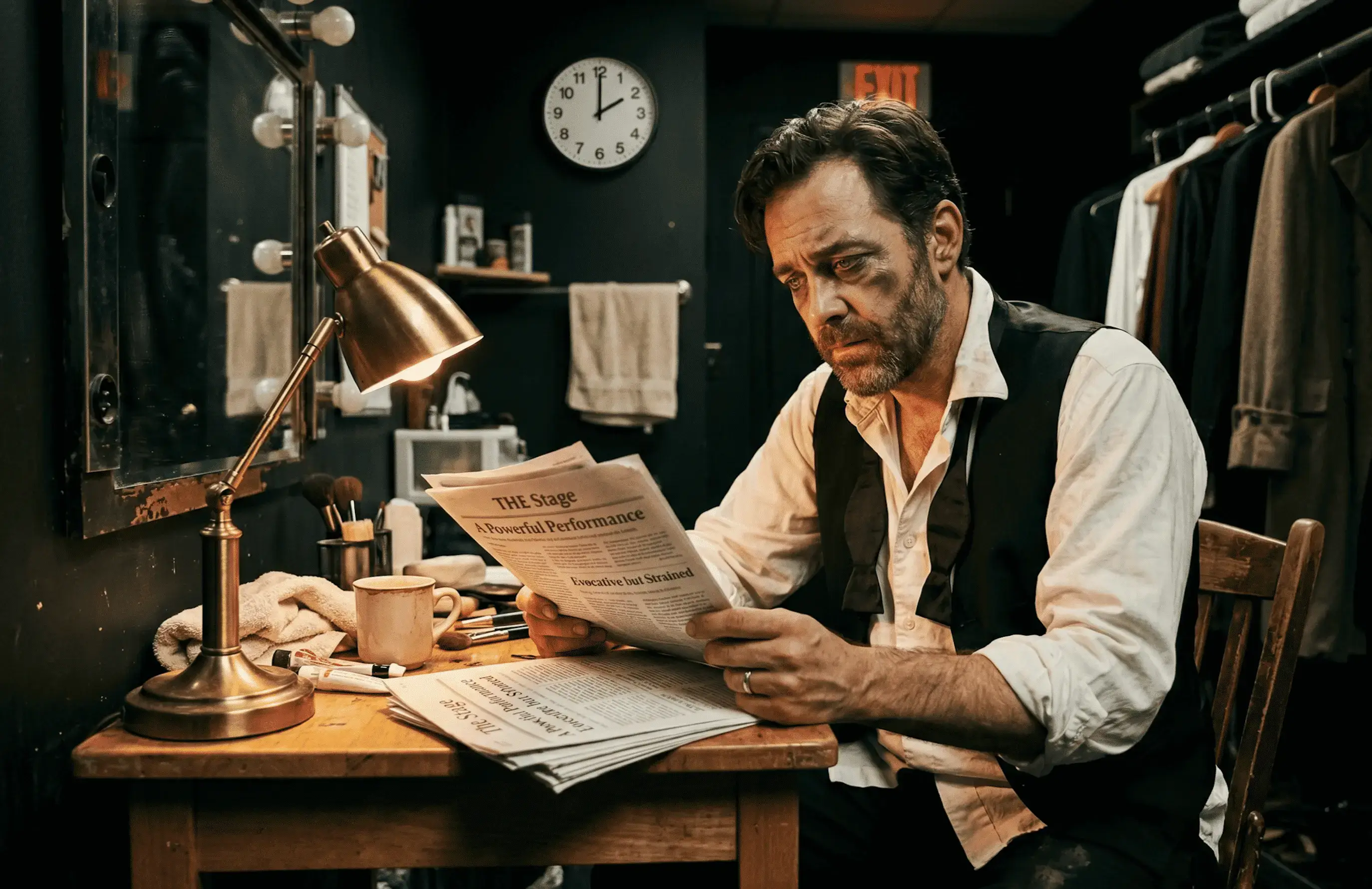
A moody portrait of a stage actor reading reviews at 2 a.m. becomes a prompt with composition, lighting, frame, subject details, and atmosphere written clearly for an image model.
A Bluetooth tracker idea becomes a scene-by-scene prompt with timing, visual direction, motion, and audio cues so the production brief is easier to understand.
Turn a short story idea, article premise, newsletter angle, or system prompt into a structured brief before you ask an AI model to write.
Shape visual ideas into prompts with subject, style, lighting, composition, background, and details that are easy to review before rendering.
Move from a premise to a structured video prompt with scene, motion, camera, timing, and audio direction.
Draft prompts for product copy, visual concepts, launch videos, support macros, and internal workflows without rebuilding the prompt shape each time.
Turn vague study questions into structured prompts with context, requirements, and output expectations that make AI responses easier to use.
Translate a learning objective into clear prompt instructions so AI output stays closer to the lesson goal, reading level, and classroom context.
"I use the AI prompt generator when I've got a scene and a mood but no clean way into it. Better than staring at an empty box."
"I mostly use it when a brief is a pile of voice notes. It gives me something I can send around without apologizing for it."
"The useful bit is getting the constraints out of my head and onto the page. I can see what's missing at a glance."
"For visual directions, it gives me a decent first pass. I still swap in my own references and wording."
"I don't need it to be clever; I need a starting point that isn't chaos. It does that."
Free, browser-based utilities you can pair with the AI prompt generator.
An AI prompt generator turns a rough idea into a structured prompt you can paste into another AI model.
Instead of starting from a blank box, you get role, context, constraints, format, and output requirements written clearly for text, image, or video generation.
Start with a rough idea, choose text, image, or video, and let the AI prompt generator turn it into a structured prompt you can copy or edit.