

Step 1: Paste Your Text
Copy and paste any text into the editor, from short sentences to messy raw content.
Add line breaks by paragraph, sentence, line, or word, then adjust spacing and copy clean output instantly.
Break mode
Just paste your text, choose how to split it, and watch it transform in seconds. Add line breaks automatically, split text by paragraph, sentence, line, or word, and control spacing exactly the way you want.
No setup. No friction. No manual editing. Just clean, ready-to-use text every time, with no downloads and no signup required.
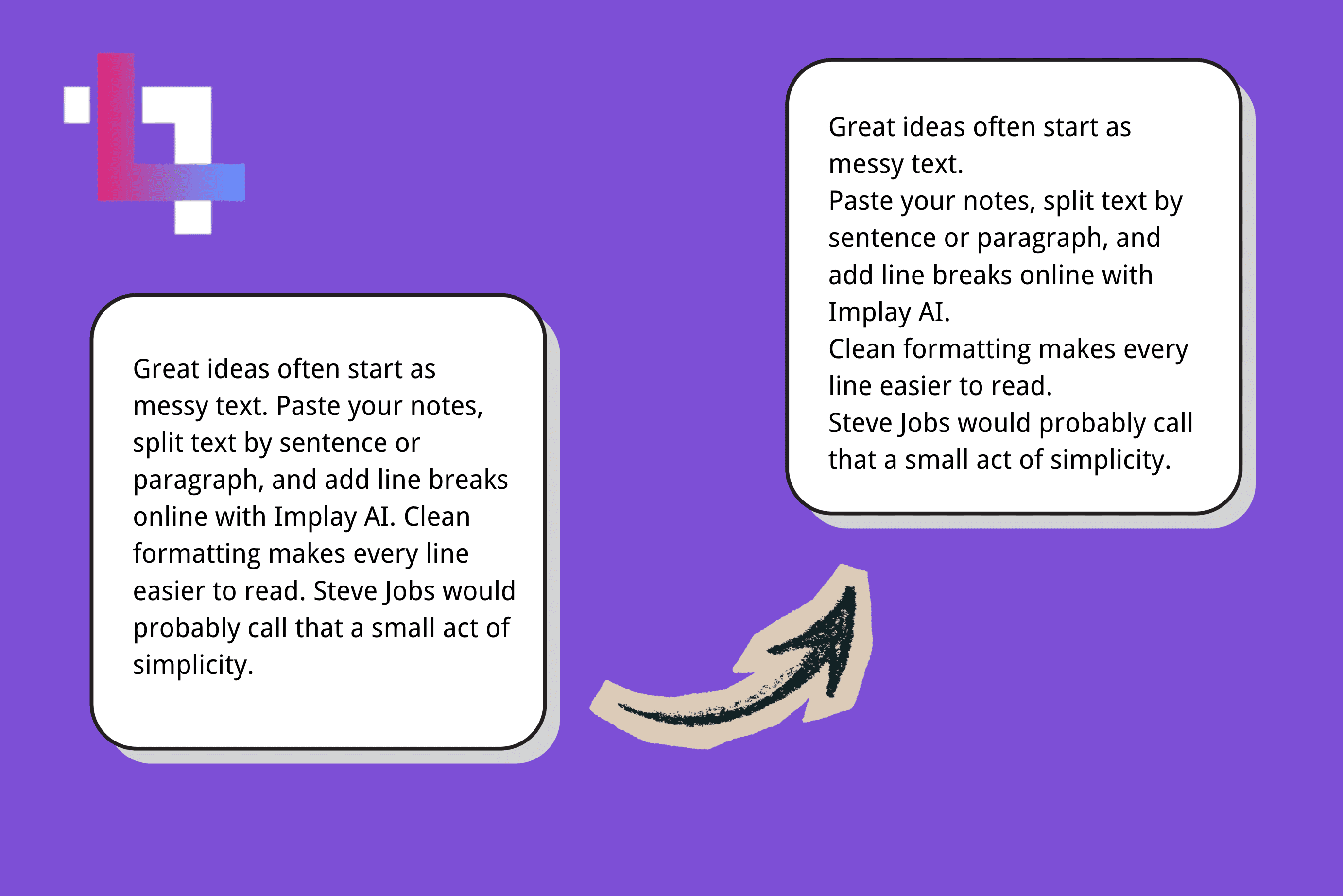
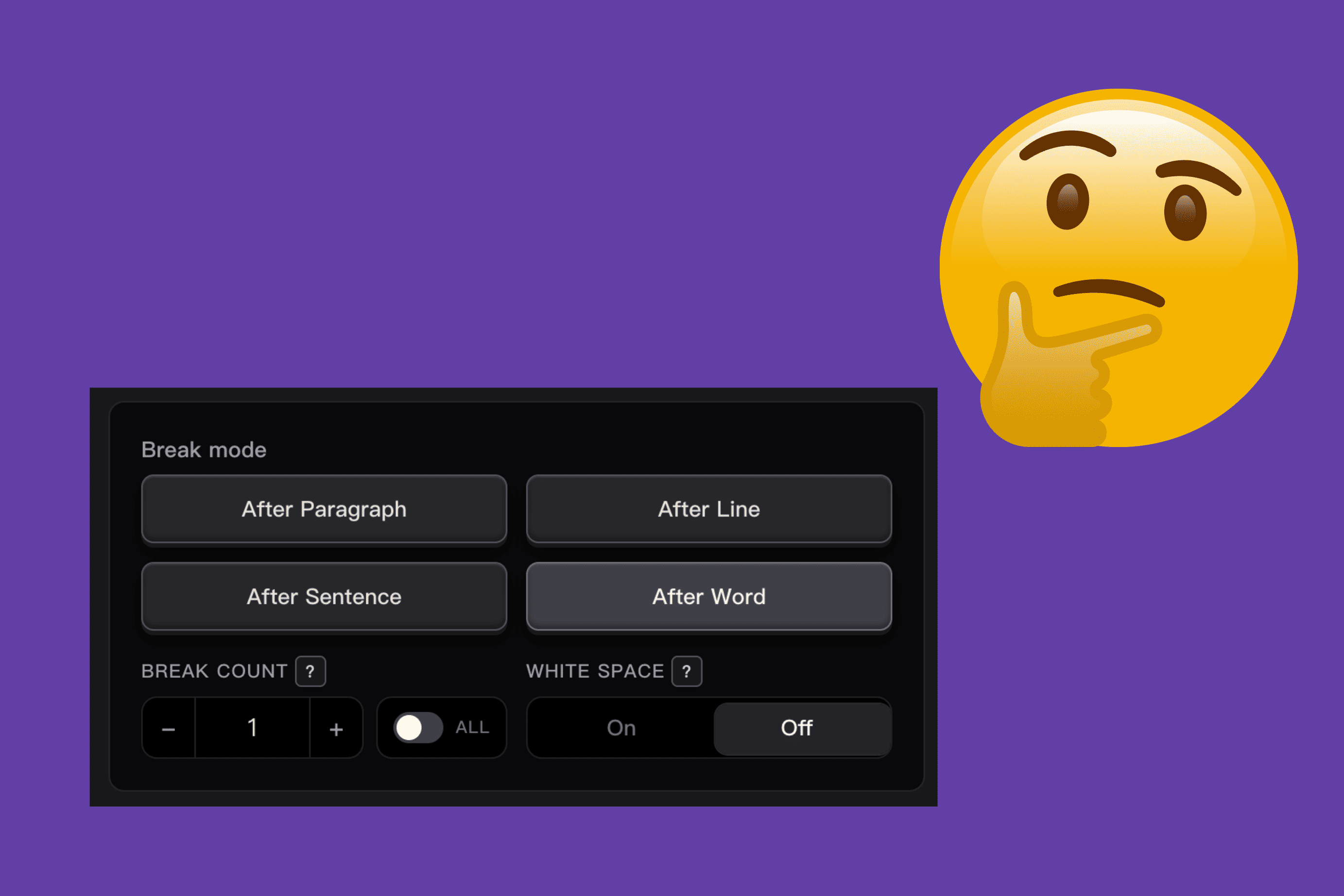
Break any text into clean, structured parts in seconds. Split by paragraph for long-form content, sentence for rewriting or translation, line for quick formatting, or word for detailed text processing.
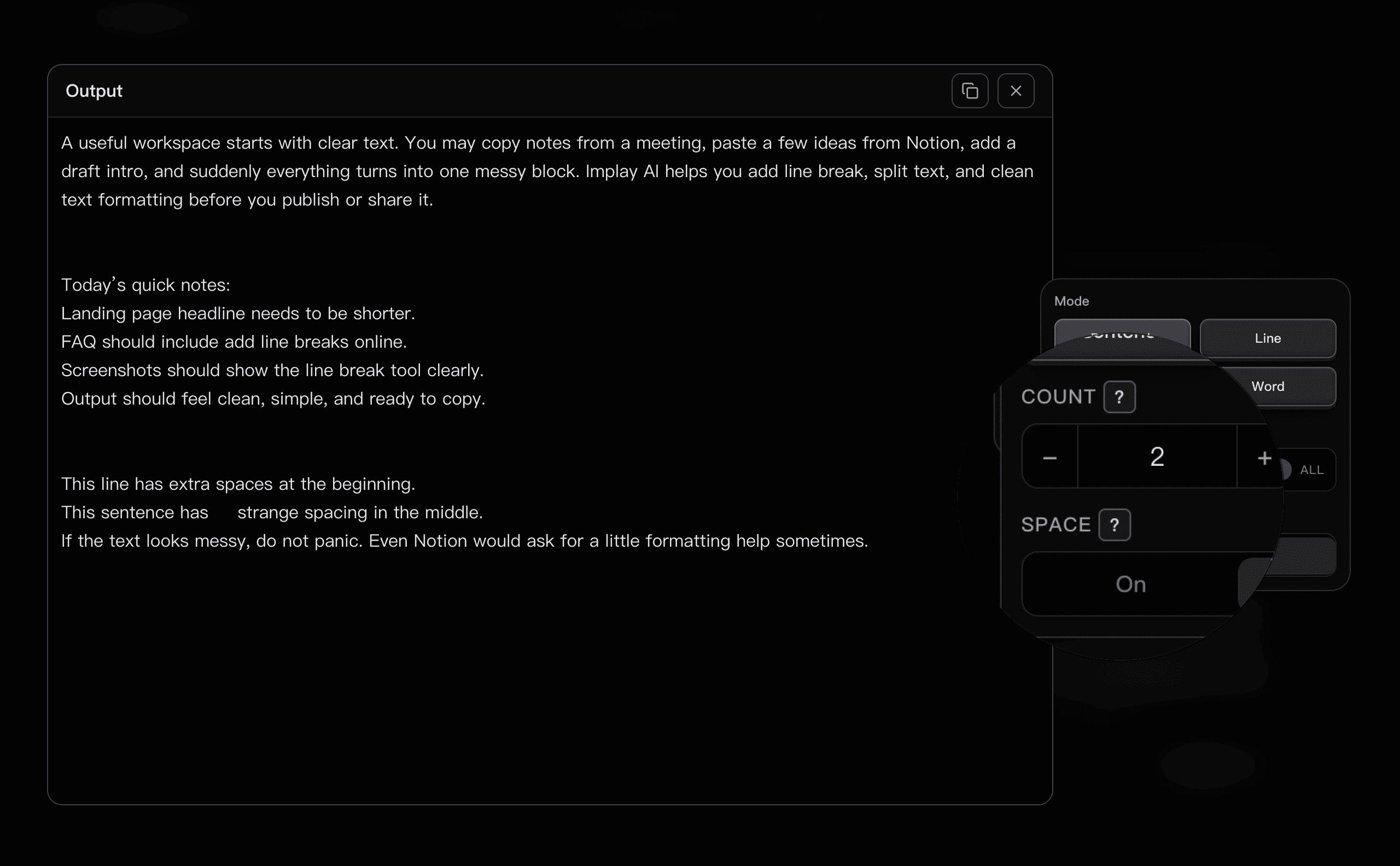
Stop hitting Enter again and again. Set how many empty lines appear between each block, normalize every gap, or preserve larger gaps that already exist.
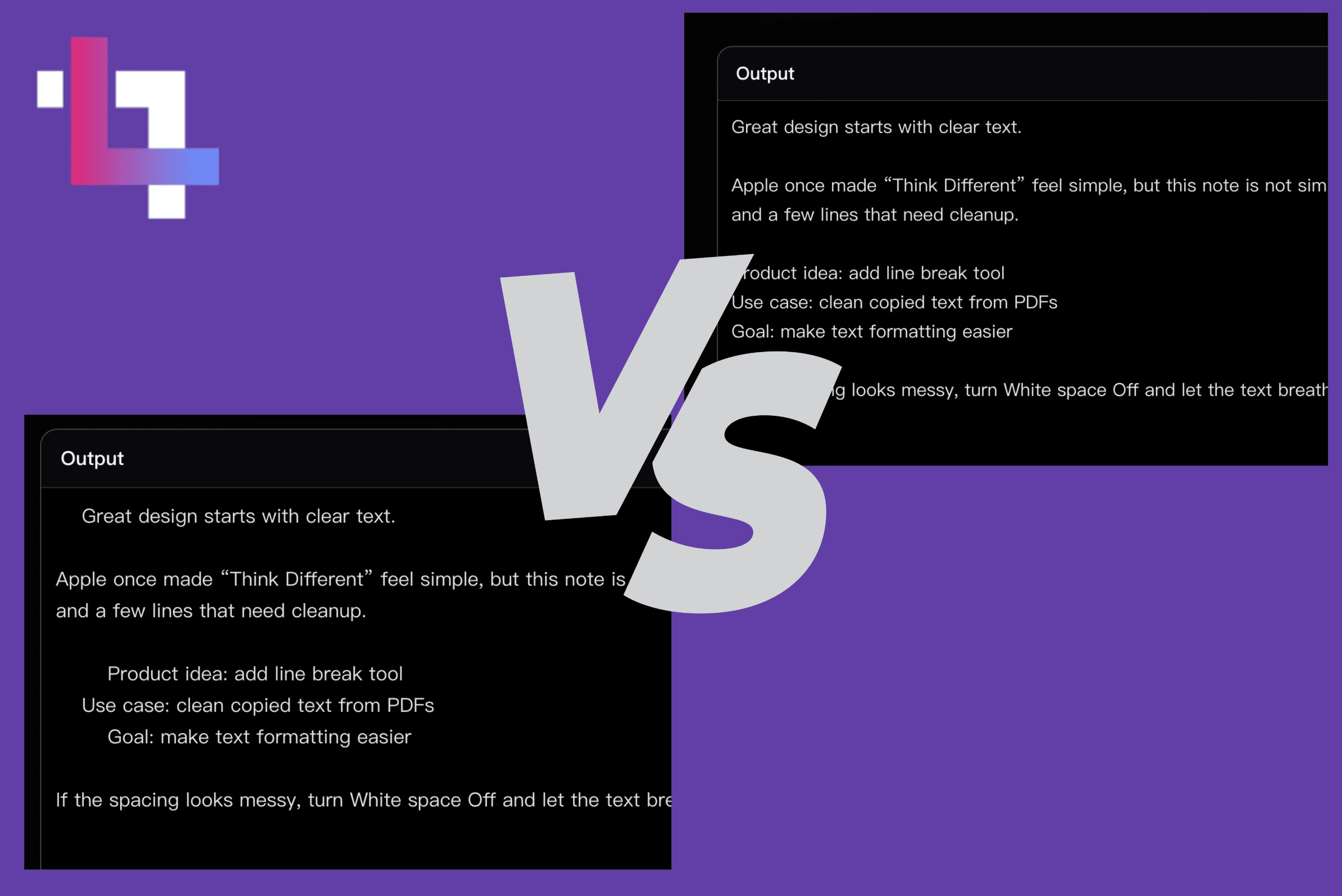
White space controls whether surrounding spaces and indentation are preserved before splitting. Keep the original shape, or trim extra spaces for cleaner output.
Copy and paste any text into the editor, from short sentences to messy raw content.
Select a break mode to split text by paragraph, sentence, line, or word. Adjust spacing if needed.
Clean extra white space if you want, then copy your formatted text with proper line breaks.
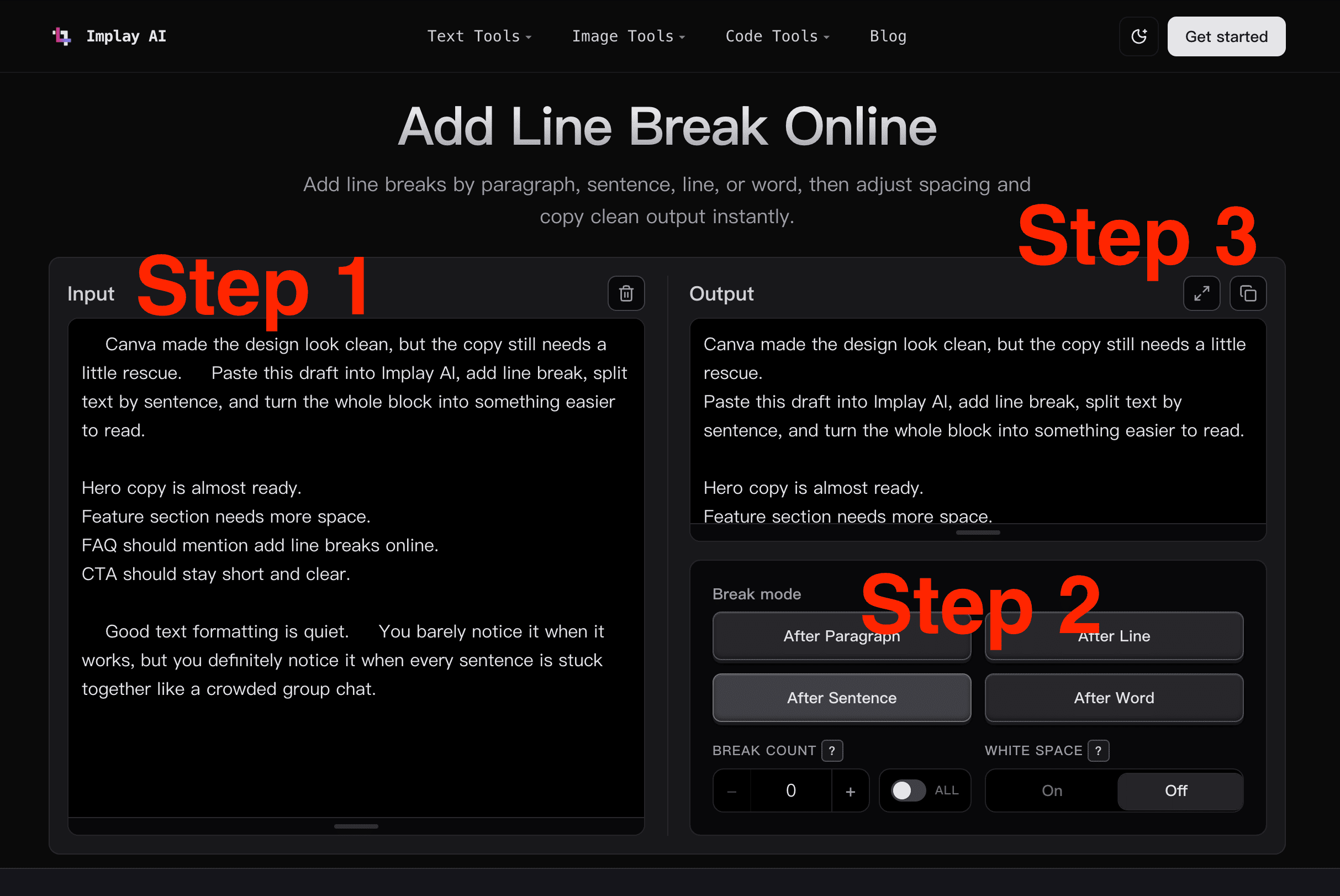
Stop adding line breaks one by one. Use this add line break tool to split text by paragraph, sentence, line, or word, then copy a clean result in seconds.
Turn messy, unorganized text into clear, readable content with proper spacing and text formatting. Add line breaks online to make long blocks easier to scan, edit, and publish.
Customize exactly how your text is structured. Adjust spacing, normalize formatting, or preserve the original layout when needed.
From articles and scripts to raw data, notes, prompts, and AI-generated content, this line break tool helps you format text with less manual cleanup.
Everything runs in your browser. Paste your text, split text, clean the spacing, and copy the formatted result without installing anything.
Easily format articles, captions, newsletters, and scripts. Add line breaks online to structure your content for better readability and publishing.
Process raw text, logs, or datasets efficiently. Split text and control formatting for coding, parsing, or data workflows.
Organize notes, clean up study materials, and make large text blocks easier to read and review.
Clean and structure campaign copy, landing page drafts, keyword notes, and content outlines before publishing or analysis.
Fix messy AI-generated text quickly. Add line breaks, remove extra white space, and prepare outputs for real use.
"When I'm adding line breaks to a pasted draft, this is the first thing I reach for. Then I can actually read it."
"Useful for rough cleanup. I still handle the final spacing in the editor, but the tedious part is gone."
"This is one of those tiny helpers that earns its tab. Paste, split, carry on."
Adding a line break usually means pressing Enter or Return to move text to the next line. When you are working with a large amount of text, doing this manually can be slow and repetitive.
With Implay AI, you can automatically add line breaks across your entire text, split text by paragraph, sentence, line, or word, and control how the final text is structured.
Stop formatting text manually. Use Implay AI to add line breaks, split text, and clean up structure right in your browser.