
Upload a photo or type a prompt
Choose Image Mode for portraits, products, pets, sketches, or screenshots. Use Text Mode when you want the AI line art generator to draw from a written idea.
... free text generations left before sign in
Turn photos into clean AI line art in seconds with a free line art online tool. No drawing skills needed.
Use text prompts or uploaded reference images, choose black-and-white or color, then export crisp line art for designs, crafts, worksheets, posts, and personal artwork.
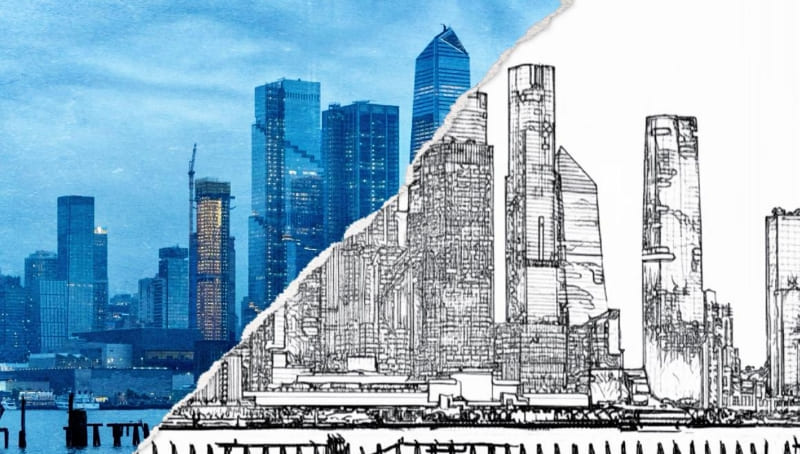
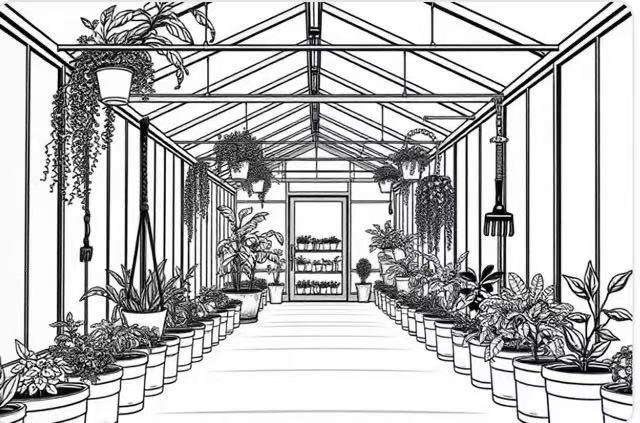
Upload a portrait, product image, or sketch and convert it into smooth AI line art from a photo with clear edges and balanced detail. Turn a wedding photo into elegant portrait line art, or convert a product image into a clean outline for packaging mockups.
Skip complex software and manual outline work. Parents can make custom coloring pages, creators can prepare references quickly, and beginners can get clean line art without drawing experience.
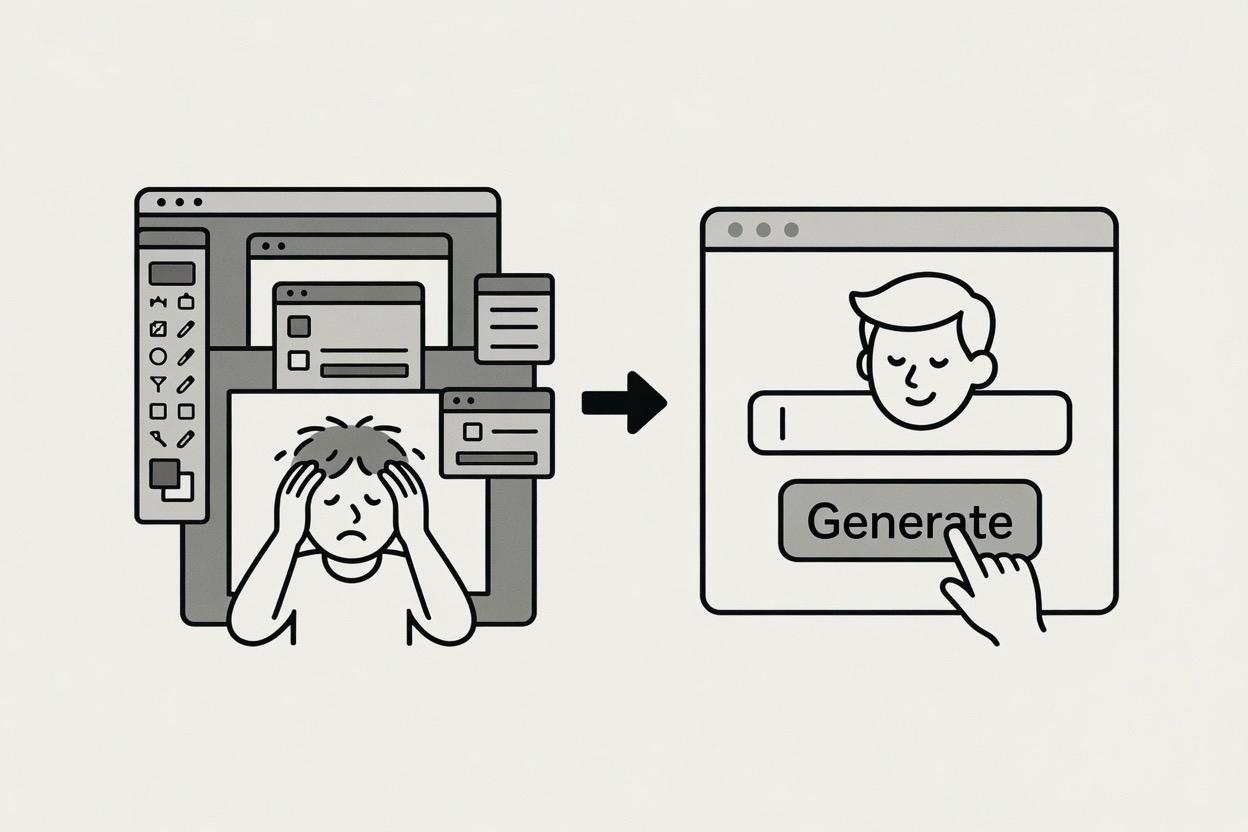
Export finished line art for social posts, craft projects, illustrations, tattoo ideas, worksheets, stickers, stencils, or personal creative use.
Preview your generated line art, then save it directly to your device. No extra menus, no confusing format steps, and no rework before you can use the result.
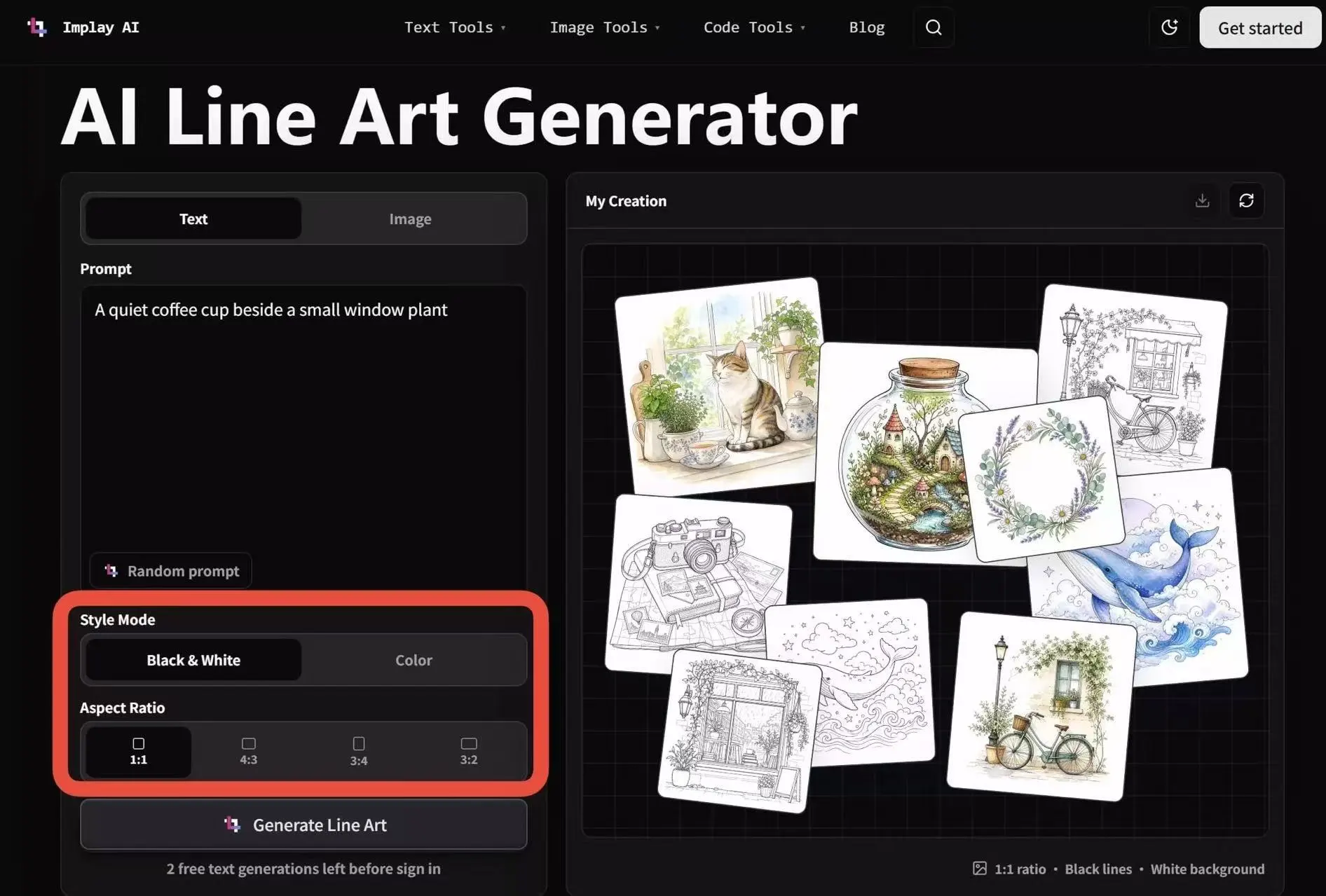
Choose Black & White or Color, then generate in 1:1, 4:3, 3:4, or 3:2. Your line art maker output fits more projects without extra resizing.
Type what you want or upload a reference photo. The AI line art generator turns the input into a clean outline while keeping the subject, composition, and selected style in focus.
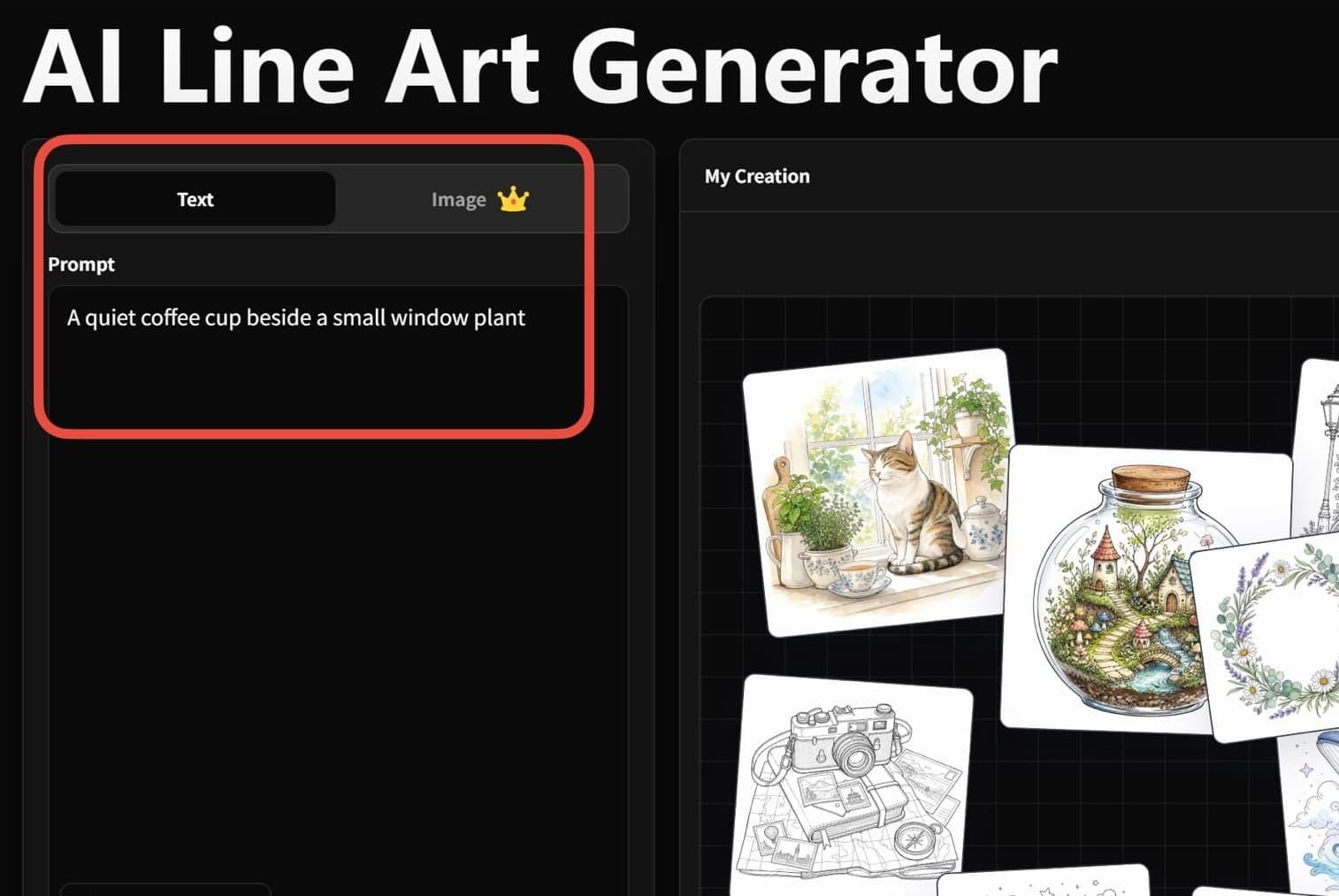
Choose Image Mode for portraits, products, pets, sketches, or screenshots. Use Text Mode when you want the AI line art generator to draw from a written idea.
Use text-to-line for original illustrations, or image-to-line when you want AI line art from photo with stronger reference fidelity.
Choose Black & White or Color, then select 1:1, 4:3, 3:4, or 3:2 so the result matches your project format.
Check the final line art, download it, and use it for crafts, posts, worksheets, tattoo ideas, visual references, or personal artwork.
Convert portraits, product shots, and lifestyle photos into clean line drawings for edits, overlays, and visual effects.
Speed up sketch preparation, simplify references, and create a clean base for digital painting or coloring.
Create free line art online for stickers, stencils, embroidery patterns, scrapbooks, worksheets, and printable craft projects.
Turn images into coloring pages, tracing sheets, classroom activities, and simple outlines that are easy for kids to use.
Make polished outlines for icons, social posts, packaging concepts, brand visuals, landing pages, and presentation graphics.
Use a line art maker to get clean outlines from photos quickly, even if you do not know complex design software.
"For quick AI line art, it gets me past the blank-page bit. I usually redraw a few lines, but the first pass is genuinely useful."
"Fine for the early mockups I share with clients. I tidy the fussy corners later."
"My class turned a photo of our herb garden into a coloring sheet. That was a very easy win."
"Good for stripping a reference back before I start drawing over it. I wouldn't use a busy photo without checking it first."
"Made a quick stencil from an old chair photo. I expected a mess; it was actually pretty clean."
Free browser-based utilities you can pair with the AI line art generator.
The AI analyzes your prompt or uploaded image, applies the selected style, and refines the result into clean line art with clear edges.
For photo inputs, the generator focuses on preserving the subject, composition, and visible outlines while simplifying unnecessary detail.
One line can change everything. Use text or a photo, choose your style, and let AI draw your vision.