

Made for Real Emails, Not Generic Text
Create emails around the situation at hand - whether it is a client update, job application, follow-up, or marketing message - so every draft starts with the right context.
Used by students at leading universities and employees at global companies.
 TikTok
 Microsoft
 Alibaba
 JoyBuy
 Xiaomi
 University of Chicago
 Yale University
 Tsinghua University
 Peking University
 University of Hong Kong
Turn rough notes into clear, ready-to-send emails. Choose the type, tone, recipient, and length, then generate business emails, job applications, follow-ups, marketing messages, and more.
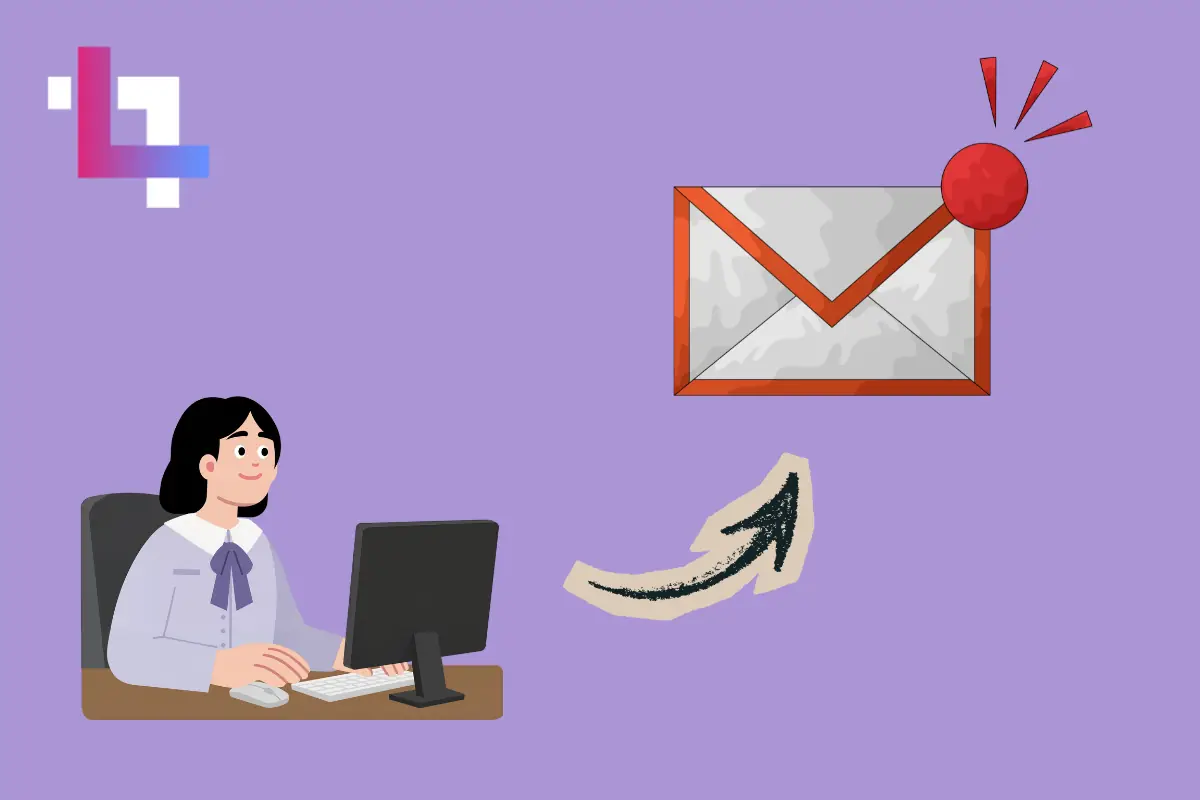
Turn rough notes into a clear, well-structured message with an AI email generator that helps you say exactly what you mean - without overexplaining.
Whether you are writing to a client, colleague, recruiter, or customer, the AI email writer helps your message sound professional, friendly, confident, or concise.

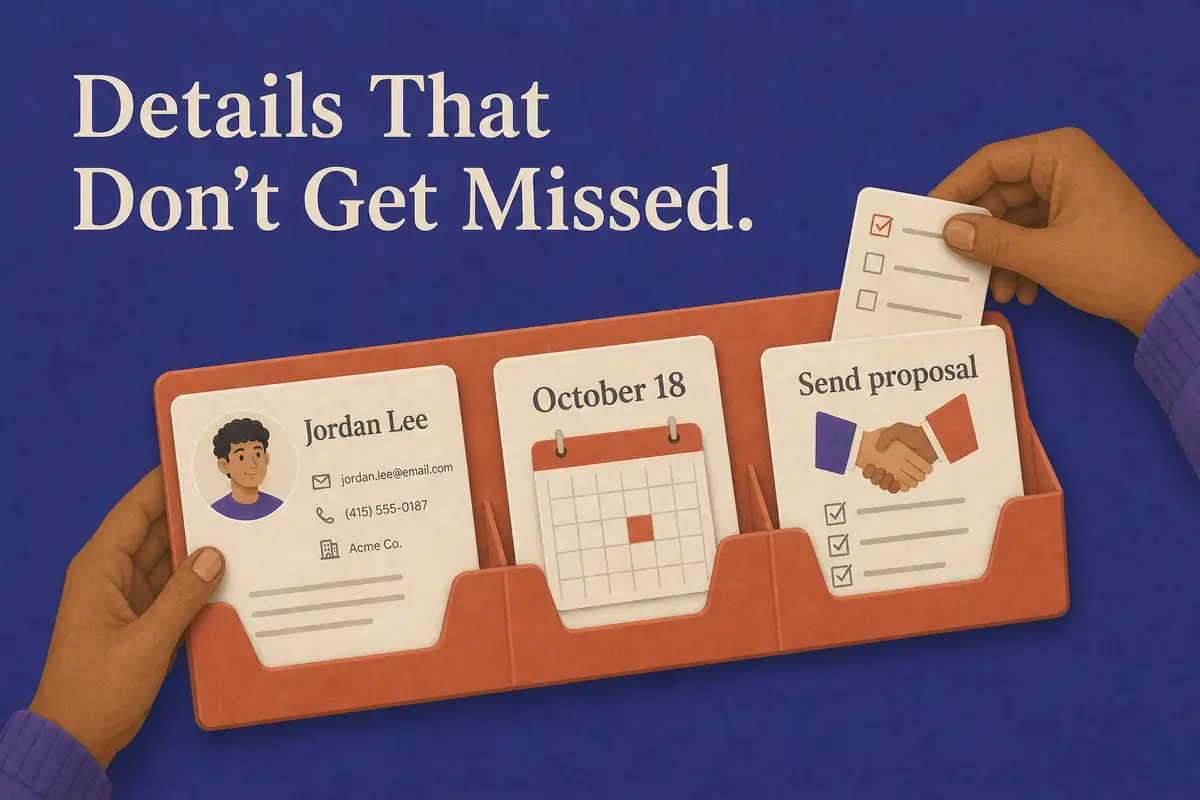
Give your AI email assistant the context that matters, from names and deadlines to next steps, so every email feels complete and considered.
Create focused emails with a clear purpose and an easy next step, making it simpler for recipients to understand your message and respond.
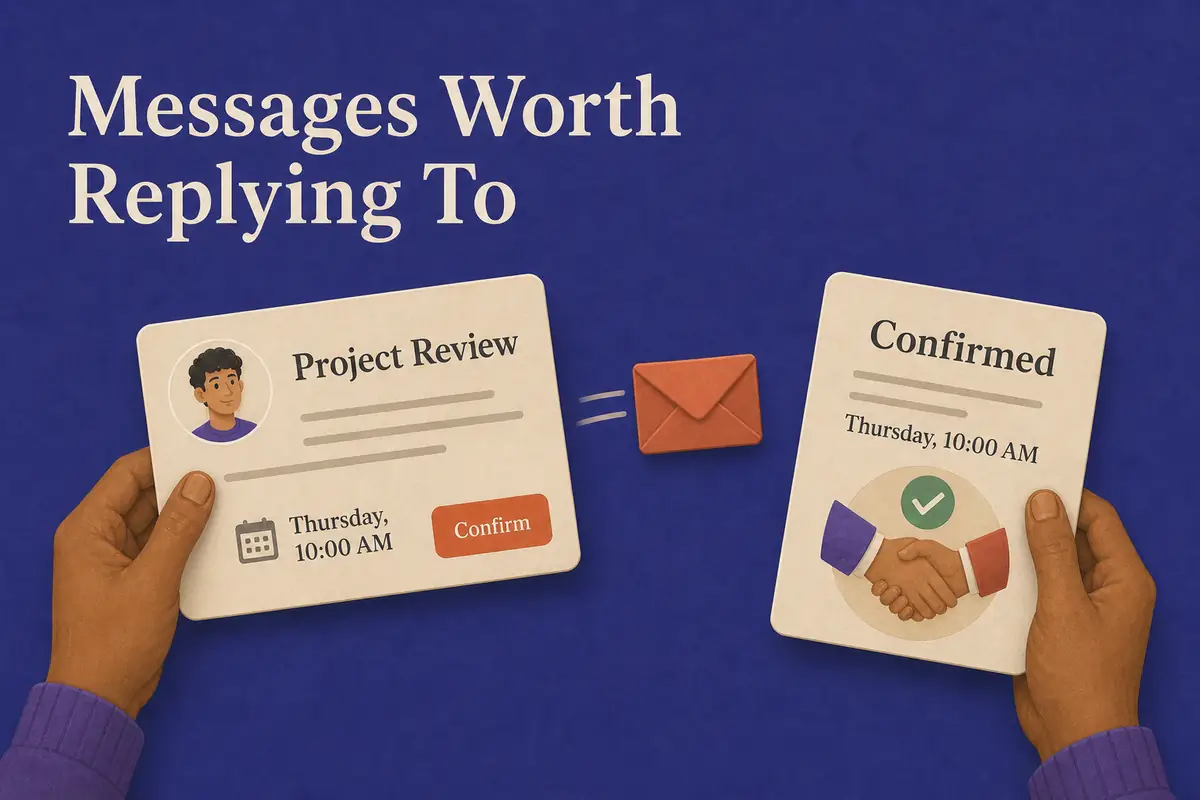
Create emails around the situation at hand - whether it is a client update, job application, follow-up, or marketing message - so every draft starts with the right context.
Get clear, natural wording that fits your voice and your audience, helping your emails feel considered rather than copied from a template.
Adjust the email type, tone, and length to match the message you need to send, from a quick reply to a detailed business email.
Use a free AI email writer whenever you need to turn an idea into a polished message - without starting at a blank page.
Free, browser-based utilities you can pair with the AI email generator.

Support for most major languages makes this AI email generator a practical fit for international teams, global customers, and multilingual conversations.
Business updates, job applications, marketing outreach, follow-ups, complaints, and personal notes all start from the same place.
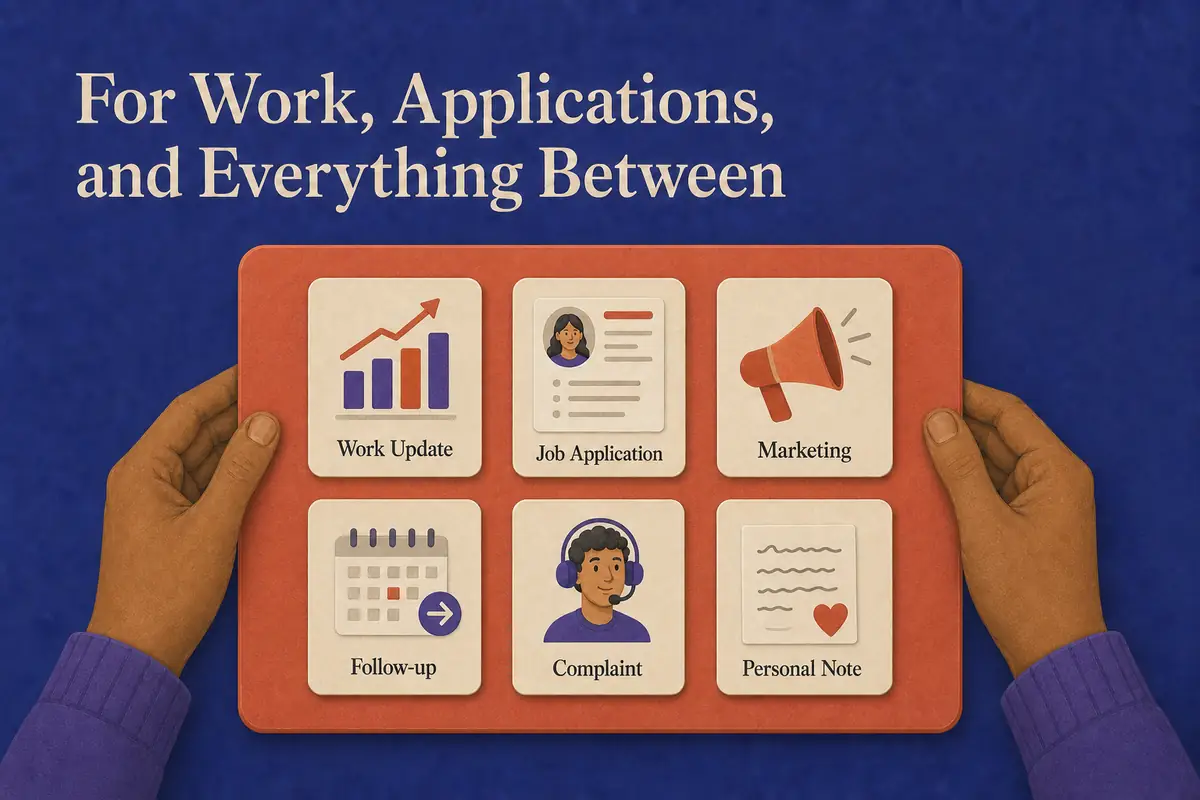
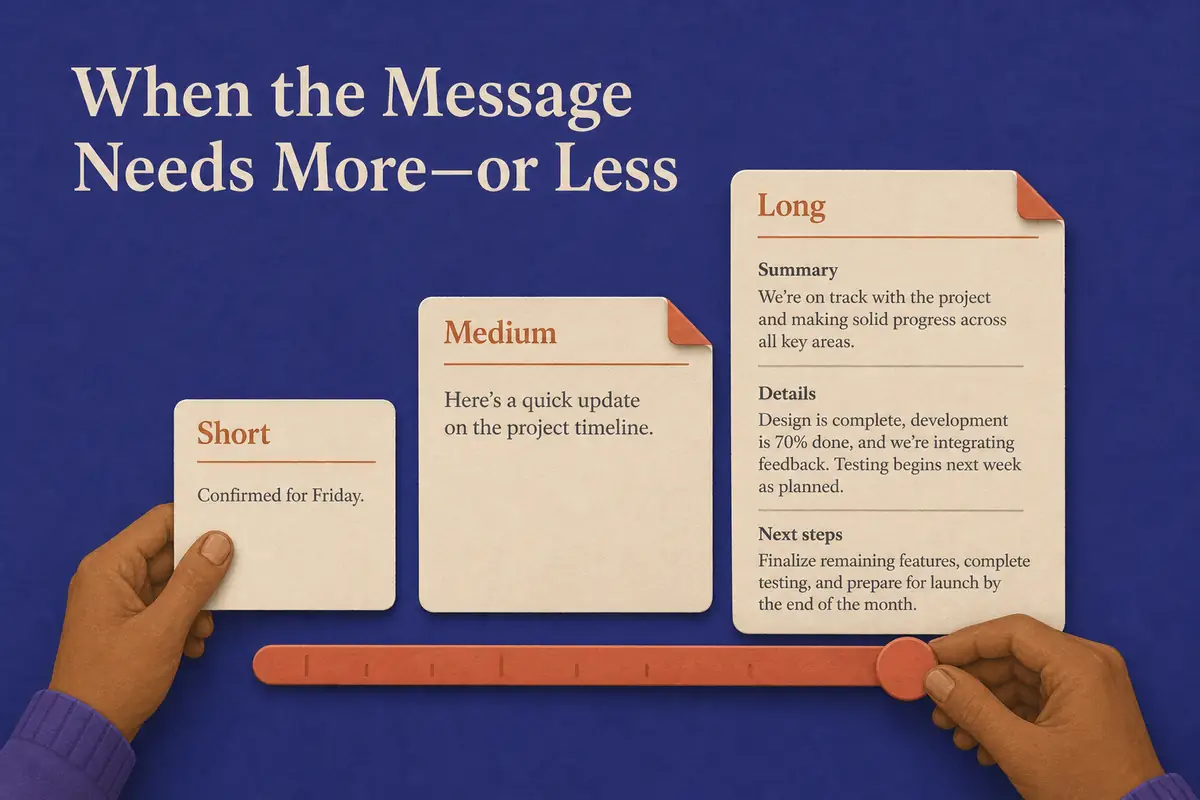
Every conversation has its own rhythm, from a quick confirmation to a detailed update. Short, medium, and long drafts make room for each one.
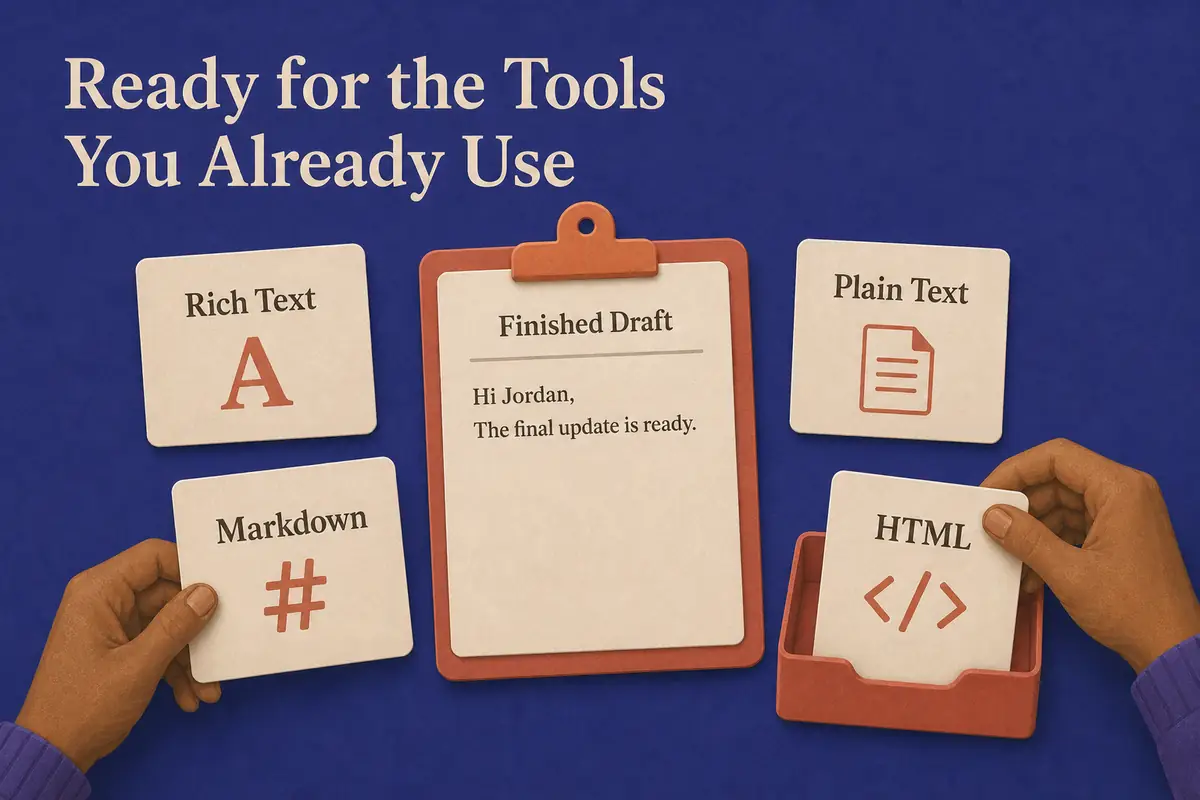
Rich text, plain text, Markdown, and HTML output make it easy to carry a finished draft into the rest of your workflow.
Tell the AI Email Writer What You Need
Add a few notes about your message, including who it is for, what you want to say, and the details that matter.
Fine-Tune the Email Settings
Set the email type, tone, and length to match your situation, whether you are writing a business email, job application, follow-up, or marketing message.
Generate and Review Your Draft
The AI email assistant turns your notes into a complete draft in seconds. Review the wording and make any final edits before sending.
Copy or Download Your Email
Copy the completed email or download it as rich text, plain text, Markdown, or HTML for your preferred workflow.
"Used it for one awkward campaign follow-up and then kept the tab open. I still rewrite the first line, but apparently I needed help with the emails I was most likely to avoid."
"Everyone on the team got a usable draft without needing a walkthrough. I still check the dates and owners, but our weekly updates are much easier to pull together."
"After a customer call, I already know what I need to say; I just do not always have time to shape it. The draft gives me a clear follow-up while the conversation is still fresh, though I always confirm the next steps."
"Writing to a professor used to make me reconsider every sentence. Now I can start with a properly structured email and spend my time making the question more thoughtful."
"Candidate follow-ups used to pile up. Now they do not. I give it the facts, trim the draft, and move on."
"I mainly use it when the recipient prefers a language I do not write every day. It gets the first draft close, and I check the product terms before sending."
An AI email generator turns your notes or instructions into a complete email with a subject line and structured body. It gives you a ready-to-edit first draft based on your purpose, recipient, and key details.
Turn a few notes into a complete email you can review, personalize, and send with confidence.