


Students and Teachers
Make lecture slides, whiteboard photos, textbook screenshots, and scanned notes easier to read and share.
Output quality
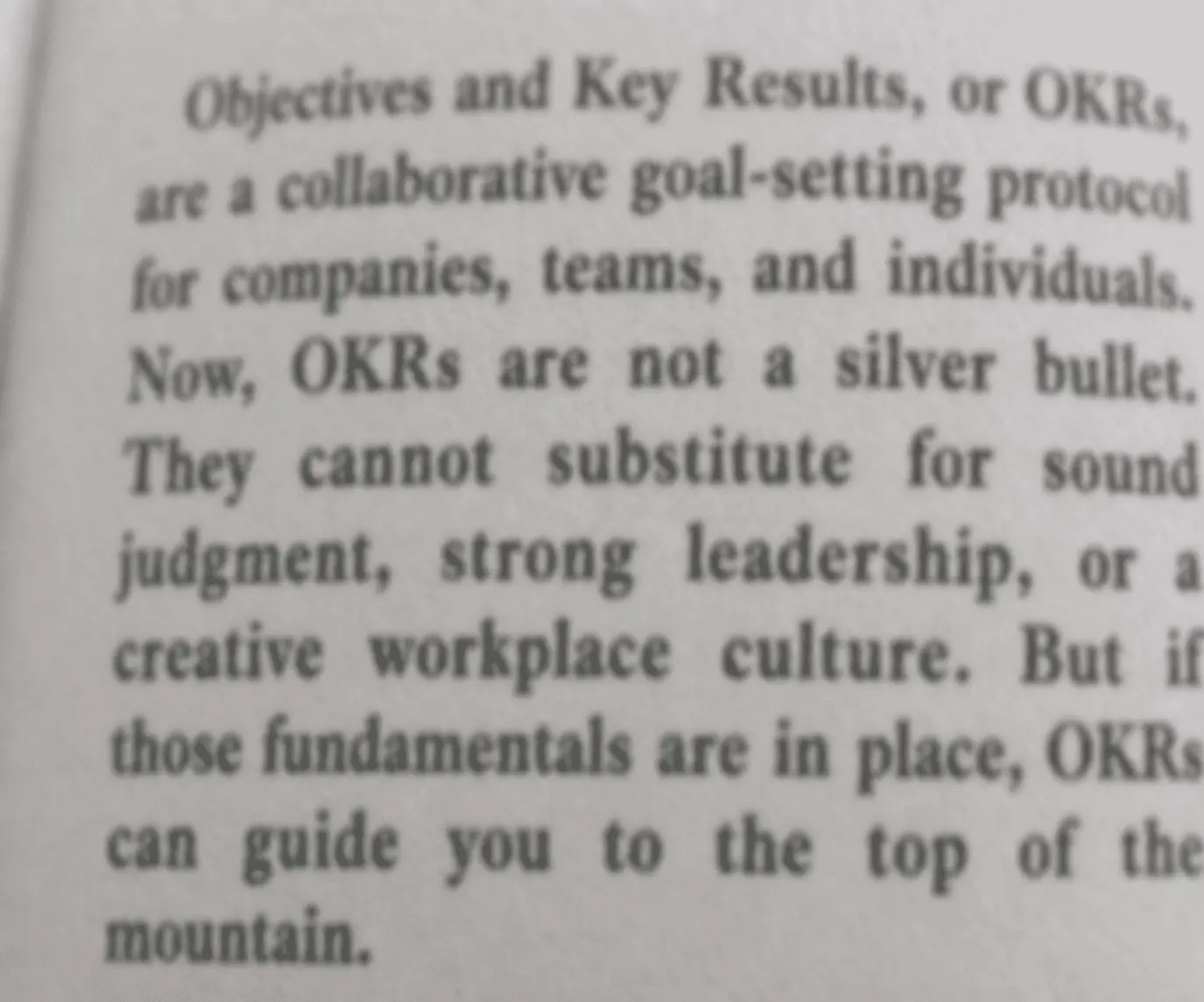
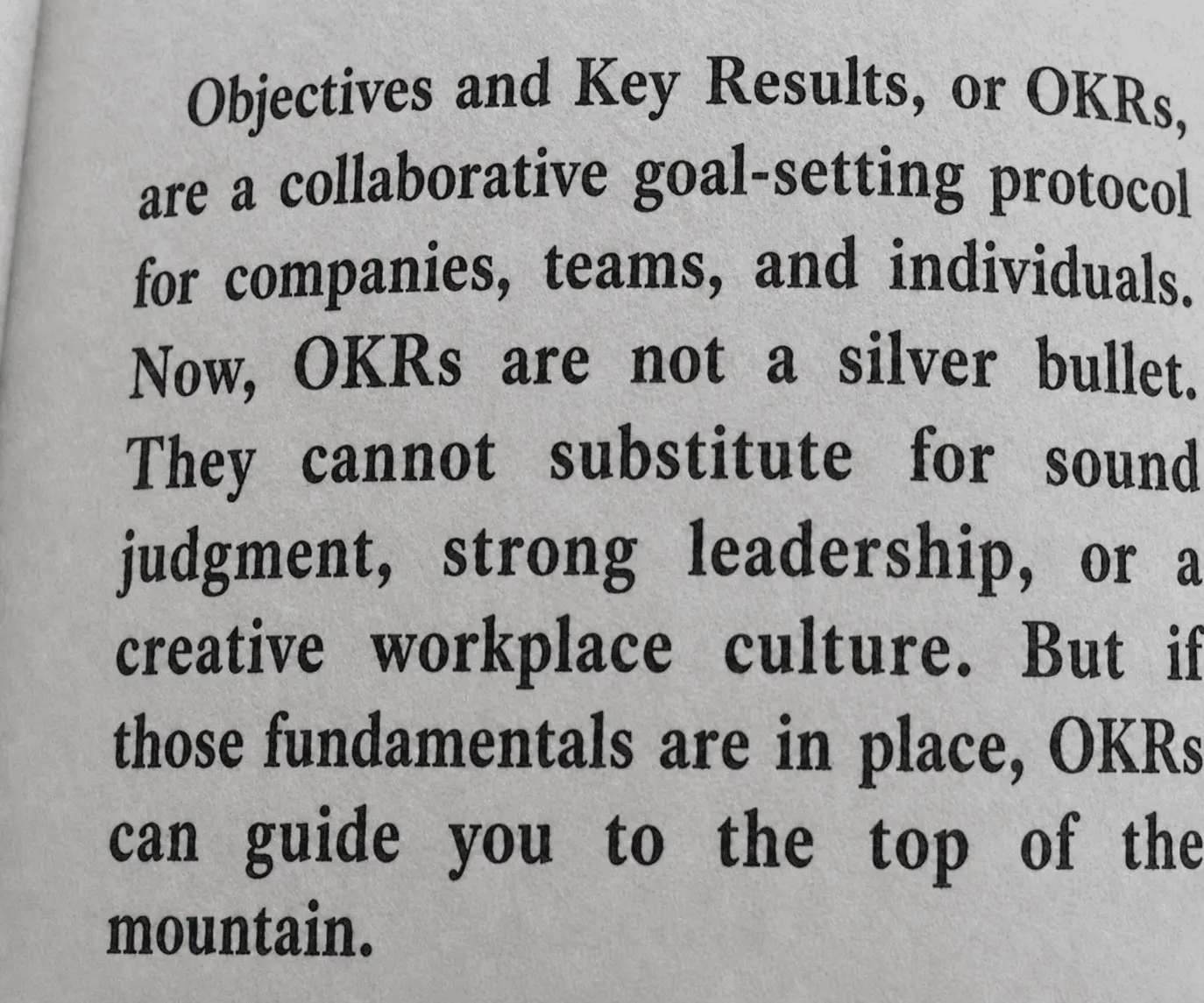
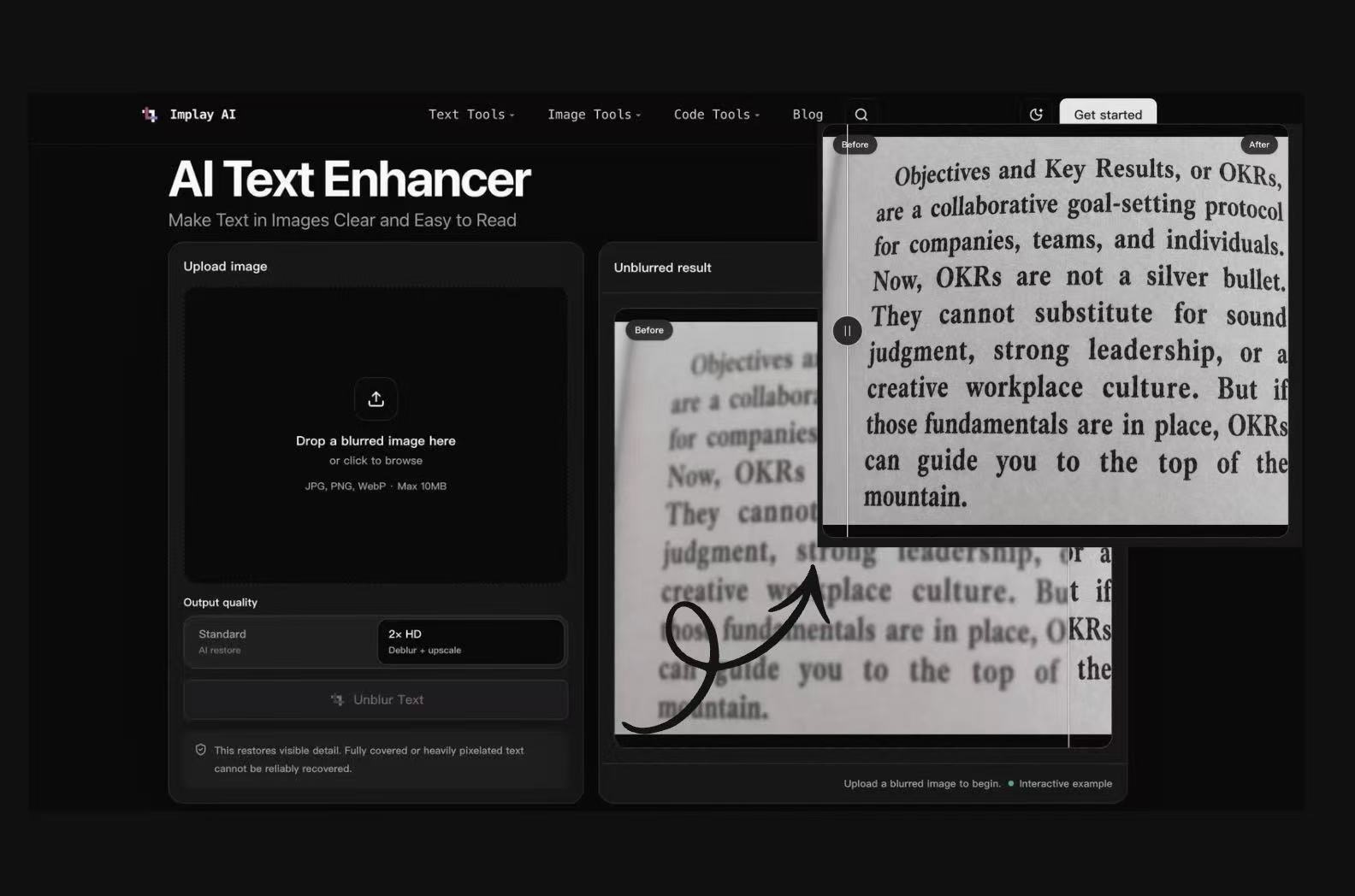
Make text in images clear, readable, and easier to use. Upload a blurry screenshot, scanned document, label, receipt, note, or photo, then let the AI text enhancer restore visible text.
Explore more AI image tools for your next edit.
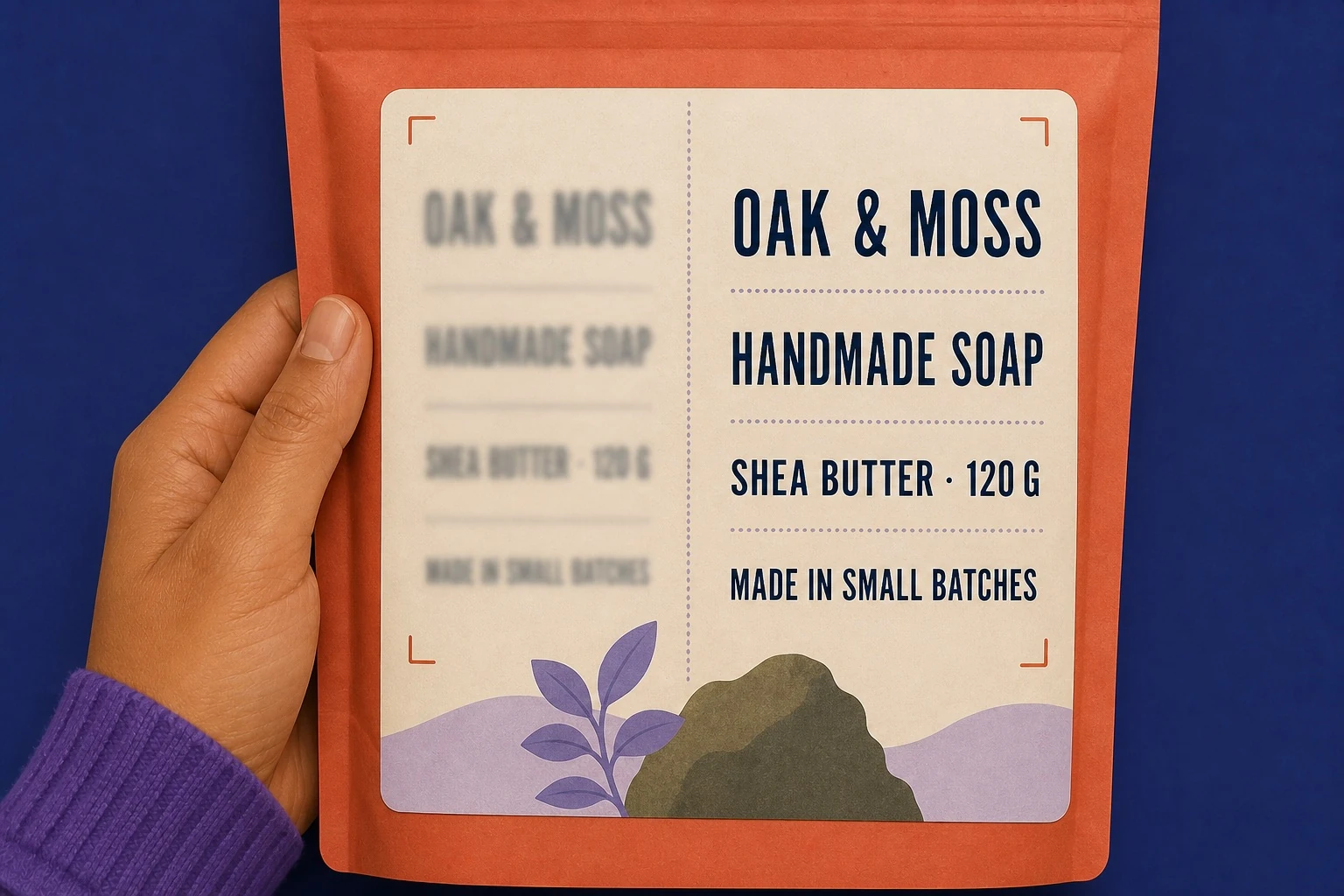
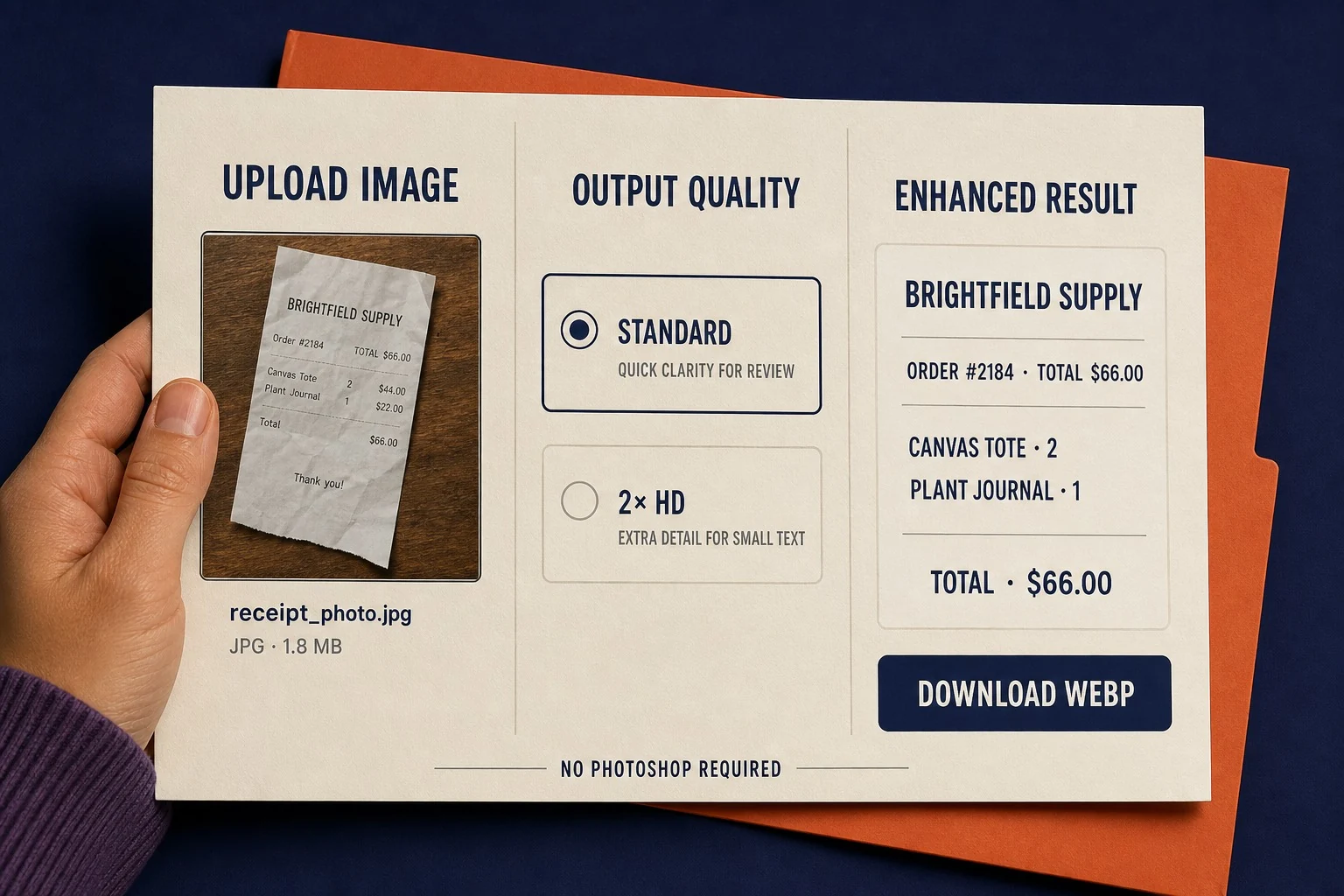
Use the text enhancer on screenshots, scanned pages, photographed notes, forms, signs, and product labels. The AI text enhancer detects visible characters and improves readability, so important words are easier to review, copy, or share.
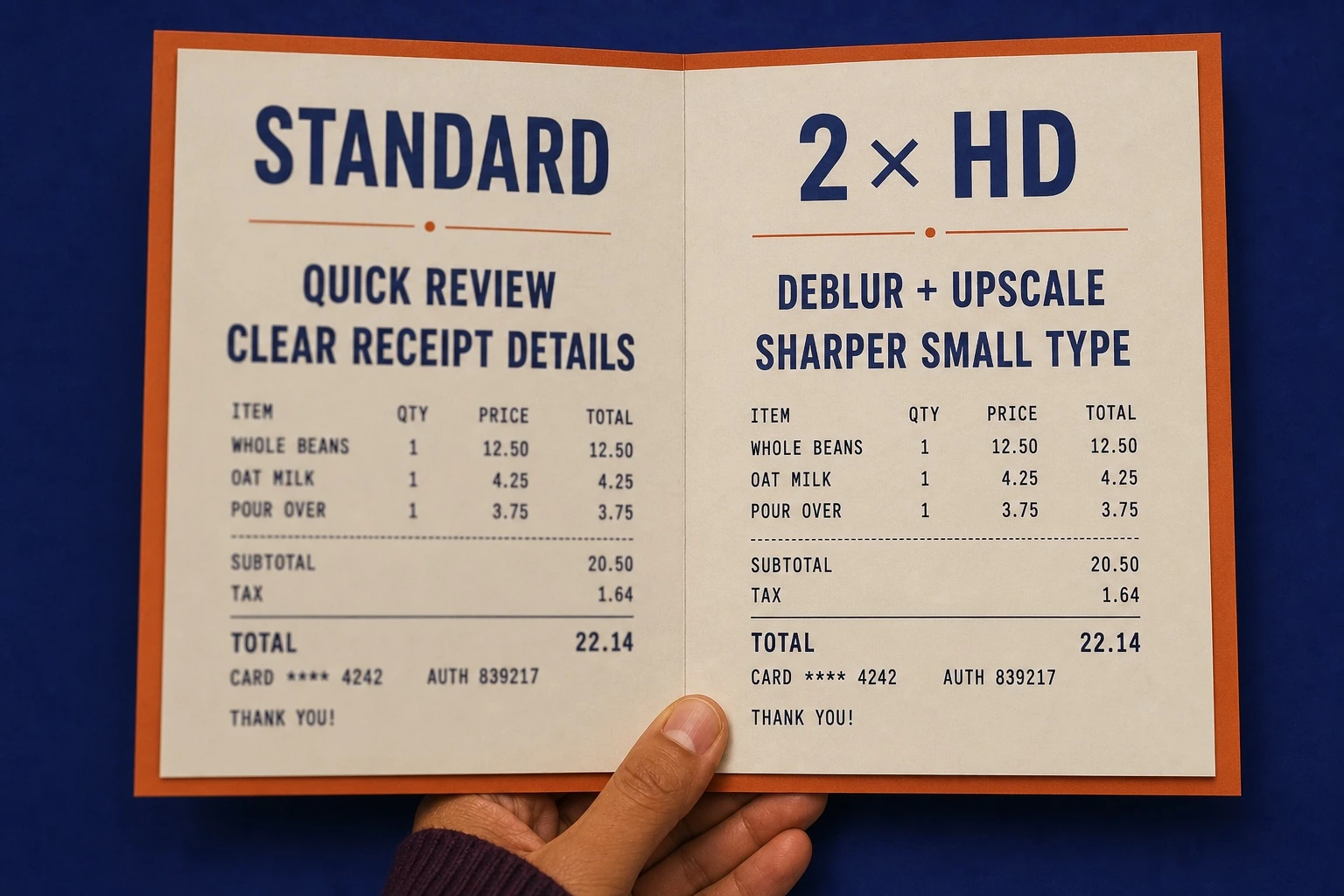
Choose Standard for a quick AI restore, or select 2x HD when you need deblurring plus upscaling. Pick the output quality that suits simple reading, a clearer presentation, or a higher-resolution image.
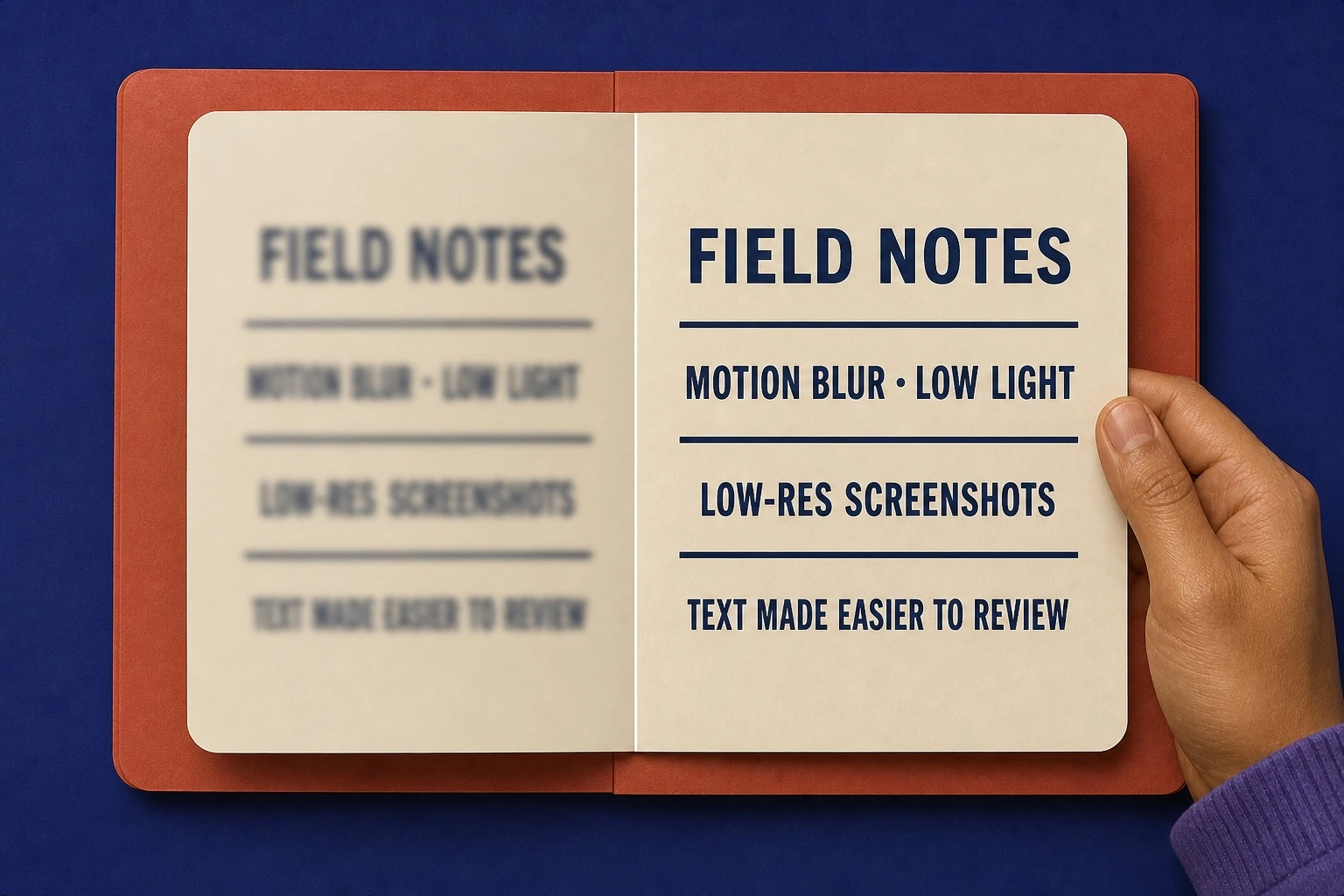
Improve text affected by motion blur, camera shake, low light, soft focus, compression artifacts, or low-resolution screenshots. The image text enhancer focuses on legibility while keeping the original layout natural.
Make lecture slides, whiteboard photos, textbook screenshots, and scanned notes easier to read and share.
Restore clearer text in meeting screenshots, contracts, receipts, reports, forms, and shared documents.
Improve copy inside banners, thumbnails, mockups, posters, and UI screenshots before review or approval.
Read a blurred photo, old document, delivery label, menu, note, or screenshot in a simple upload-to-download workflow.
A normal sharpening filter can distort fonts, edges, and backgrounds. This AI text enhancer focuses on text areas, helping improve visible letters while keeping spacing, layout, colours, and surrounding design close to the original image.
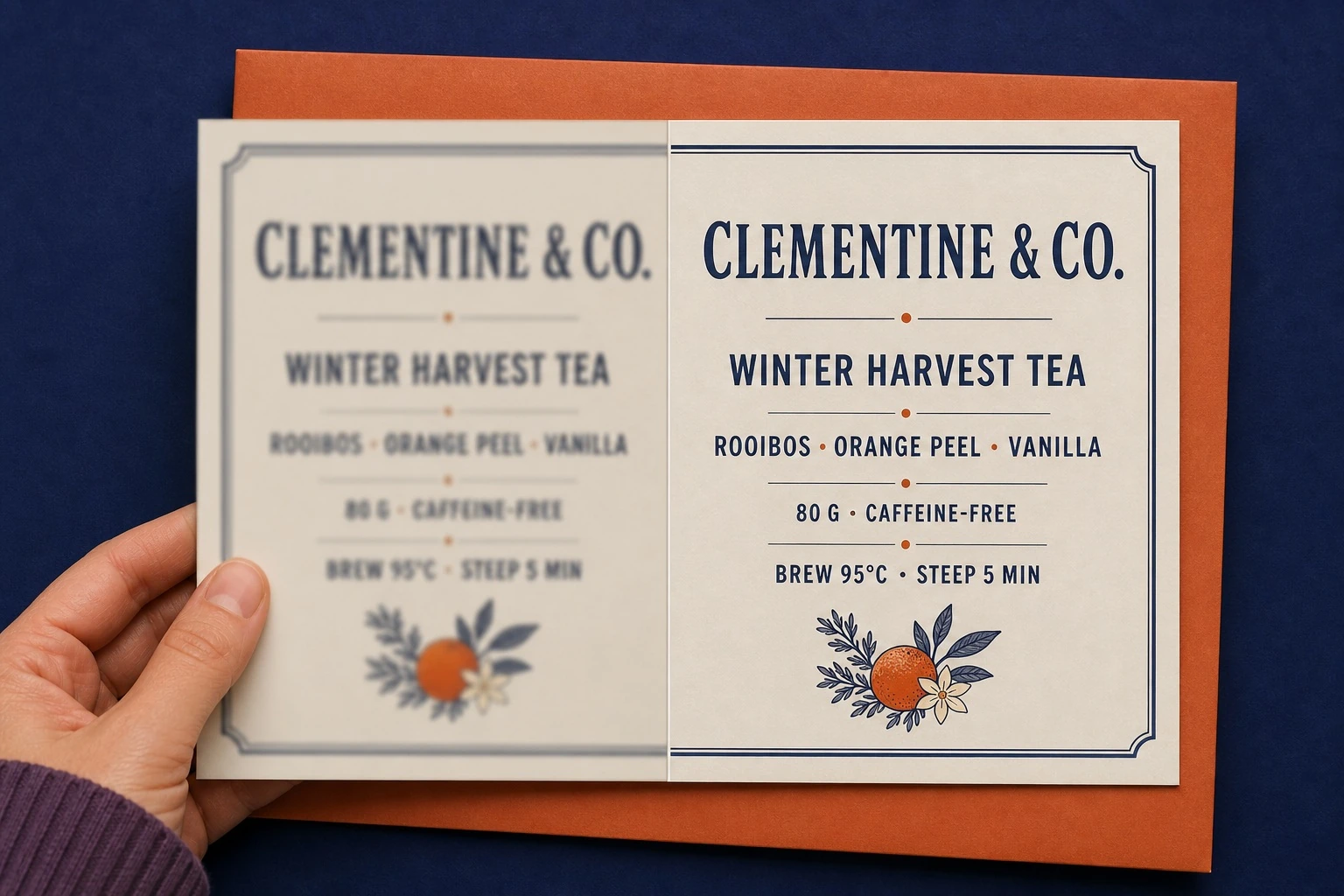
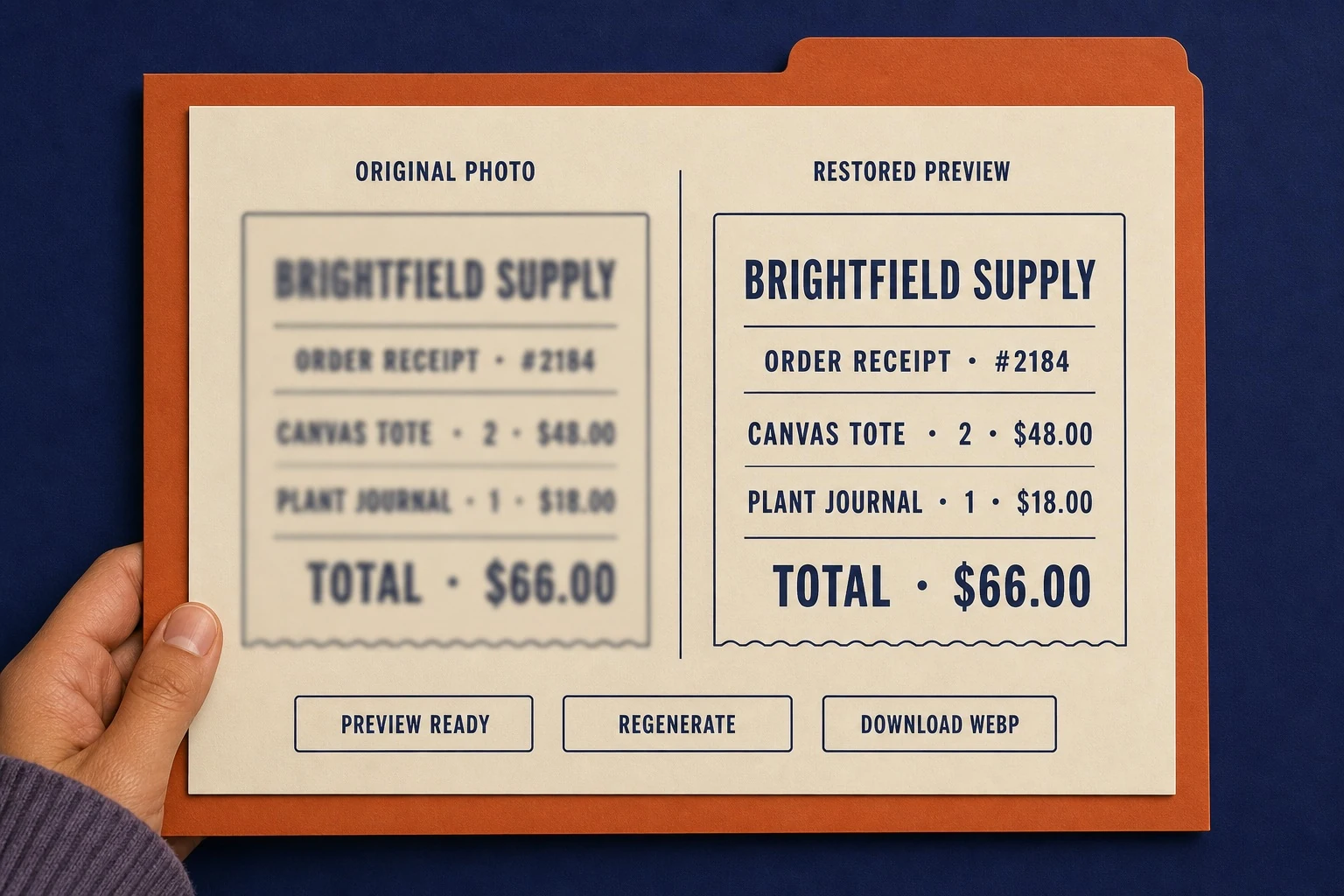
Review the enhanced result online before saving it. Compare it with the original, regenerate if needed, then download the clearer version when the words and image look right.
You do not need Photoshop or manual retouching. Upload a JPG, PNG, or WebP image, choose a quality option, and enhance text online so you can focus on reading and using the result.
Upload Your Image
Drag in a blurry JPG, PNG, or WebP image, or click to browse for a file.
Choose Output Quality
Select Standard for a quick restore or 2x HD for deblurring plus upscaling.
Unblur and Enhance
Start the process and let the tool improve visible text areas automatically.
Preview the Result
Compare the result with the original and rerun it with 2x HD if more clarity is needed.
Download or Reuse
Save the clearer image for a document, presentation, report, design review, or archive.
"An attendee sent a photo of an expense receipt after the fact. I used Standard to make the merchant and totals legible enough for the expense log, then kept the original beside it. I still chase a clean copy if a tax line is unclear."
"I use it mostly for slides and whiteboard snapshots from seminars. The 2x option makes the smaller labels easier to read when I am deciding what to transcribe, and the before-and-after view keeps me from trusting a letter I cannot verify."
"When I am reviewing a campaign mockup, tiny legal copy and UI labels can get soft in the screenshot. This gives us a clearer review image before the designer goes back into the source file."
"Sometimes a return arrives with a box label photographed in bad light. I use it to check the item name and basic details before looking the order up, but I do not rely on it alone when the barcode is smeared."
Yes. Upload a JPG, PNG, or WebP image, select an output quality, and let the AI text enhancer improve visible text. Review the result before downloading the clearer image.
Use this text enhancer on screenshots, scanned documents, notes, receipts, labels, and photos, then download a clearer result.