
Open the Image to Sketch Tool
Use the browser-based tool at the top of this page. There is no app to install and no drawing software to configure.
Upload a photo to begin
Your selected style and generated result will appear here.
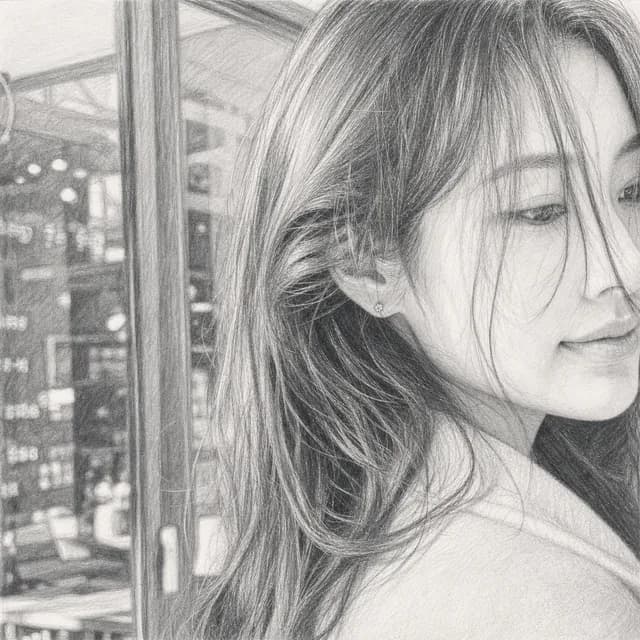
Turn photos into sketches online with no drawing skills required. Upload an image, choose a hand-drawn style, and create a detailed result in your browser.
Use the finished sketch as an illustration reference, design draft, classroom resource, social post, or printable creative project.
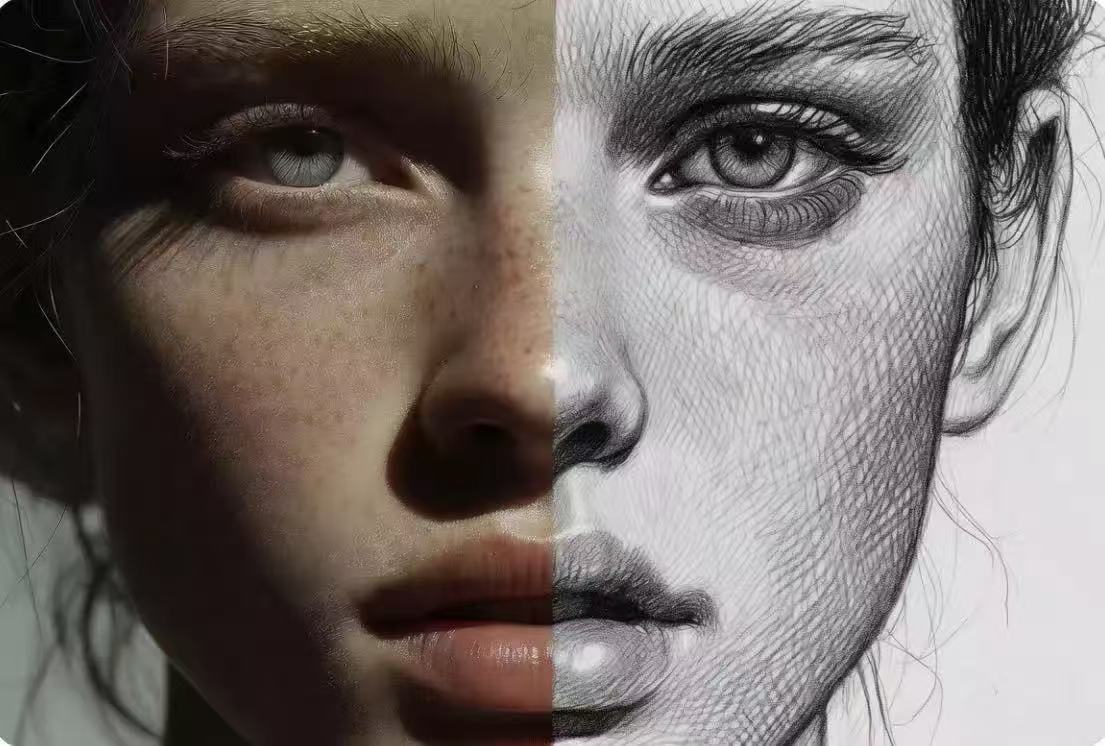
Preserve recognizable features, proportions, and important contours while changing the original photo into convincing hand-drawn artwork. Create detailed sketch references for portraits, architecture, products, illustrations, and concept work.
Switch between pencil sketch, clean line art, comic ink, contour drawing, cross-hatching, technical drawing, and other visual treatments. Generate different versions of the same image without manually redrawing it.
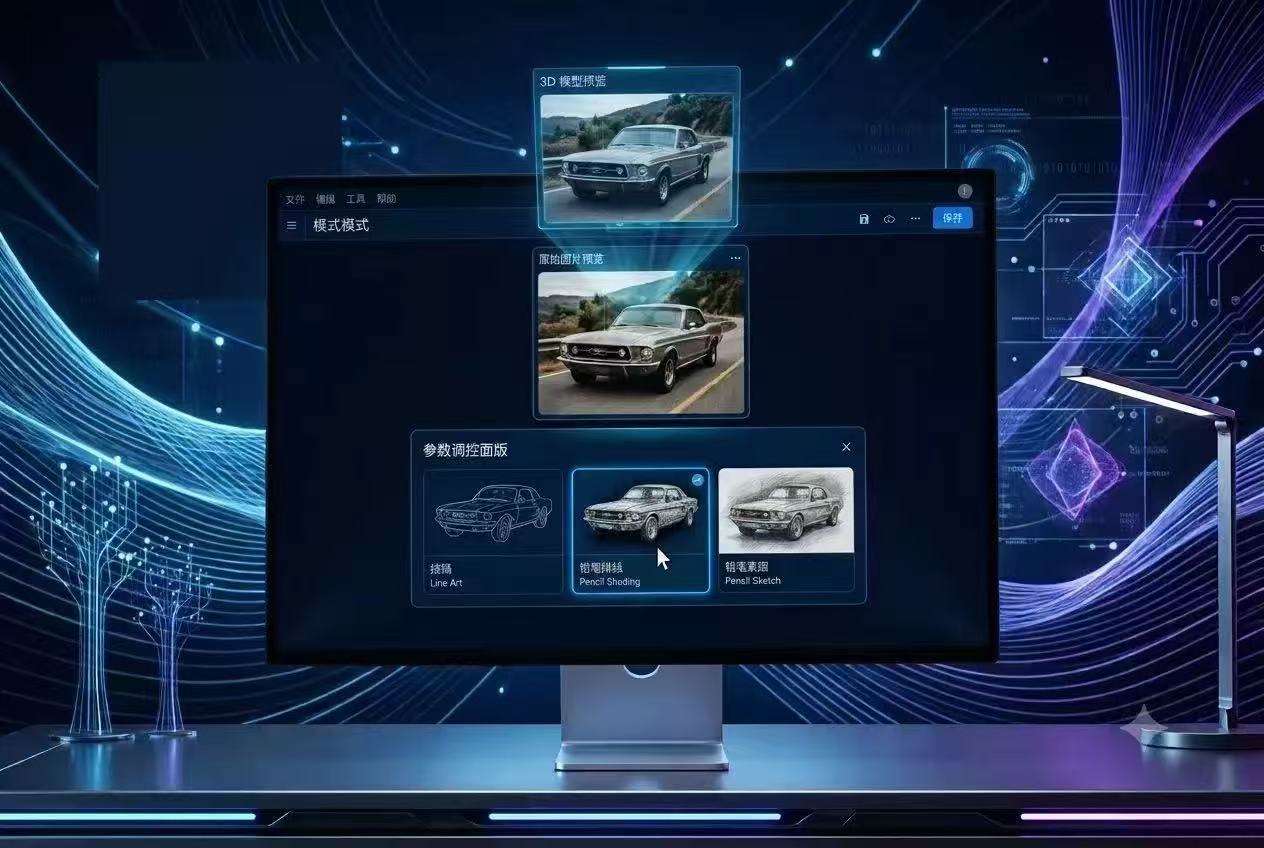
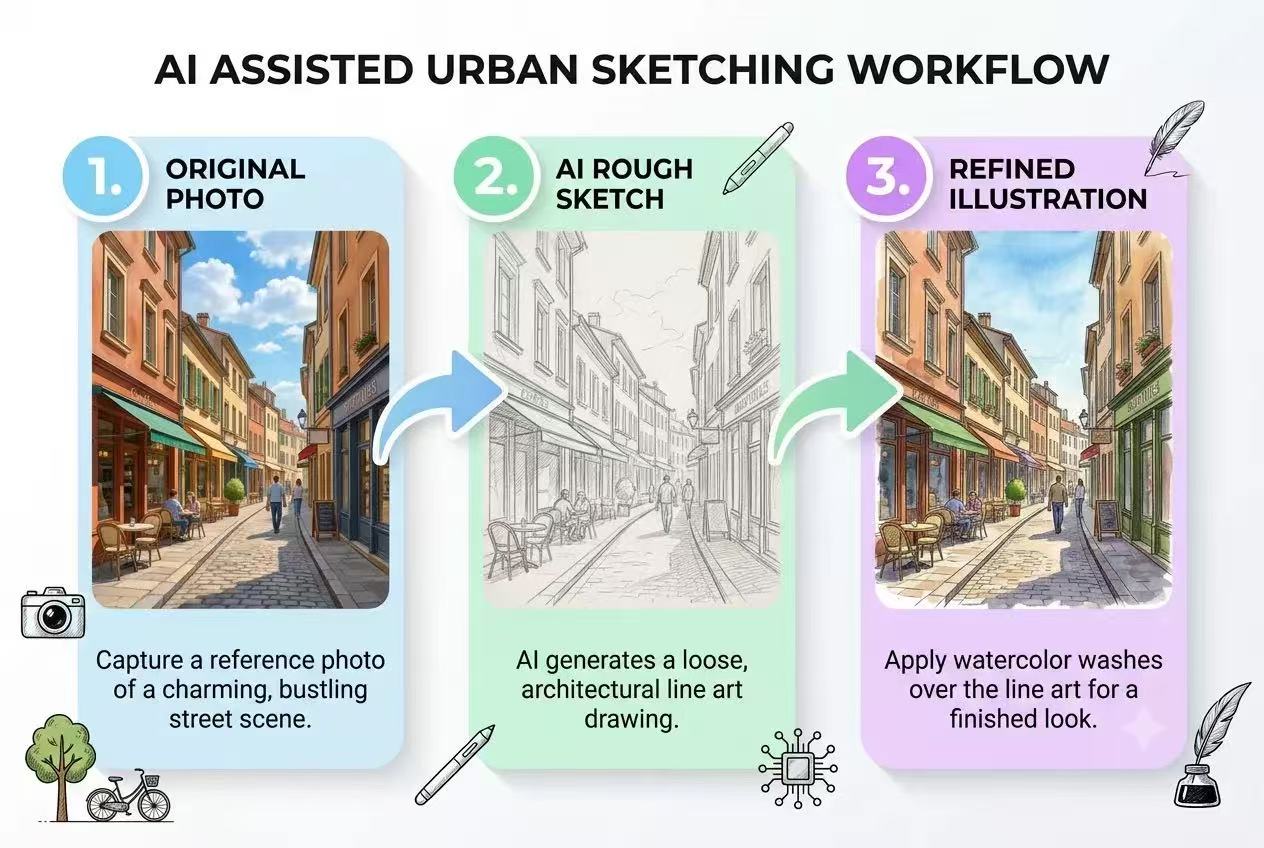
Upload your reference, choose a style, and let the AI handle the initial drawing. The streamlined workflow helps designers, creators, and online sellers move from source photo to usable sketch without starting from a blank canvas.
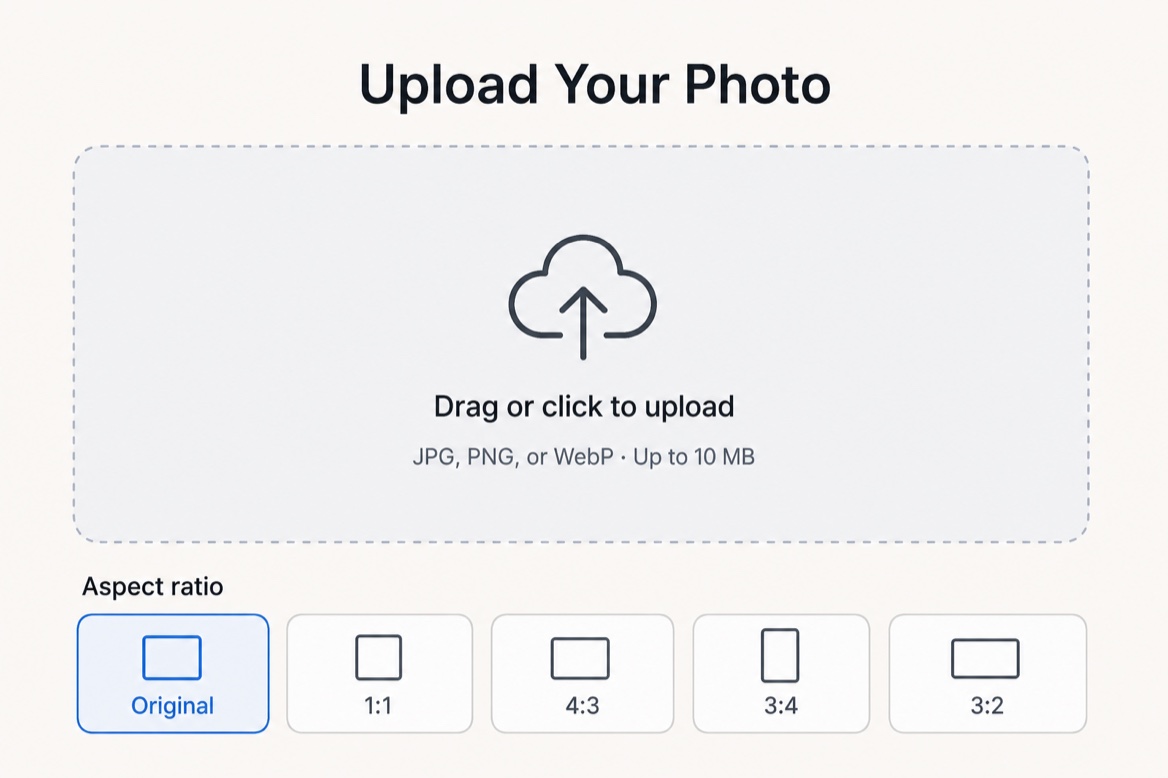
Keep the original crop or choose a 1:1, 4:3, 3:4, or 3:2 output ratio. Prepare sketches for social media, presentations, product pages, phone screens, portfolios, and printable layouts.
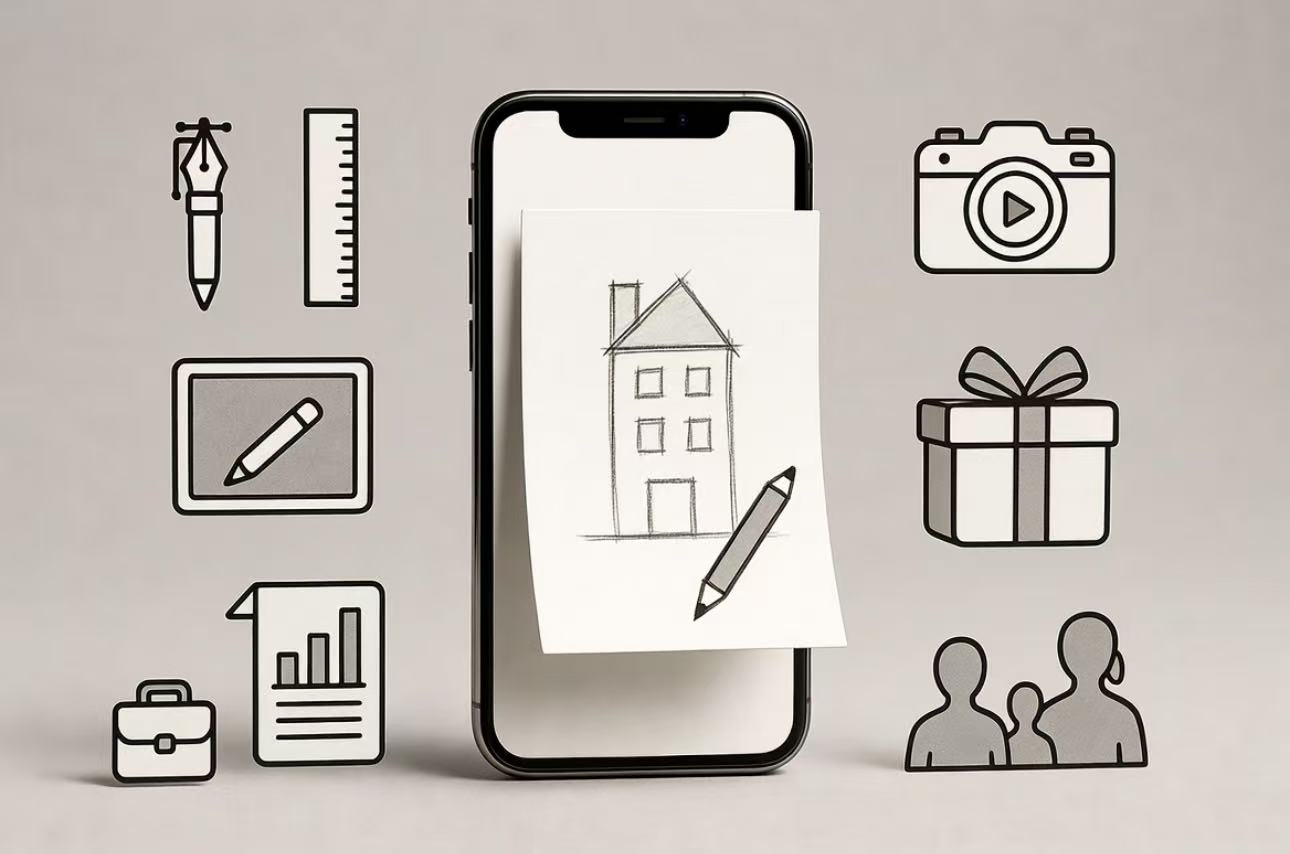
Turn portraits, pets, travel photos, products, buildings, and everyday moments into sketch artwork. Use the results for education, design, content, gifts, creative references, and personal projects directly from your browser.
Use the browser-based tool at the top of this page. There is no app to install and no drawing software to configure.
Choose a JPG, PNG, or WebP image with a clear subject, or drag the file directly into the upload area.
Pick a sketch style, keep the original crop or select an aspect ratio, and add optional instructions when needed.
Select Generate Sketch and let the AI preserve the composition while rebuilding the image with hand-drawn lines and texture.
Review the result, try another style if you want a different look, and download the finished sketch as an image.
Convert real-life and product photos into clean sketch references without tracing every contour. Use the output for early concepts, layouts, and visual exploration.
Create consistently styled product sketches for product pages, advertisements, and social campaigns while reducing repetitive image editing.
Generate accurate base line work from a reference photo, then spend more time refining shapes, adding color, and developing your own artistic direction.
Turn photos into simple visual references, classroom worksheets, art demonstrations, and student practice materials without drawing each image by hand.
Produce cohesive sketch illustrations for posters, campaigns, presentations, and branded social content without advanced illustration software.
Transform travel photos, pets, selfies, family portraits, and memorable moments into personal pencil-style artwork in just a few clicks.
"The rough pencil preset is the one I keep coming back to. It leaves enough texture for me to draw over, though I usually simplify the background."
"We used a photo of the class rabbit and tried the cleanest style. The children recognized it straight away, which was the important bit."
"Useful when a slide needs something softer than a photo. I crop out the clutter first and keep the sketch fairly simple."
Explore related tools for line drawings, AI line art, and photo restoration.
An image-to-sketch tool uses AI to transform an ordinary photo into pencil, ink, line art, or another hand-drawn style.
You upload a photo, choose the look you want, and generate a new drawing without manually tracing the source image.
Upload any image and create a detailed, hand-drawn-style sketch in minutes — no drawing skills or software installation required.